
Prompt
Copy and customize
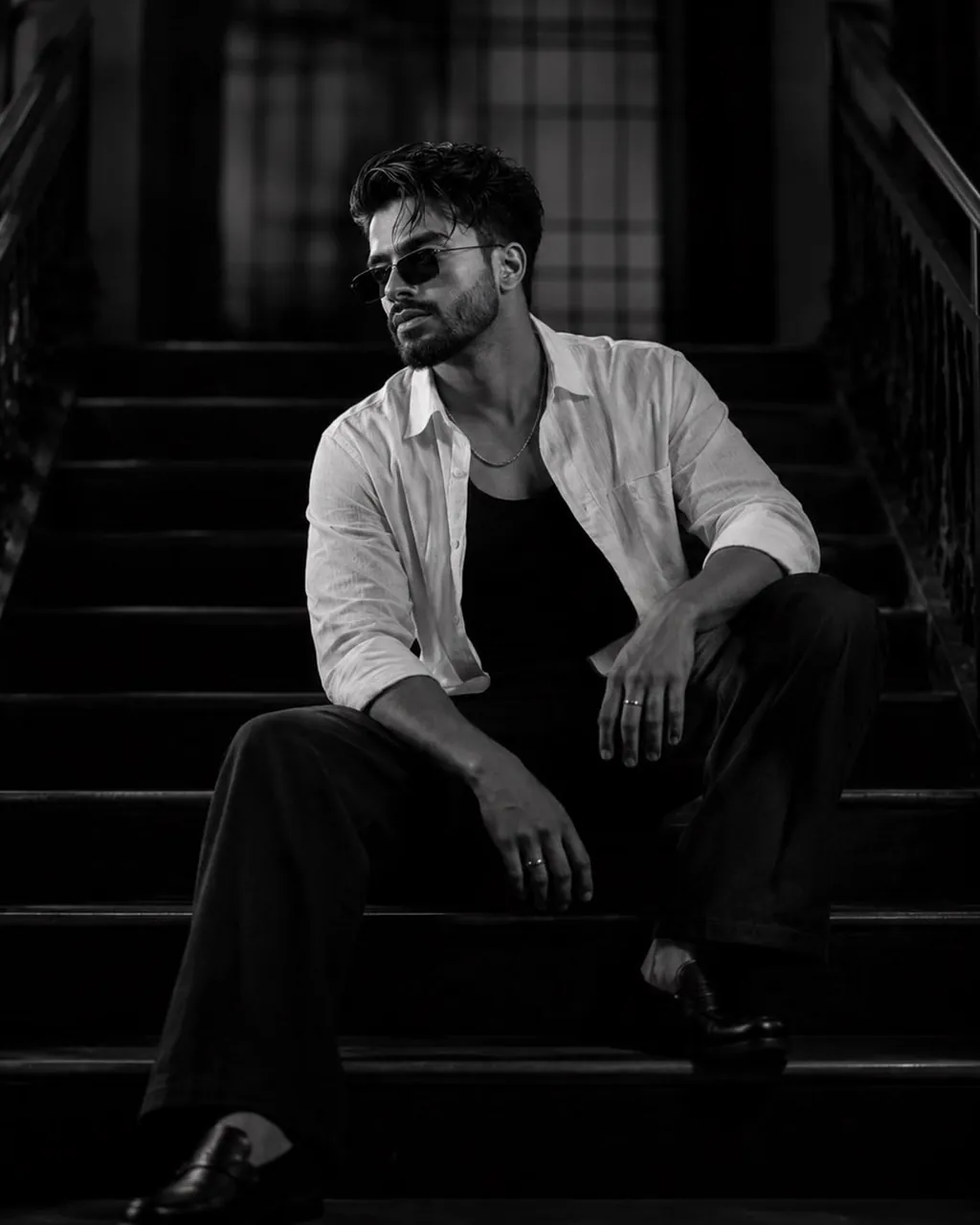
Create a hyper-realistic cinematic black-and-white portrait of a person sitting casually on the middle steps of a grand vintage staircase inside a dimly lit heritage building. The subject's legs are spread naturally, elbows resting on thighs, with one hand hanging loosely between the knees and the other relaxed over the leg. The head is tilted slightly downward and to one side, giving a calm, introspective, confident expression. The subject is wearing a slightly oversized white linen button-up shirt with the top buttons open over a black fitted tank top, paired with wide-leg black trousers, black leather loafers, a thin silver chain necklace, subtle rings, and minimal black rectangular sunglasses. The hair is naturally textured and slightly messy. The facial expression is relaxed yet mysterious, projecting quiet confidence. The staircase is symmetrical with dark wooden railings on both sides, fading into deep shadows. Use a centered composition with strong leading lines that naturally frame the subject. The background should remain softly blurred while preserving architectural depth. Lighting is soft cinematic Rembrandt lighting from the upper left, creating dramatic highlights on the face and shirt with deep, rich shadows throughout the environment. Render the image in high-contrast monochrome with premium tonal separation, crisp textures, subtle film grain, and luxury editorial aesthetics. Camera: Full-body portrait, eye-level perspective, 85mm lens, f/2.0, shallow depth of field, ultra-sharp facial details, natural skin texture, photorealistic lighting, HDR, 8K resolution, magazine-quality fashion photography, premium cinematic realism.
Best for
Editorial fashion photographyCinematic character portraitsVintage architectural scenesHigh-contrast black-and-whiteProfessional portfolio imagery
Tips
Ensure your source image has clear, even lighting to help the model maintain facial consistency and accurate features during the generation process.
Adjust the camera lens settings or focal length if you need to change the depth of field or the framing of the staircase.