
Prompt
Copy and customize
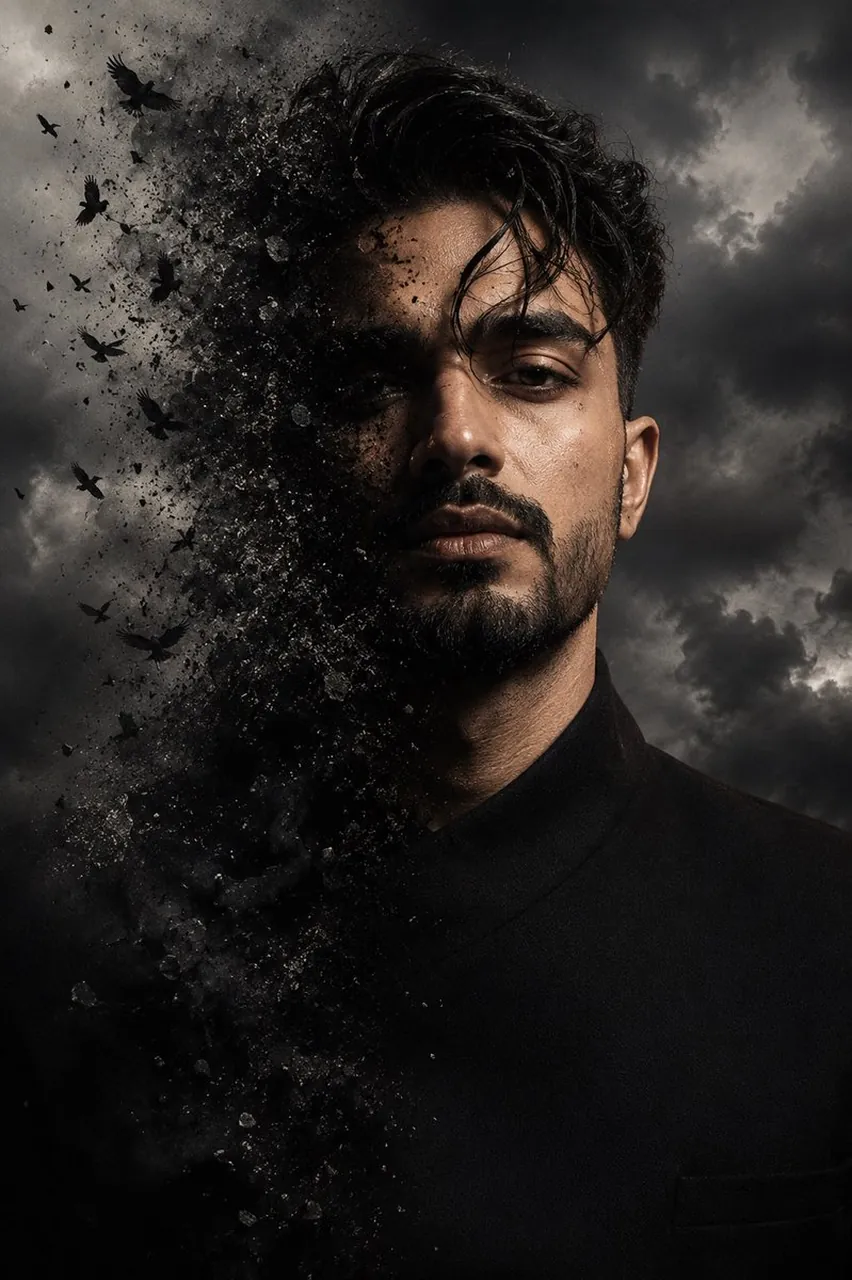
Create a hyper-realistic cinematic portrait inspired by the reference image: a close-up dramatic half-face composition where one side of the face is naturally visible and the other side dissolves into dark particles, dust, and flying black birds. The effect should look like the face is transforming into smoke and fragments, blending into the atmosphere. Keep realistic facial features sharp and detailed, with intense eyes, textured skin, natural lighting, and a dark moody cinematic atmosphere. Add a stormy cloudy background, high contrast, deep shadows, and a premium movie poster style. Ultra-realistic photography, 8K detail, professional portrait photography, dramatic visual effects.
Best for
Cinematic portrait photographyDramatic visual effectsProfessional movie postersMoody artistic avatarsHigh contrast imagery
Tips
Ensure your source face image has clear, even lighting to help the model maintain facial structure during the dissolution effect.
Use a high-resolution reference photo to allow the model to capture fine details like skin texture and eye color accurately.