
Prompt
Copy and customize
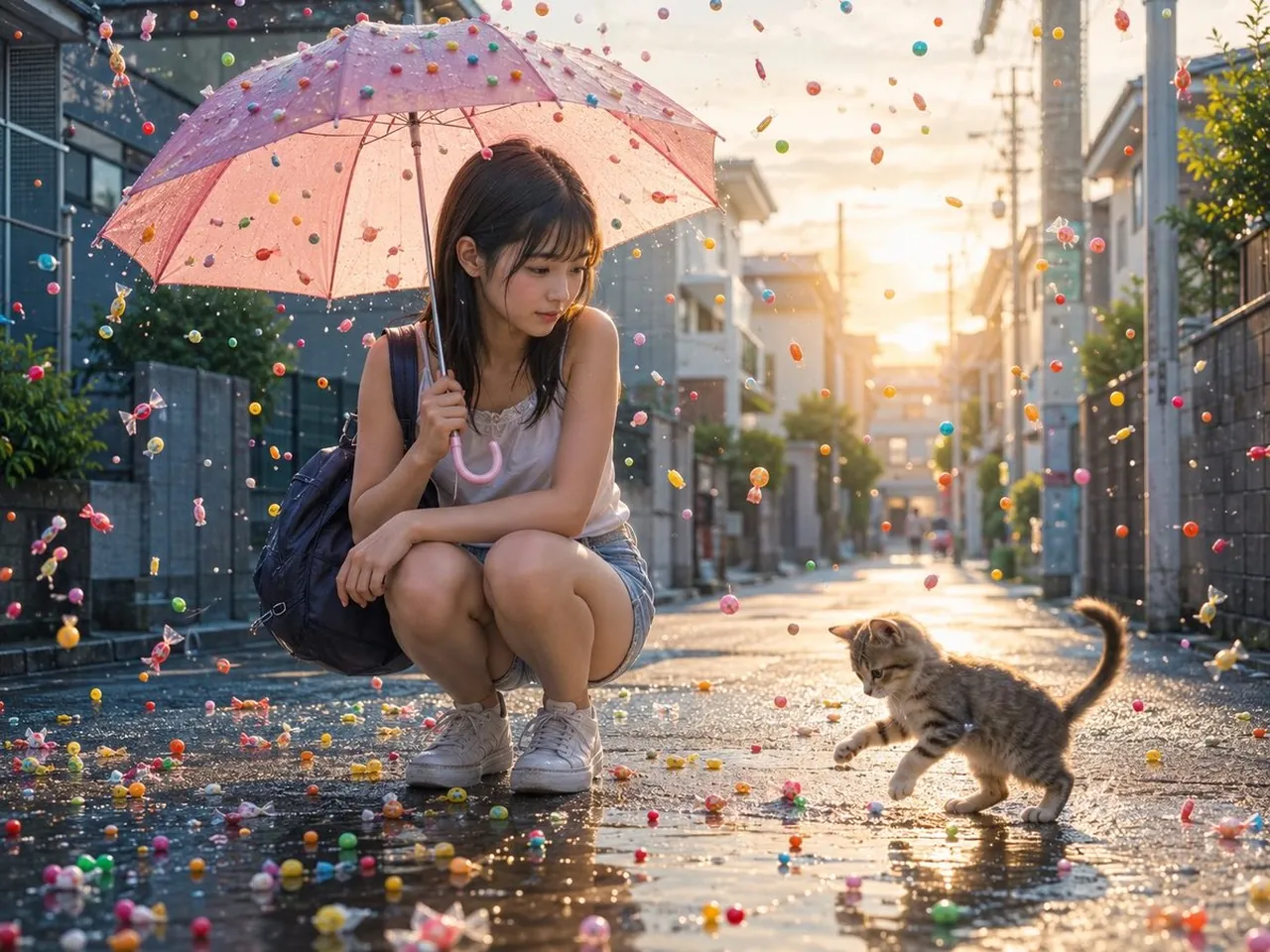
Create a cinematic photorealistic scene in a quiet Japanese residential street after summer rain at golden-hour sunset. A young Japanese woman, early 20s, crouches low on the wet asphalt near the left-center of the frame, holding a translucent pink umbrella above her with one hand. She has straight dark brown shoulder-length hair with bangs, a soft thoughtful expression, and looks down toward a playful tabby kitten on the right. Dress her in a white sleeveless camisole, denim shorts, white sneakers, and a dark navy backpack slung over one shoulder. The kitten is small, striped brown-gray, tail raised, stepping carefully through shallow puddles as if batting at candy on the ground. Fill the air and street with countless colorful wrapped candies and round candy drops, as if candy is raining down instead of rain; show candies suspended in midair, bouncing on the wet road, and scattered across puddles, with bright reds, yellows, blues, greens, pinks, and transparent wrappers. The umbrella surface should be dotted with tiny candies and raindrops. Use a low eye-level perspective, shallow depth of field, realistic reflections in puddles, sparkling bokeh highlights, warm backlighting from the setting sun at the end of the street, and detailed suburban houses, walls, utility poles, and power lines fading into the background. Mood: gentle, whimsical, encouraging morning-rain fantasy with realistic photography quality. No text, no watermark, no extra people, no vehicles.
Best for
Tips
Keep the main subject focused so cinematic photorealistic scene in a quiet Japanese remains recognizable after style or lighting changes.
Adjust camera angle and aspect ratio before generation when the composition needs a specific platform format.