
Boy giving thumbs up with node-based UI and custom text

A boy faces the camera with a thumbs up while a retro screen displays a node interface and the product texts 'GPT-IMAGE-1.5' in English and 'Now Available.

Boy giving thumbs up with node-based UI and custom text

Prompt

Copy and customize

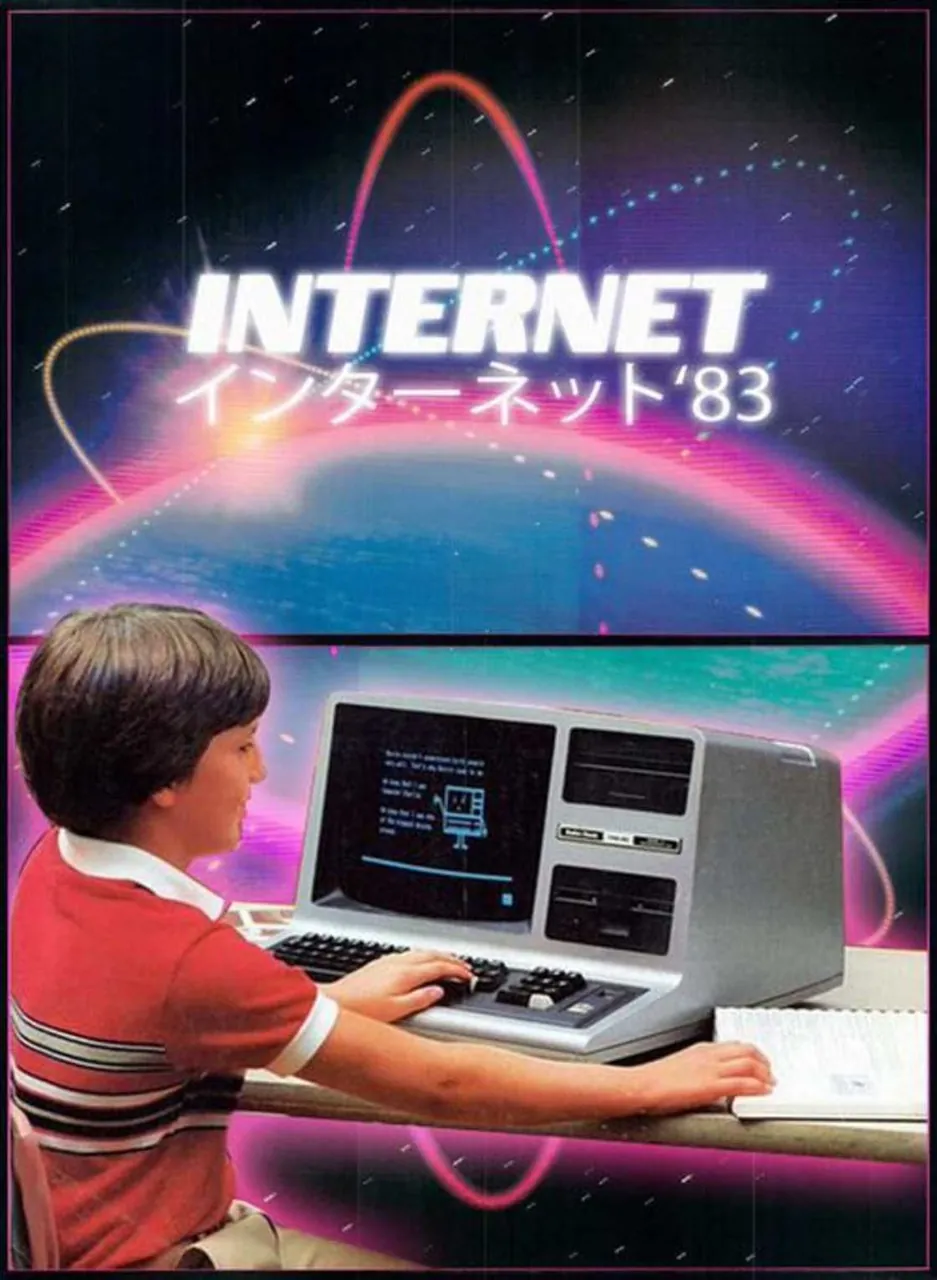
Replace the text "Internet" with "GPT-IMAGE-1.5". Replace the Japanese sub header with "Now Available on Comfy Cloud" in Japanese text. Do not interpret the words 'Comfy Cloud', this is the name of a product. Replace the "'83" with "'25". Replace the screen with a node based interface. The boy is facing the viewer with a thumbs up.

Best for

Text replacementUI mockup sceneNode-based interfaceYouth portraitRetro techDirect engagement

Tips

Clearly specify every text string to be replaced and its new content, including font and style cues if needed.

When altering UI elements like screens, describe the new interface in detail to match the overall composition.

How to use this GPT Image 1.5 prompt

1

Copy the ready-to-use GPT Image 1.5 prompt from this page.

2

Paste it into GoEnhance AI or another generator that supports GPT Image 1.5.

3

Click generate and get your image quickly. You can edit the prompt first if needed.

Copy the prompt, try it with GoEnhance AI or another tool that supports GPT Image 1.5, and generate your image in just a few simple steps.

Overview

Everything you need to master AI prompts

From quick copy-paste prompts to advanced techniques, build stunning visuals faster.

20000+ prompts
All major models
Updated Daily