
Prompt
Copy and customize
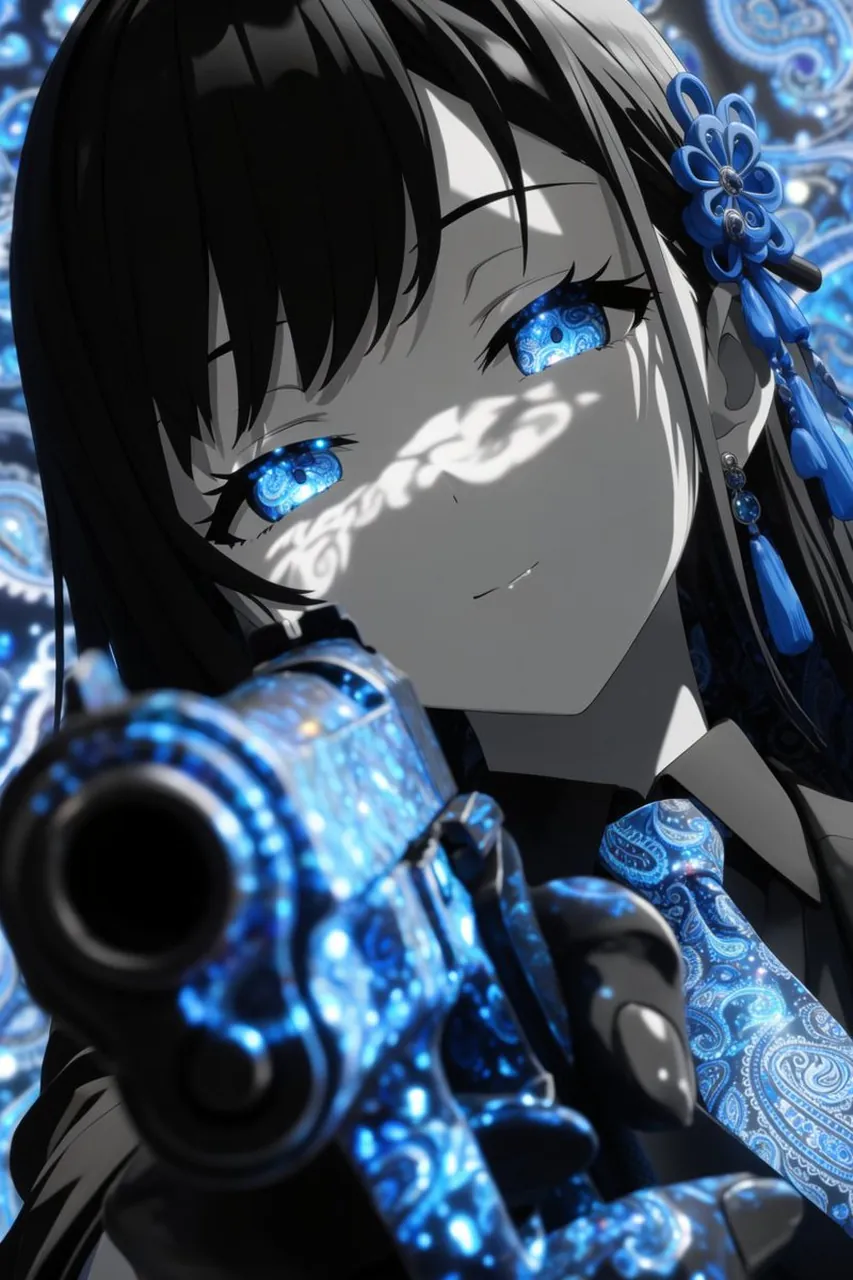
Create a dramatic vertical anime close-up portrait of an elegant young woman in a high-contrast monochrome-and-electric-blue palette. She has long glossy black hair with heavy bangs, pale gray skin rendered almost like black-and-white ink, calm half-lidded expression, and luminous bright blue paisley-pattern irises that glow with intricate swirling ornamental detail. Her face fills the upper center of the frame at a tilted angle, with sharp eyelashes, a faint subtle smile, and white lace-like shadow patterns cast across her eyes and cheek. Add ornate blue floral hair ornaments on the right side of her head, dangling beads and tassels, plus a matching blue paisley necktie or scarf. In the extreme foreground, place a large handgun pointed directly toward the viewer, barrel dominating the lower left foreground with strong depth-of-field blur; the weapon surface is covered in glowing electric-blue paisley filigree and sparkling reflections. Use a richly patterned background of blue circular paisley motifs and bokeh lights, soft but detailed. Style should be premium dark anime illustration, cinematic lighting, glossy highlights, shallow depth of field, intense perspective, intricate decorative texture, selective color with only vivid cyan and royal blue accents against grayscale, no text, no watermark.
Best for
Tips
Keep the main subject focused so dramatic vertical anime close-up portrait of an remains recognizable after style or lighting changes.
Adjust camera angle and aspect ratio before generation when the composition needs a specific platform format.