
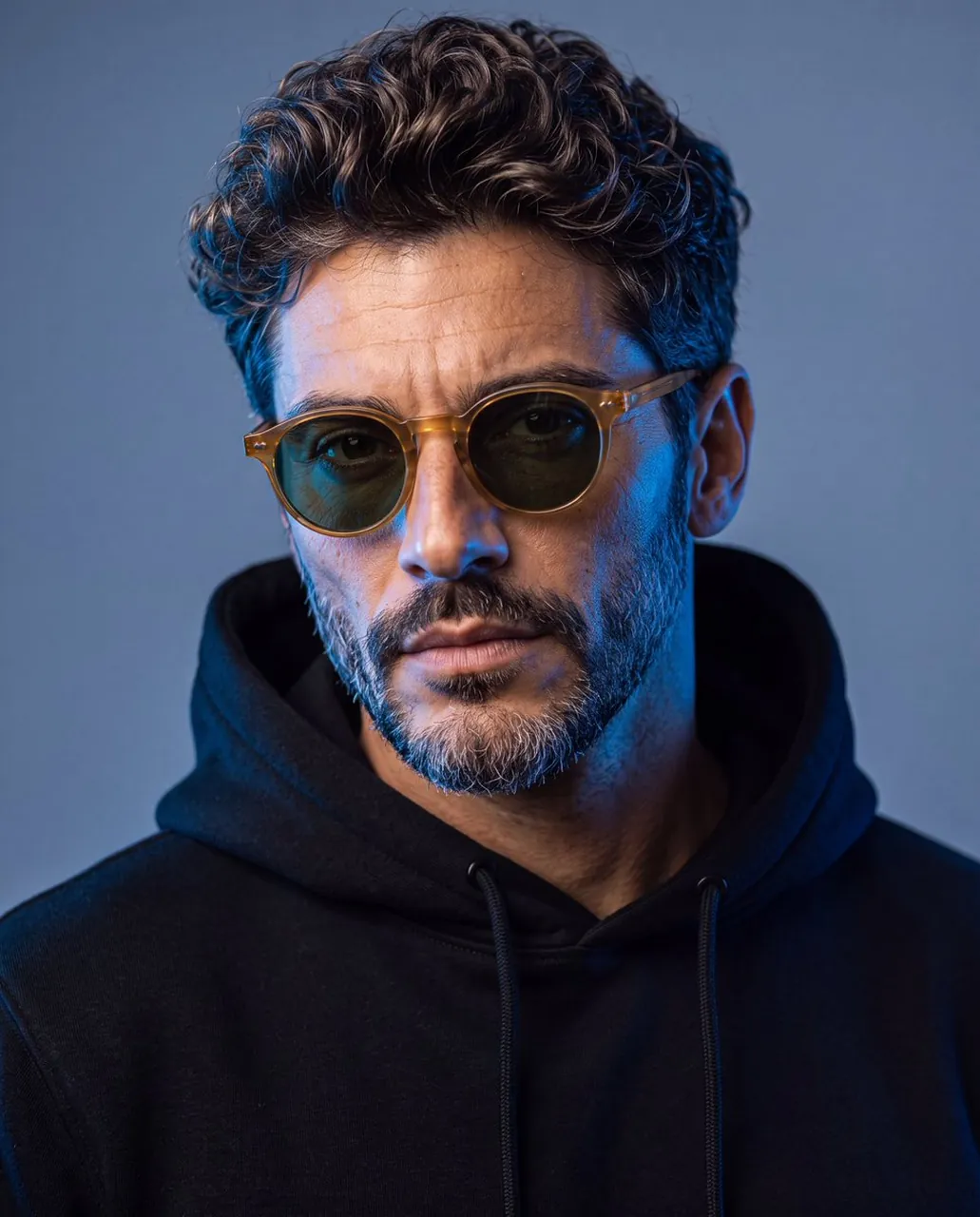
Prompt
Copy and customize
Create a hyper-realistic 4:5 vertical close-up editorial portrait of the character wearing a premium plain black hoodie against a smooth blue-grey studio background. Position the character in a three-quarter portrait angle, with the torso and head turned slightly away from the camera while the eyes look directly toward the lens. Keep the head tilted subtly, producing a calm, mysterious, and confident expression. Dress the character in a plain black hoodie with an oversized hood structure, soft matte fabric, and black drawstrings, ensuring no visible logos or prints. Use an intense electric-blue light from the camera-left side, illuminating one side of the forehead, eyebrow, eye, cheek, nose, beard, jawline, neck, and hoodie. Use a soft neutral frontal fill light on the opposite side to retain realistic skin color and facial detail. Add a subtle blue glow on the background behind the illuminated side, gradually fading into a cooler grey-blue tone. Maintain gentle falloff, controlled contrast, soft shadows, natural catchlights, detailed skin texture, and realistic facial hair. Shot with a full-frame professional camera and an 85mm portrait lens, shallow depth of field, sharp focus on the nearest eye, soft background separation, realistic lens compression, detailed pores, cinematic studio photography, premium fashion editorial aesthetic, realistic color grading, high dynamic range, and ultra-photorealistic 8K resolution.
Best for
Editorial portrait photographyCinematic character studiesFashion concept visualsProfessional studio lightingHigh-end digital art
Tips
Ensure your reference image has clear, high-resolution facial features to allow the model to accurately map the identity onto the portrait.
Use a 4:5 aspect ratio to maintain the intended editorial composition and ensure the character's head and shoulders are framed correctly.