
Prompt
Copy and customize
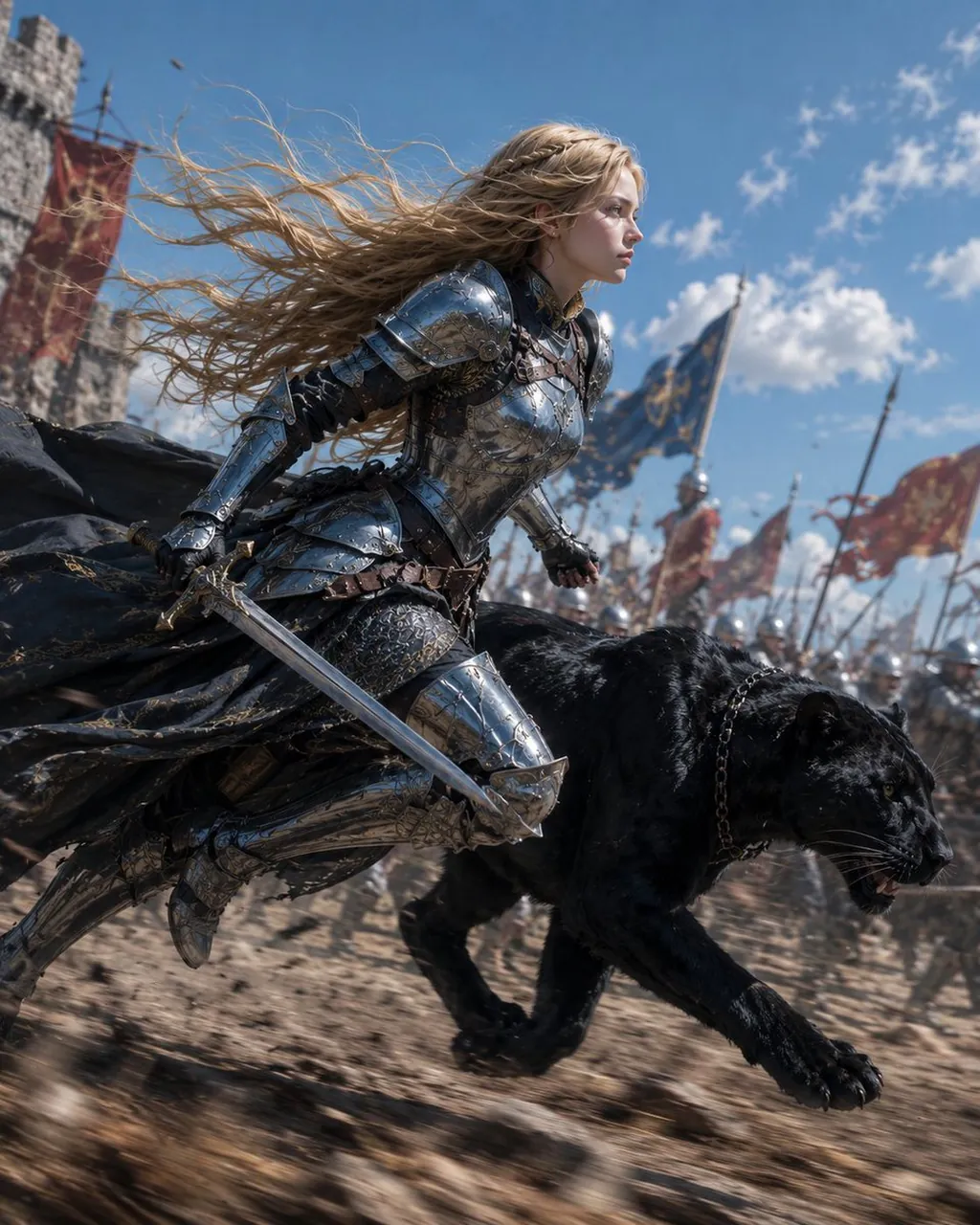
Create a cinematic fantasy battle scene showing Luna as a young blonde female knight sprinting beside a massive black panther across a medieval battlefield. The knight has long wind-whipped golden hair, a focused determined profile, fair skin, and wears highly detailed polished silver plate armor with engraved filigree, leather straps, gauntlets, greaves, and a dark tattered cloak streaming behind her. She holds one drawn longsword low in her right hand while running in a low forward-leaning pose. The black panther runs at her side in the foreground, muscular and glossy-furred, mouth slightly open with visible teeth, intense eyes, wearing a dark chain collar. Background: a chaotic army battlefield with exactly 3 prominent large banners visible, including 1 blue banner with gold emblem and 2 red banners, plus many blurred soldiers, spears, and flags receding into the distance; a stone castle tower appears on the far left. Use a low-angle dynamic action composition, shallow depth of field, motion blur on the ground and background, crisp detail on the knight and panther, bright midday blue sky with scattered clouds, dust and debris kicked up from dry earth. Style should be ultra-realistic high-budget medieval fantasy film still, dramatic natural sunlight, metallic reflections, epic scale, no text, no watermark.
Best for
Tips
Keep the main subject focused so cinematic fantasy battle scene showing Luna as remains recognizable after style or lighting changes.
Adjust camera angle and aspect ratio before generation when the composition needs a specific platform format.