
Prompt
Copy and customize
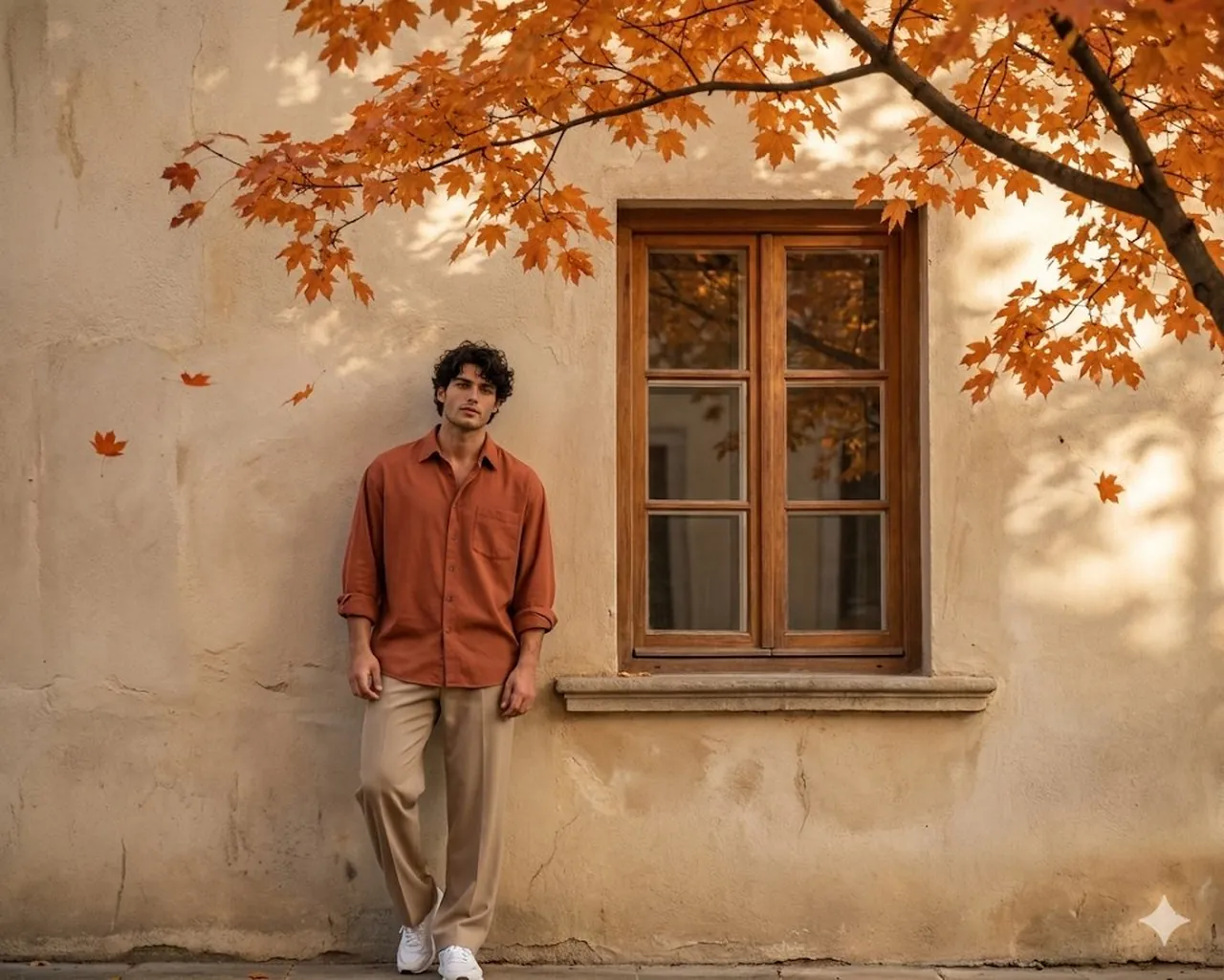
Ultra-realistic environmental portrait of a young man standing casually with his back leaning against a simple aged beige wall. A traditional window is positioned beside him, adding architectural character to the scene. Above, a branch of vibrant orange autumn leaves extends into the frame, with a few leaves gently drifting through the air. Warm sunlight filters through the foliage, creating natural dappled light patterns and soft shadows across the wall, ground, and subject. The man faces the camera directly, captured from a front-angle perspective in a full-body, wide-distance composition that showcases both the subject and surrounding environment. He has messy, tousled dark hair falling naturally across his forehead, with realistic texture and subtle movement. His expression is calm, confident, and effortlessly stylish. He wears relaxed beige wide-leg trousers, an oversized terracotta button-up shirt with sleeves casually rolled to the forearms, and clean modern sports sneakers. The color palette is warm, earthy, and harmonious, complementing the autumn atmosphere. Natural sunlight illuminates the scene with realistic highlights, soft contrast, and cinematic depth. Highly detailed skin texture, authentic fabric folds, professional photography, shallow depth of field, ultra-sharp focus, realistic color grading, editorial lifestyle photography, captured on a high-end full portrait.
Best for
Portrait photography styleFashion concept artCinematic mood lightingNature setting scenesEditorial lifestyle imagery
Tips
Ensure the subject remains the focal point by maintaining consistent lighting and composition settings throughout your generation process.
Adjust the camera angle and aspect ratio before generating to ensure the composition fits your specific platform requirements perfectly.