
Prompt
Copy and customize
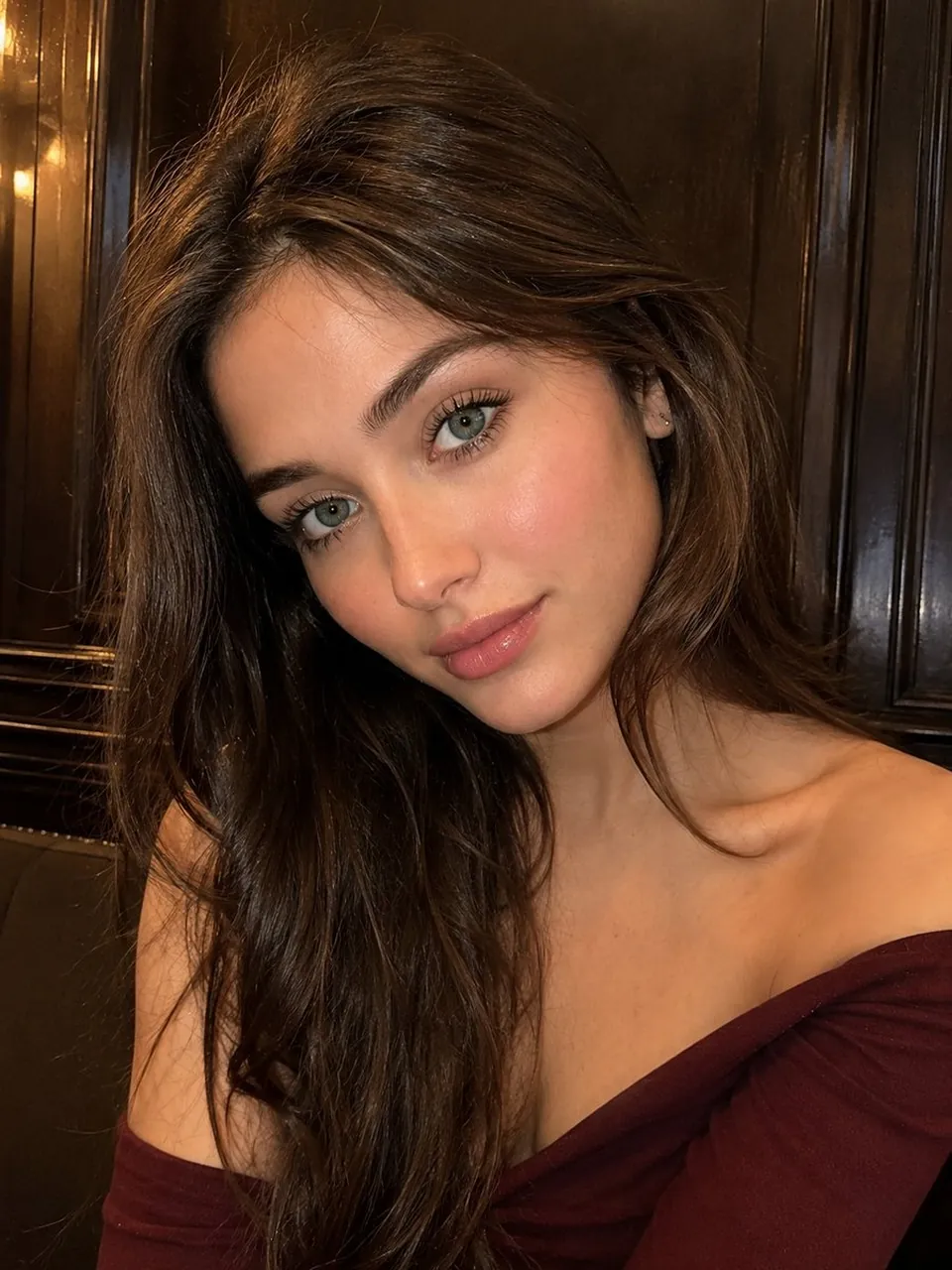
Ultra-realistic close-up portrait of a beautiful young woman seated against a dark, richly textured wooden-paneled interior. She has long, naturally wavy medium-brown hair with subtle highlights, parted slightly off-center and cascading over one shoulder. Her head is gently tilted toward the camera, creating an elegant, intimate composition.
She has fair luminous skin with realistic natural texture, soft rosy cheeks, delicate facial features, expressive pale blue-green eyes with detailed irises and natural catchlights, softly defined brown eyebrows, long natural eyelashes, a small refined nose, and naturally full glossy pink lips. Her expression is calm, gentle, and slightly dreamy, looking directly into the camera.
She is wearing an elegant burgundy off-the-shoulder top that naturally reveals her shoulders and collarbones. Warm indoor lighting softly illuminates her face while preserving realistic shadows and depth. The dark wooden background creates a cozy, sophisticated atmosphere with subtle vertical paneling and rich brown tones.
Photography: ultra-realistic smartphone portrait, close-up framing, slightly high camera angle, shallow depth of field, natural skin texture, realistic hair strands, soft warm lighting, subtle highlights, authentic facial proportions, cinematic depth, photorealistic, highly detailed, 8K quality, editorial beauty photography, natural color grading, no excessive retouching.
Aspect ratio: 3:4 vertical.
Best for
Tips
Keep the main subject focused so Ultra-realistic close-up portrait of a beautiful young remains recognizable after style or lighting changes.
Adjust camera angle and aspect ratio before generation when the composition needs a specific platform format.