
Prompt
Copy and customize
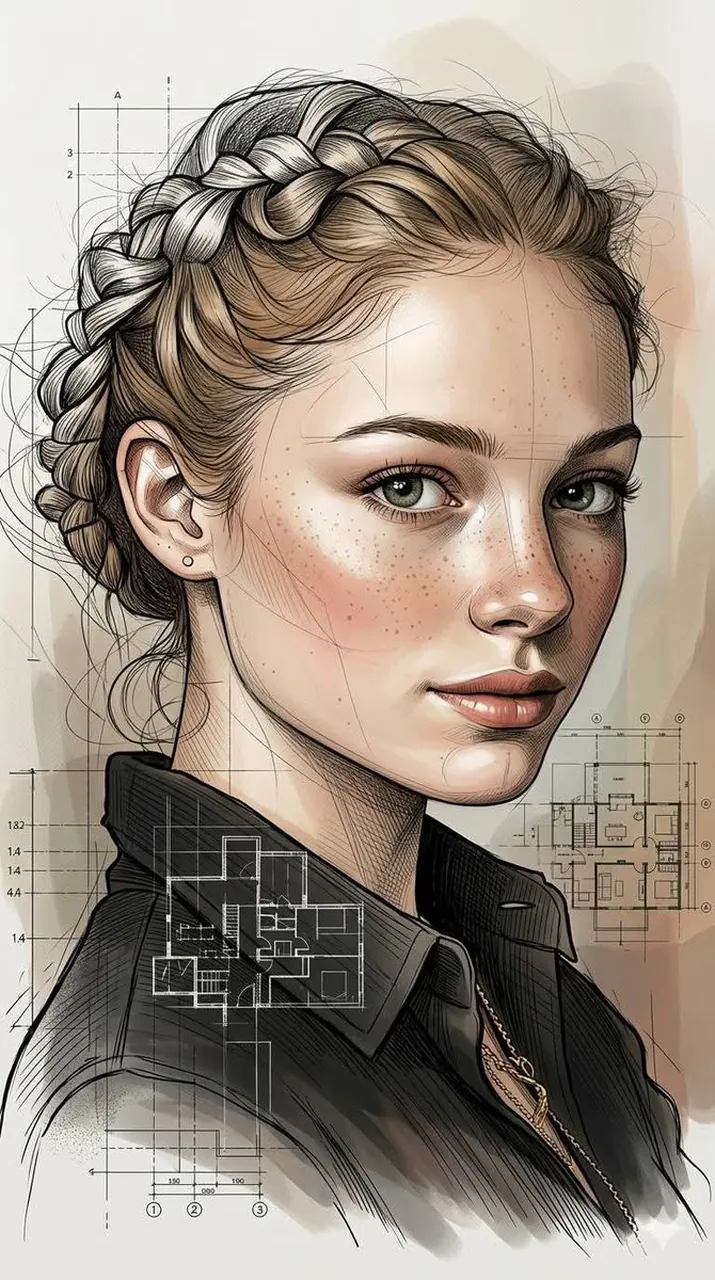
A highly refined hybrid portrait illustration style blending expressive architectural ink sketching with hyper-realistic cinematic digital painting. Ultra-detailed black-ink linework is seamlessly integrated with smooth painterly rendering, combining precise contour drafting, geometric facial construction guides, and dynamic cross-hatching with luxurious skin realism and polished studio-quality lighting. The artwork features elegant variations in line weight, layered sketchbook textures, subtle stippling, and handcrafted pen imperfections, while maintaining ultra-smooth skin surfaces, glossy highlights, and sophisticated facial depth. Semi-realistic anatomy is enhanced with slightly stylized facial proportions, creating a perfect balance between technical illustration and contemporary concept art. Flowing organic line structures merge naturally into cinematic color transitions, soft atmospheric gradients, and high-contrast volumetric shadows. Architectural drafting aesthetics, editorial fashion sketch energy, and premium gallery-quality portraiture coexist within a single visual language. Crisp edge definition, refined negative-space composition, ultra-subtle brushwork, and intricate contour mapping create exceptional dimensionality. The color palette combines muted earth tones, warm neutrals, soft cinematic highlights, and restrained monochromatic ink accents. Finished in an ultra-polished 4K concept-art quality, featuring museum-grade craftsmanship, sophisticated visual storytelling, and a modern luxury illustration aesthetic that feels both handcrafted and photorealistically rendered.
Best for
Editorial fashion conceptsModern digital avatarsConcept art projectsStylized portrait photography
Tips
Maintain the core balance of ink linework and painterly rendering by adjusting the prompt's weight if the style leans too far into realism.
Experiment with different color palettes by adding specific accent colors to the muted earth tones to shift the mood of the final portrait.