
Prompt
Copy and customize
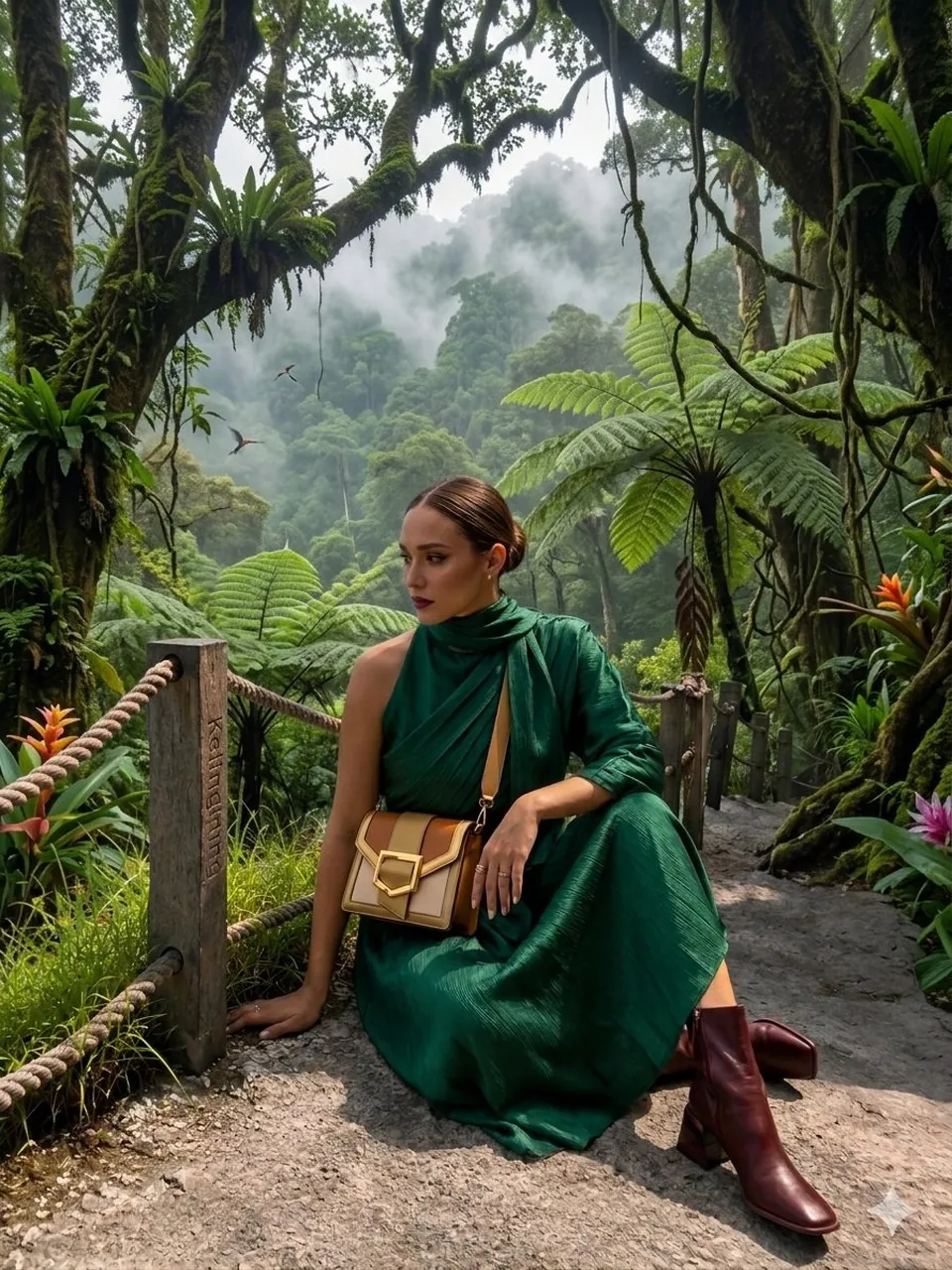
{ "image_description": { "overall_theme": "High-technology augmented reality analysis of a scenic outdoor portrait", "resolution": "4K UHD, hyper-realistic with sharp data overlay", "subject": { "name": "Woman_Model_A", "pose": "Seated_profile, looking_left, side", "attire": { "garment": "Draped_One_Shoulder Pleated_Silk_Green_Dress", "color_hex": "#1E6641", "footwear": "Boots_Maroon", "accessory": { "type": "Bag_Two-Tone Leather/Metal", "details": "Gold_Buckle_feature" } } }, "environment": { "location": "Nusa_Penida_Cliffside", "terrain": "Rocky_Path", "details": { "main_trees": { "type": "Fern_Tree", "count": 3 }, "vegetation": "Lush mossy trees, vibrant red flowers, exotic plants", "boundary": "Wooden fence posts with thick rope rail", "background": "Distant tree-covered cliffs partially obscured by mist, with birds in flight", "specific_sign": "Small sign on a fence post with the text 'Kelingking'" } }, "data_overlay": { "style": "Translucent cyan digital interface with glowing gridlines and panel outlines", "panels": [ { "position": "Top-Left (Stacked Vertical)", "content": [ "ANALYSIS: SUBJECT_DETECT", "POSE: SEATED_PROFILE", "OUTFIT: DRAPED_ONE_SHOULDER", "COLOR: #1E6641_SILK_GREEN", "ACCESSORY_1: BAG_TWO-TONE", "MATERIAL: LEATHER/METAL", "HEEL: BOOTS_MAROON" ] }, { "position": "Top-Center (Floating Block)", "content": "COORDINATES: -8.7495° S, 115.0934° E" }, { "position": "Center-Left (Embedded Annotation)", "linked_to": "Leftmost Fern Tree", "content": "FERN_TREE (count: 3)" }, { "position": "Center-Right (Embedded Annotation)", "linked_to": "Rightmost Fern Tree", "content": "FERN_TREE (count: 3)" }, { "position": "Top-Right (Annotation)", "linked_to": "Cliffs", "content": "CLIFF_DISTANCE (approx: 450m)" }, { "position": "Bottom-Right (Formatted JSON Block)", "content": "{\n \"model\": {\n \"name\": \"Woman_Model_A\",\n \"pose\": \"Seated_left_looking_side\"\n },\n \"apparel\": {\n \"garment\": \"Pleated_Silk_Green_Dress\",\n \"style\": \"One-Shoulder_Draped\"\n },\n \"bag\": {\n \"type\": \"Two-Tone_Leather_Gold-Buckle\",\n \"brand\": \"Luxury_Accessory\"\n },\n \"location\": \"Nusa_Penida_Cliffside\",\n \"terrain\": \"Rocky_Path\"\n}" } ] } } }
Best for
Tips
Keep the main subject focused so image description overall theme High-technology augmented reality remains recognizable after style or lighting changes.
Adjust camera angle and aspect ratio before generation when the composition needs a specific platform format.