
Prompt
Copy and customize
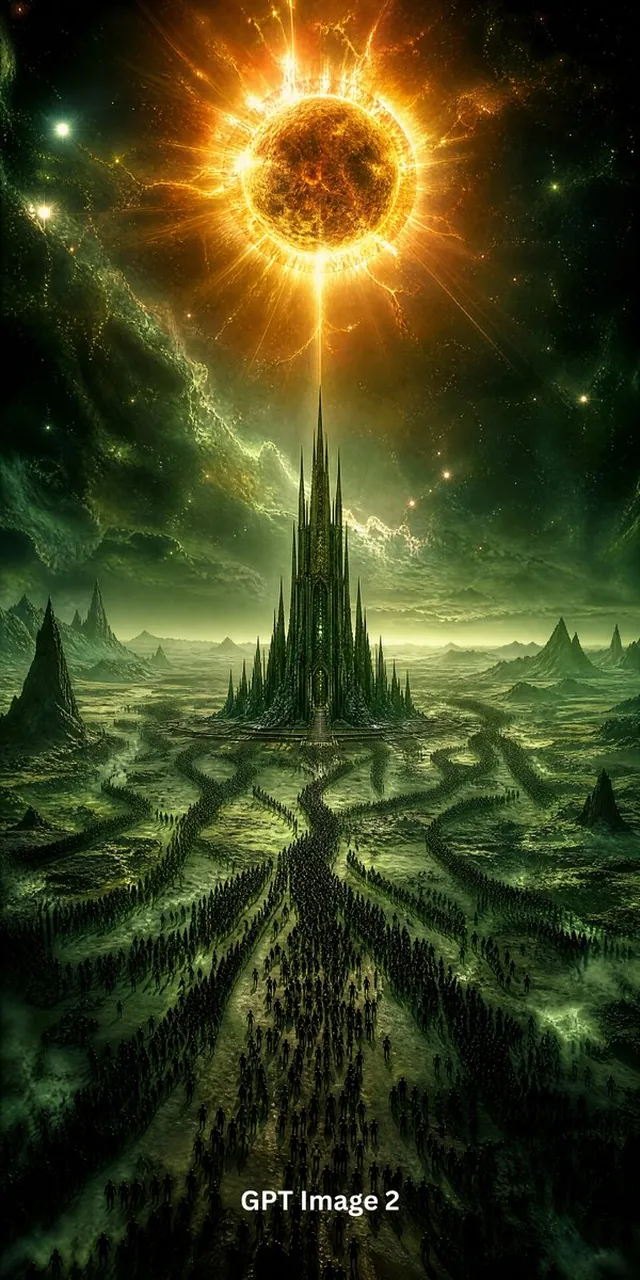
Create a dark epic fantasy vertical poster showing an apocalyptic alien landscape under a blazing solar eclipse. The composition is centered and symmetrical: one colossal black-and-gold eclipsed sun dominates the top third of the image, surrounded by a burning orange corona, explosive radial flares, lightning-like plasma tendrils, and glowing dust. Directly below it, in the middle distance, place one towering obsidian gothic cathedral or citadel with needle-thin spires, intricate vertical architecture, and a faint green-gold glow from within; the tallest central spire aligns precisely with the eclipse above. The foreground and midground show one vast procession of thousands of tiny dark humanoid silhouettes marching toward the cathedral along three main winding paths that converge at the entrance. The terrain is a desolate green-black wasteland with cracked plains, misty swamps, jagged mountain ridges, sharp volcanic rock formations, and serpentine roads. The sky is cosmic and ominous, filled with green nebula clouds, scattered stars, and small glowing celestial points. Use a cinematic high-contrast palette of toxic emerald green, black, deep shadow, molten gold, and fiery orange. Style should be ultra-detailed dark fantasy concept art, grand scale, dramatic atmosphere, sharp spires, volumetric fog, glowing rim light, painterly realism, 9:16 vertical composition. Include exactly one visible text label at the bottom center reading GPT Image 2 in bold white sans-serif type. No other text, no border, no modern buildings, no daylight blue sky.
Best for
Tips
Keep the main subject focused so dark epic fantasy vertical poster showing an remains recognizable after style or lighting changes.
Adjust camera angle and aspect ratio before generation when the composition needs a specific platform format.