
Prompt
Copy and customize
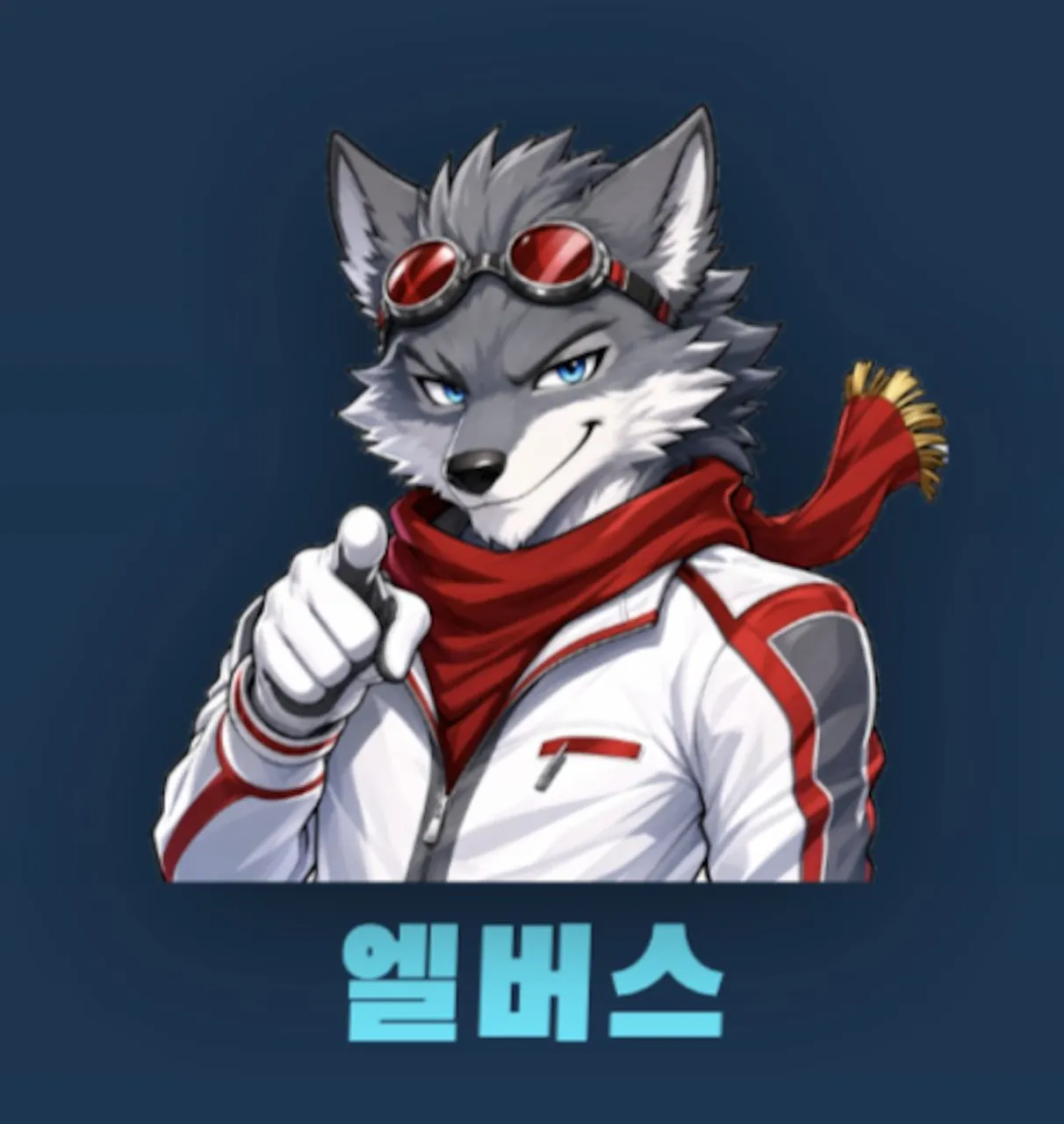
Create a square anime-style mascot portrait on a dark navy blue background. Center a confident anthropomorphic wolf character from the waist up, facing forward with a slight three-quarter angle, smirking and pointing directly at the viewer with one gloved hand. The wolf has spiky gray fur, white cheek and muzzle fur, tall pointed ears, sharp blue eyes, a black nose, and a mischievous expression. Put red-lensed steampunk goggles with a black strap on top of the head. Dress the character in a white futuristic racing jacket with red stripes and gray panel accents, plus a deep red scarf wrapped around the neck, trailing to the right with a small gold tassel fringe at the end. Use polished digital anime rendering with clean line art, soft cel shading, high contrast highlights, and a slightly glossy game-avatar look. At the bottom, add large bold Korean text reading 엘베스 in bright cyan, blocky sans-serif lettering with a subtle shadow, centered beneath the character. Keep the composition simple: exactly 1 wolf mascot, 1 pair of goggles, 1 red scarf, 1 pointing hand gesture, and 1 bottom text label. No extra characters, no watermark, no border.
Best for
Tips
Keep the main subject focused so square anime-style mascot portrait on a dark remains recognizable after style or lighting changes.
Adjust camera angle and aspect ratio before generation when the composition needs a specific platform format.