
Prompt
Copy and customize
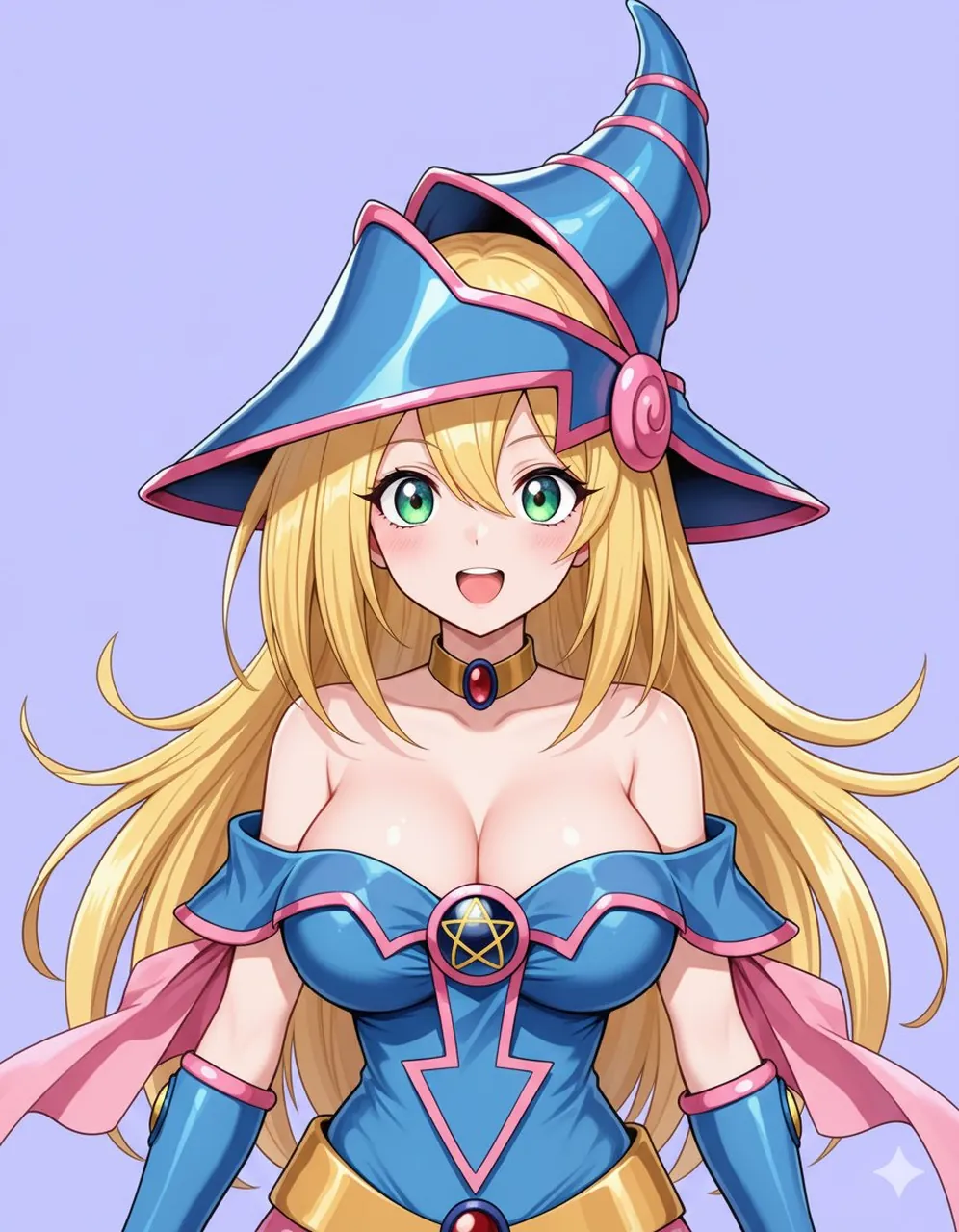
Create a polished anime VTuber-style half-body portrait of Dark Magician Girl, centered and facing forward, with a cheerful open-mouth smile, large sparkling emerald-green eyes, soft blush, fair skin, and long flowing golden blonde hair fanning outward behind her shoulders. She wears a glossy fantasy magician outfit: an oversized tall curved blue wizard hat with segmented cone shape, pink trim bands, a wide brim, and a round pink spiral ornament on the side; an off-shoulder shiny blue bodice with pink edging, a central circular brooch showing a gold pentagram, a downward arrow-shaped pink trim on the torso, detached blue arm guards with pink cuffs, a gold belt-like waist accent, a black choker with a red oval gem, and pink cape-like fabric flowing behind her arms. Use clean crisp line art, high-saturation cel shading, glossy highlights on the blue fabric and hat, soft skin shading, and a cute modern anime illustration finish. The composition is a close cropped bust-to-waist character portrait with the hat nearly touching the top edge, shoulders and upper torso visible, symmetrical framing, no text, no watermark, and a simple flat pale lavender background with a tiny white sparkle near the lower right.
Best for
Tips
Keep the main subject focused so polished anime VTuber-style half-body portrait of Dark remains recognizable after style or lighting changes.
Adjust camera angle and aspect ratio before generation when the composition needs a specific platform format.