
Prompt
Copy and customize
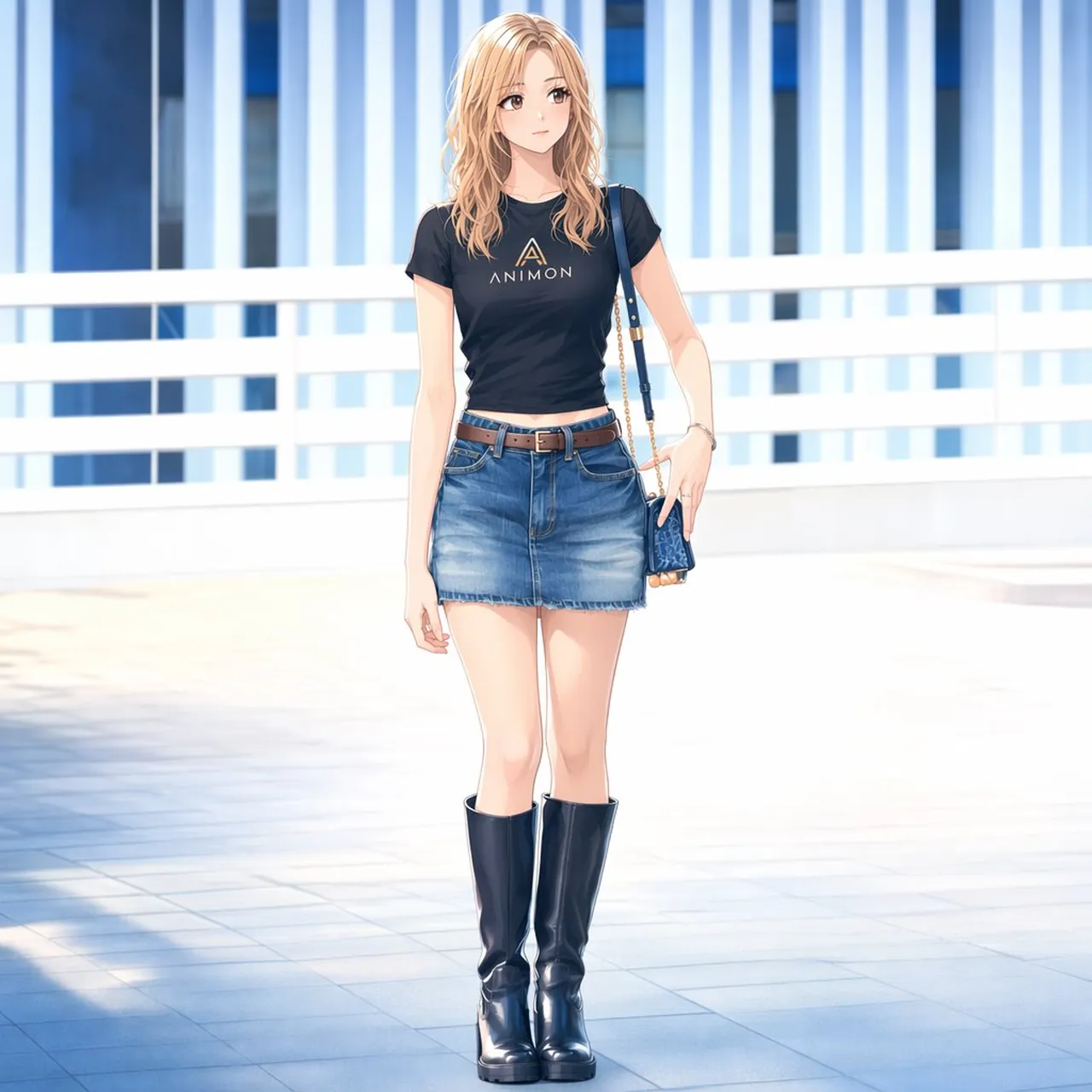
Create a polished full-body Japanese anime fashion illustration of a young adult woman standing casually in a bright modern outdoor urban walkway. The character is a stylish blonde woman with warm honey-blonde shoulder-length wavy hair, soft side-parted bangs, fair skin, slim build, long legs, and a calm slightly shy expression as she gazes to the side. She wears exactly 7 visible fashion items: 1 fitted black short-sleeve T-shirt with a small gold triangular logo and the word ANIMON on the chest, 1 blue faded denim mini skirt, 1 brown leather belt with metal buckle, 1 pair of tall glossy black knee-high boots, 1 small dark blue patterned shoulder bag hanging from a thin chain strap on her right shoulder, 1 delicate bracelet, and 1 small necklace. Pose her standing upright with one arm relaxed down and the other hand near the shoulder bag, feet close together, elegant and natural. The setting is a sunlit white-and-blue architectural terrace or pedestrian bridge with pale tiled flooring, white horizontal railings, and tall vertical blue glass building panels in the background; use strong daylight, soft shadows, high-key overexposed whites, cool blue reflections, and shallow depth of field. Style: clean contemporary anime, refined line art, soft cel shading blended with painterly highlights, attractive fashion-magazine composition, centered full-body framing, square 1:1 canvas, no extra characters, no watermark, no border.
Best for
Tips
Keep the main subject focused so polished full-body Japanese anime fashion illustration of remains recognizable after style or lighting changes.
Adjust camera angle and aspect ratio before generation when the composition needs a specific platform format.