
Prompt
Copy and customize
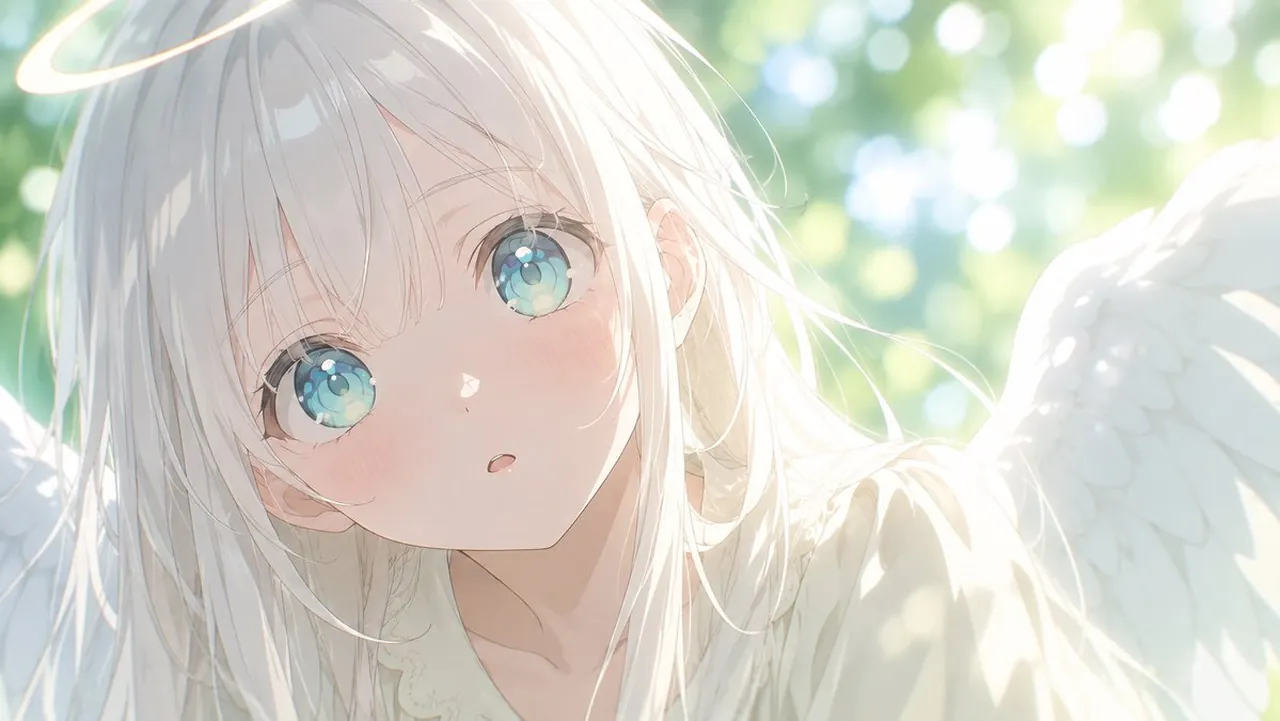
Using REFERENCE_0 as the character base, zoom out from the extreme face close-up into a wide horizontal anime illustration while preserving the same girl’s delicate facial features, pale hair, translucent blue-green eyes, soft blush, and gentle surprised expression.
Transform her into a luminous angel scene: add exactly 1 glowing halo above her head and exactly 2 large white feathered wings, one on each side. Reveal more of her upper body with a soft cream-white, lace-trimmed outfit. Place her outdoors in a bright sunlit garden with green foliage and circular bokeh highlights in the background. Use a dreamy high-key watercolor anime style with strong backlight, airy overexposure, soft lens glow, fine hair strands, and a peaceful ethereal mood.
Canvas: wide landscape composition, 16:9, with the character leaning slightly toward the viewer and positioned left of center.
Lighting and mood: soft morning sunlight, glowing, heavenly, gentle.
Optional customization: angel accessory can be a thin glowing halo; background can be sunlit green garden bokeh.
Constraints: keep the eye design and overall character identity from the reference recognizable; do not add text, watermark, extra characters, or dark dramatic lighting.
Best for
Tips
Keep the main subject focused so Using REFERENCE 0 as the character base remains recognizable after style or lighting changes.
Adjust camera angle and aspect ratio before generation when the composition needs a specific platform format.