
Prompt
Copy and customize
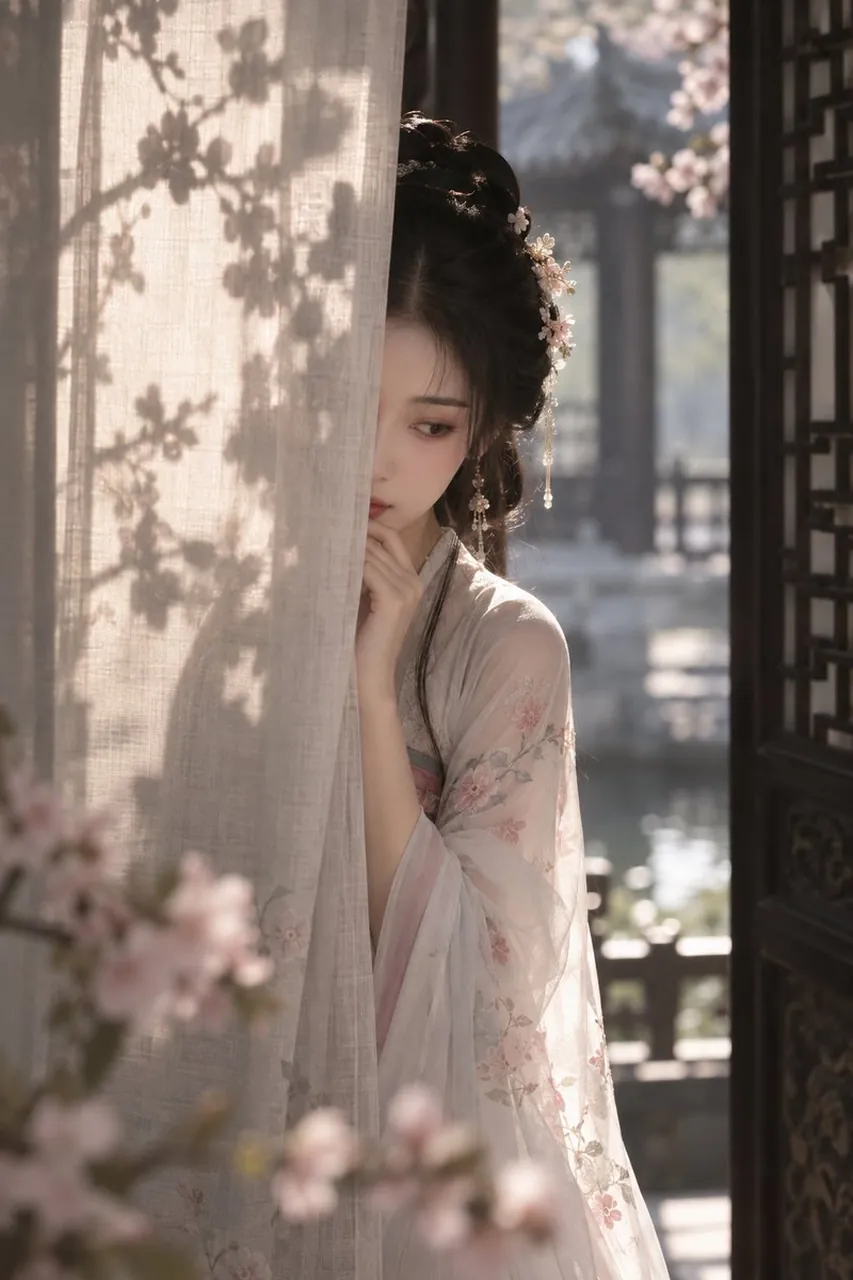
Create a vertical 2:3 cinematic portrait of a young noblewoman in an ancient Chinese garden pavilion, half hidden behind a sheer beige linen curtain. She has delicate pale skin, soft melancholic eyes, and long black hair styled in an elegant traditional updo with floral hairpins, pearl tassels, and small pale blossoms. She wears a translucent pale pink and ivory Hanfu robe with soft embroidered flower patterns on the sleeves and layered gauze fabric. Her pose is shy and introspective: one side of her face and body concealed by the curtain, one hand raised lightly near her lips, looking downward and slightly to the side. Warm late-afternoon sunlight streams from behind and the side, creating soft rim light on her hair and shoulder, with visible shadows of cherry blossom branches cast across the curtain. The setting includes a dark carved wooden lattice door on the right, blurred pink blossoms in the foreground, and a dreamy garden courtyard with water reflections and traditional architecture in the background. Use shallow depth of field, creamy bokeh, natural filmic color grading, low noise, high detail in fabric texture, soft atmospheric haze, romantic historical drama mood, photorealistic yet painterly, no modern objects, no text, no watermark.
Best for
Tips
Keep the main subject focused so vertical 2 3 cinematic portrait of a remains recognizable after style or lighting changes.
Adjust camera angle and aspect ratio before generation when the composition needs a specific platform format.