
Prompt
Copy and customize
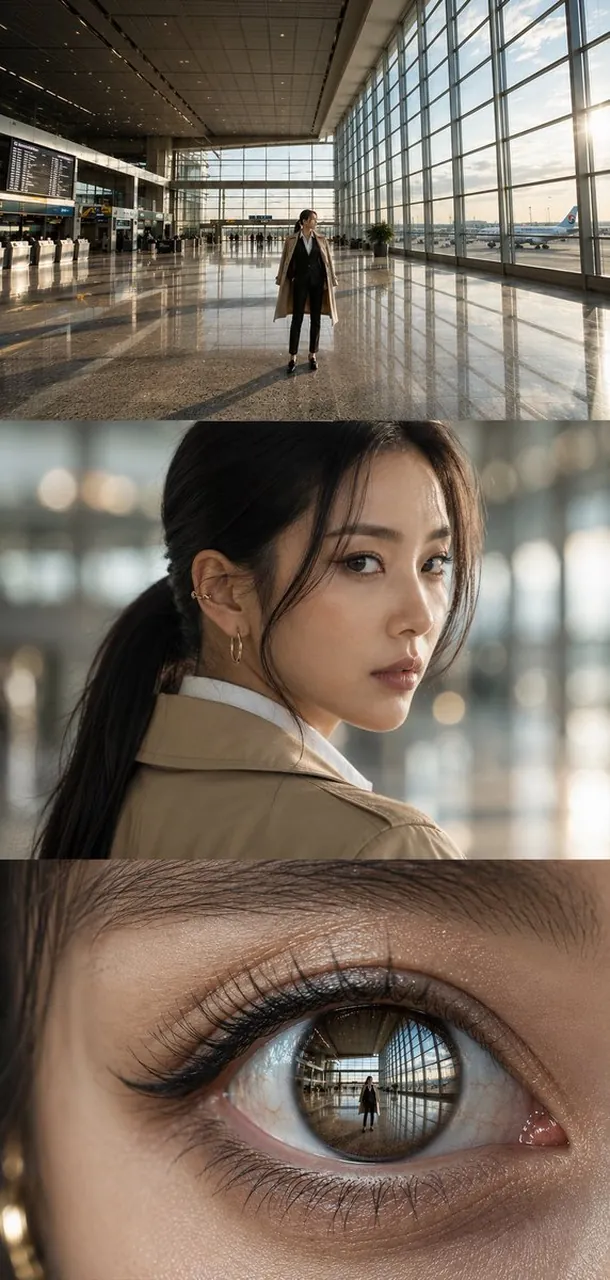
Create a vertical cinematic triptych made of exactly 3 stacked horizontal panels, all showing the same elegant young East Asian woman with black hair in a low ponytail inside a modern airport terminal at golden hour. Panel 1: a wide establishing shot in a vast glass-walled airport concourse with a polished reflective stone floor, high ceiling, flight information boards on the left, check-in counters, distant travelers, large windows on the right, an airplane visible outside, warm sun streaming in from the right, and the woman standing full-body near the center wearing a beige trench coat over a black suit and white shirt, slim black trousers, black heels. Panel 2: a realistic shoulder-up portrait of the same woman turning back over her shoulder toward the camera, soft shallow depth of field, blurred airport lights behind her, natural skin texture, delicate earrings, loose strands of hair framing her face, calm thoughtful expression. Panel 3: an extreme macro close-up of one of her eyes, showing detailed eyelashes, eyelid texture, tear line, glossy cornea, and a crisp reflection inside the iris of the airport concourse and the small full-body woman standing in it. Use photorealistic editorial fashion photography, high dynamic range, warm natural sunlight, cinematic contrast, accurate perspective, detailed reflections, no captions, no logos, no watermark. Canvas should be a tall vertical image with the three panels evenly stacked edge-to-edge, approximately 9:16.
Best for
Tips
Keep the main subject focused so vertical cinematic triptych made of exactly 3 remains recognizable after style or lighting changes.
Adjust camera angle and aspect ratio before generation when the composition needs a specific platform format.