
Prompt
Copy and customize
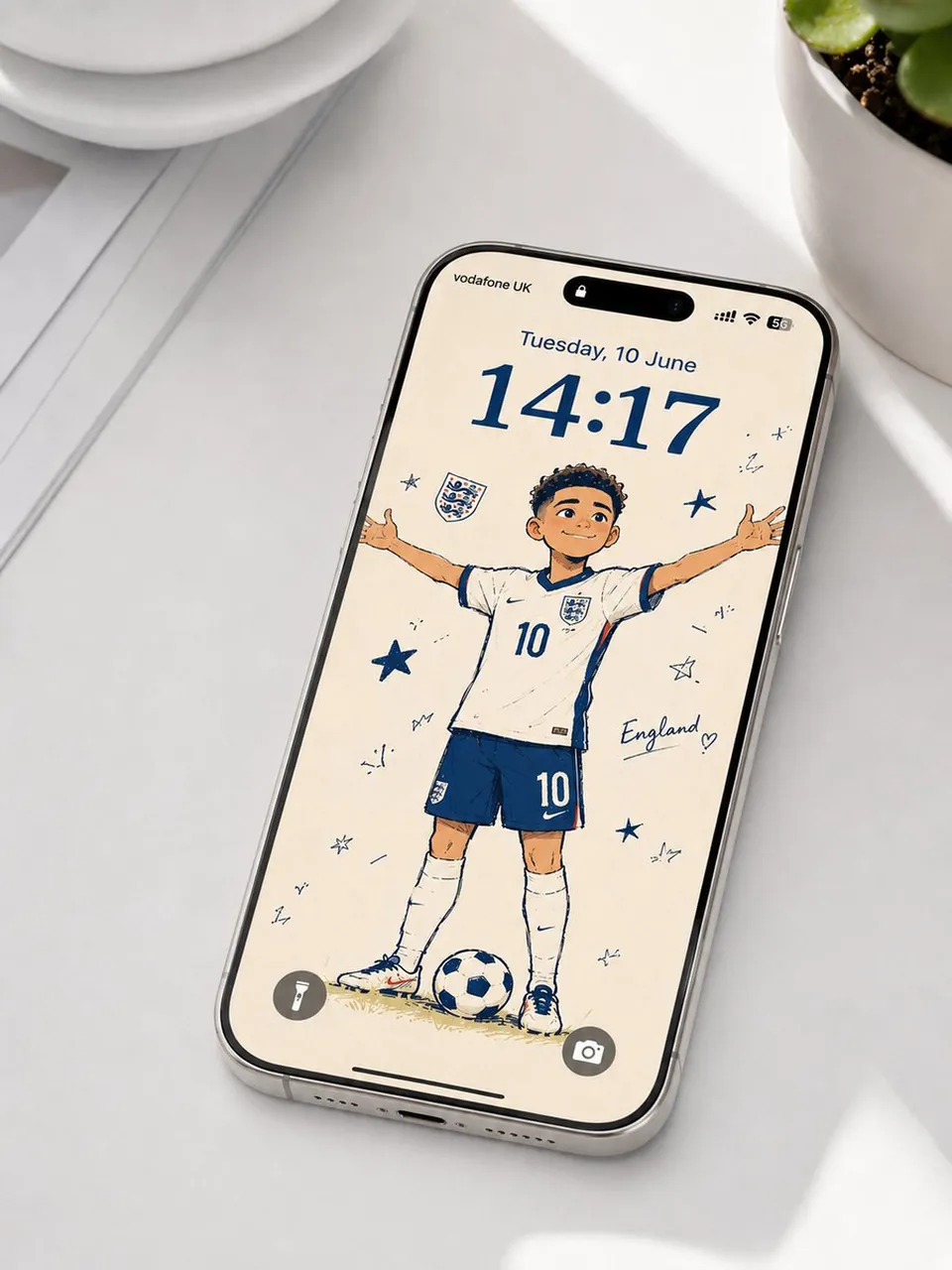
A high-quality realistic product photograph of a modern premium smartphone lying diagonally on a clean white desk, viewed from above at a slight angle. The phone has a slim silver metallic frame, rounded edges, edge-to-edge glass display, and a Dynamic Island. The screen is an elegant iPhone-style lock screen featuring a cute hand-drawn cartoon football player wearing a white England-style national team jersey with number 10, navy-blue shorts, white socks, and football boots, standing with arms spread beside a football. Warm cream background, playful navy-blue line art, soft peach skin tones, curly dark hair, decorative stars, doodles, and an England-themed crest.
The lock screen UI must be entirely in English: “Tuesday, 10 June” above a large blue digital time reading “14:17”, English carrier/status information at the top, and realistic flashlight and camera icons at the bottom. No Chinese, Japanese, Korean, or other non-English text anywhere on the screen.
> Soft natural daylight, subtle realistic shadows, minimalist white surroundings, premium lifestyle photography, realistic reflections on the phone glass, detailed metallic edges, photorealistic materials, crisp focus, clean composition, high-end commercial advertising photography, ultra-detailed, 4K, realistic proportions.
Best for
Tips
Keep the main subject focused so A high-quality realistic product photograph of a remains recognizable after style or lighting changes.
Adjust camera angle and aspect ratio before generation when the composition needs a specific platform format.