
Prompt
Copy and customize
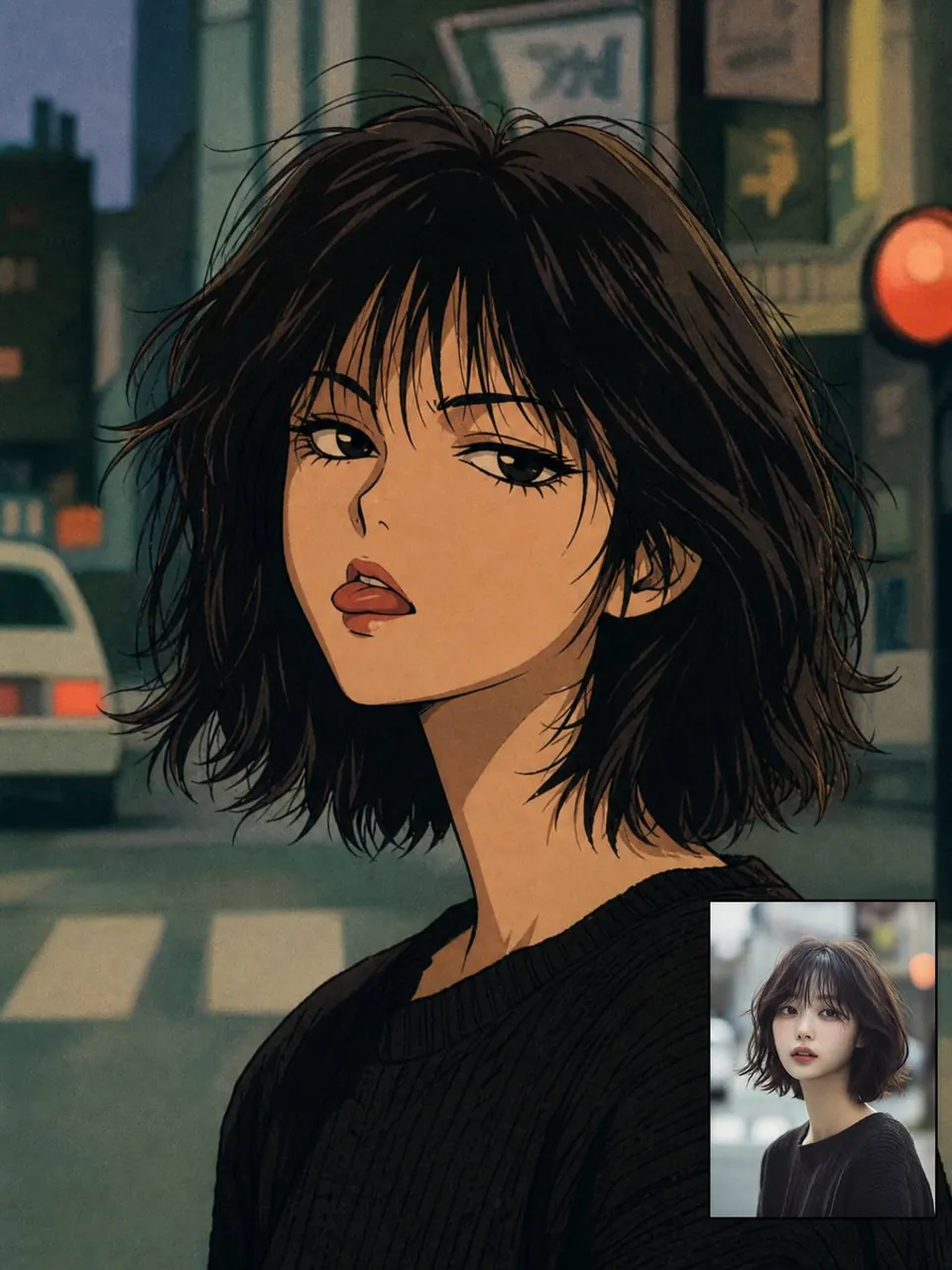
Create a square-to-portrait 90s anime transformation portrait of a young woman in a gritty urban night setting. Show a close-up bust portrait turned slightly over one shoulder, with a long slender neck, pale warm skin, heavy-lidded expressive eyes, full parted lips, and a cool melancholic gaze. Give her messy chin-length dark brown-black bob hair with wispy bangs and many loose flyaway strands, drawn with fine ink outlines and hand-painted cel shading. She wears a simple oversized black ribbed knit sweater. Use authentic late-1980s/1990s anime aesthetics: muted unflattering colors, grainy film texture, soft airbrushed shadows, imperfect analog linework, dramatic eyelashes, angular nose bridge, slightly exaggerated lips, and subdued teal/green/orange color grading. Background: blurred Japanese city street at dusk or night with exactly 5 visible urban elements: a white car on the left, a crosswalk at the bottom, dark building silhouettes, rectangular shop signs above, and one glowing red circular traffic signal or sign on the right. Add a small rectangular inset reference-photo preview in the lower-right corner showing the same real-life woman in a modern photographic style, bordered subtly, occupying about one-sixth of the image. Preserve the subject’s facial structure and hairstyle while adapting everything else to nostalgic 90s anime. No extra text, no watermark, no modern glossy digital look.
Best for
Tips
Keep the main subject focused so square-to-portrait 90s anime transformation portrait of a remains recognizable after style or lighting changes.
Adjust camera angle and aspect ratio before generation when the composition needs a specific platform format.