
Prompt
Copy and customize
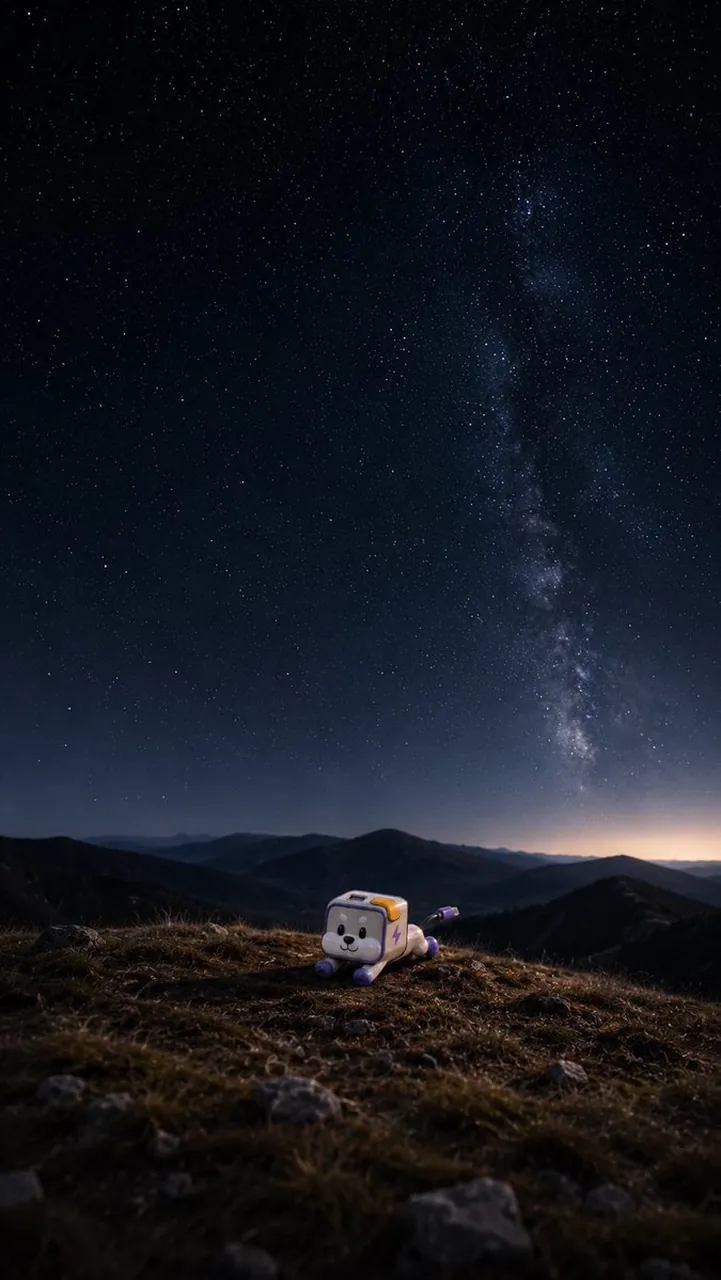
Transform a flat character design into a small cute 3D figurine or toy while preserving its key design details and colors. Place it near the bottom center of a vertical smartphone wallpaper composition, sitting on a dark grassy mountain ridge with rocks in the foreground. Add a vast realistic night landscape behind it: layered mountain silhouettes on the horizon, a deep navy star-filled sky, and one prominent vertical Milky Way band rising through the right side of the sky. Use cinematic low-light photography, subtle depth of field, realistic ground texture, soft moon or starlight, and a calm adventurous mood. Canvas should be 9:16 vertical smartphone wallpaper. Keep the character small relative to the landscape, readable but not dominating the scene. Do not add text, logos, borders, or extra characters.
Best for
Smartphone wallpaper design3D character renderingCinematic night landscapesCute toy aestheticsVertical composition art
Tips
Ensure the character design remains simple and iconic so it translates well when converted into a small 3D figurine style.
Adjust the camera angle and focal length to emphasize the scale difference between the small character and the vast night sky.