
Prompt
Copy and customize
このキャラクターを参照して、ゲーム用の2Dアニメーションスプライトシートを作成して。 内容は「アクションを記入」
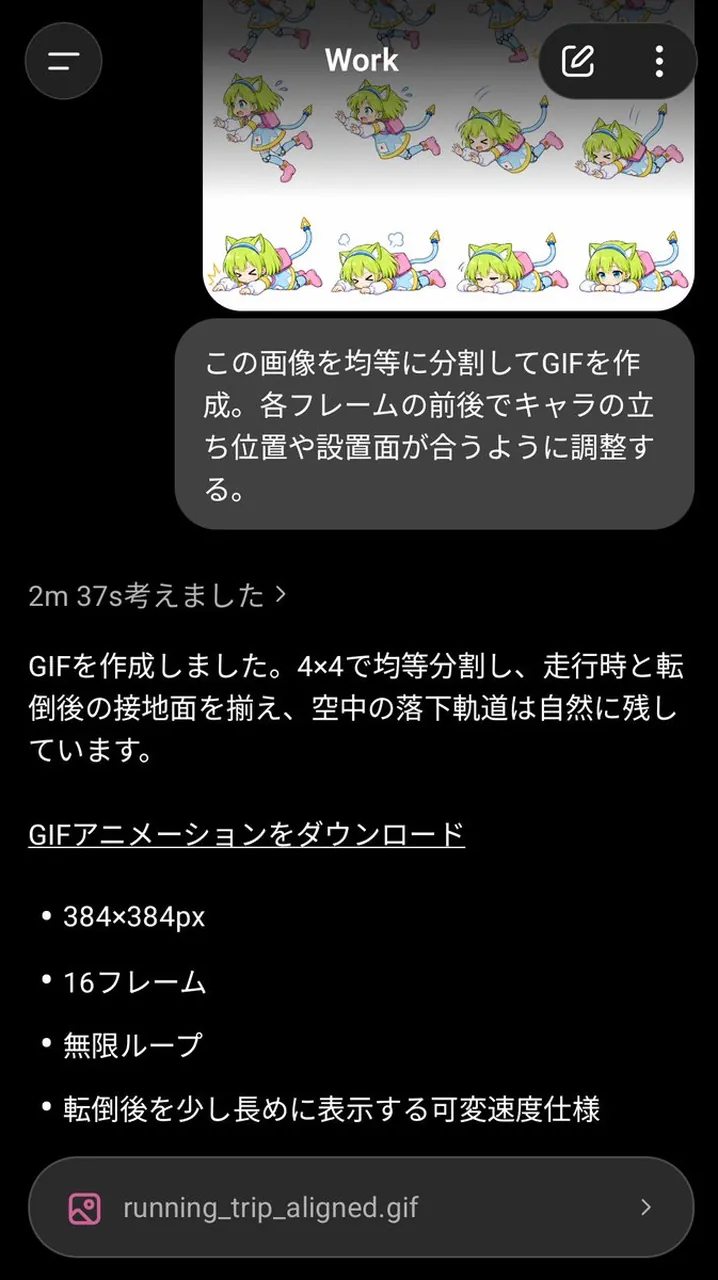
1つの連続したアクションを、4列×4行の合計16フレームで表現する。
【スプライトシート仕様】 ・正方形キャンバス ・4列×4行、合計16フレーム ・16個のセルは完全に同じ大きさ ・各セルの上下左右に最低10pxの余白を確保する ・枠線、グリッド線、数字、文字、記号、UIは一切不要 ・背景は全フレームで統一された単色の白 ・各フレームは左上から右へ、上段から下段へ、時間順に並べる
【最重要:サイズと位置の固定】 ・16フレームすべてでキャラクターの表示倍率を統一する ・カメラのズームイン、ズームアウトは禁止 ・足元の接地面の基準線を同じ高さに固定する ・キャラクターの中心位置がフレームの前後で大きく移動しない・動きに必要な範囲だけポーズを変える
【最重要:セル内に完全に収める】 ・髪、服、手足、武器、小物、エフェクト、残光、粒子を含むすべてを各セルの内部だけに収める ・隣のセルにはみ出さない ・余白10pxの安全領域を侵さない ・アクションが大きくなっても、キャラクターを縮小して調整しない ・必要ならエフェクトや腕の振り幅を控えめにして、セル内に収める
【描画方針】 ・2Dゲーム用スプライトとして読みやすい、明快なシルエット ・フレーム間で自然につながる動き ・1枚絵ではなく、アニメーション素材として破綻のない連続性を重視 ・各フレームの描き込み密度、線、塗り、陰影を統一する
Best for
Tips
Keep the main subject focused so 2D 1 4 4 16 4 4 remains recognizable after style or lighting changes.
Adjust camera angle and aspect ratio before generation when the composition needs a specific platform format.