
Try VEED IO Free: Image to Video AI Generator & Alternatives
- In this article
- VEED IO Image-to-Video AI Generator Overview
- Best use cases (where VEED feels “worth it”)
- Free vs paid: what typically changes
- How to use VEED IO (step-by-step)
- VEED Alternatives (best options to try)
- 1) GoEnhance AI (best all-in-one alternative for fast, high-variety generation)
- 2) Runway (best for creators who want stronger generation controls)
- 3) CapCut Web (best “quick content” alternative)
- 4) Canva AI Video Generator (best for design-first teams)
- 5) Media.io Image-to-Video (best lightweight alternative)
- Quick comparison table
- FAQ
- Final take
Turning one good image into a scroll-stopping clip used to mean keyframes, timelines, and a lot of patience. Now it’s closer to this: upload a photo, describe the motion, generate a short video, then polish it with captions, music, and branding.
VEED IO is one of the easiest “all-in-one” routes for that workflow—especially if you want generation and editing in the same browser tab.
In this article
- VEED IO Image-to-Video AI Generator Overview
- What it’s best for (and what it’s not)
- Free vs paid: what changes
- How to use VEED IO (step-by-step)
- VEED alternatives (best options to try)
- FAQ
VEED IO Image-to-Video AI Generator Overview
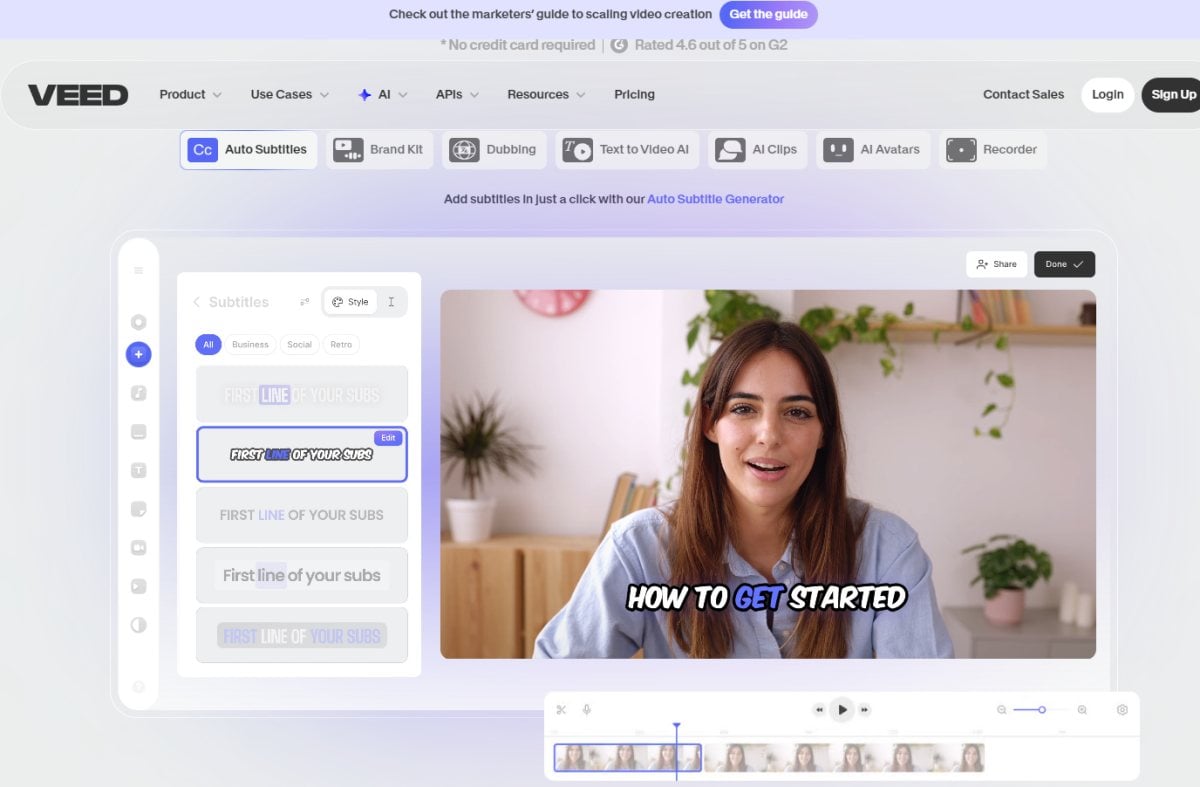 VEED IO’s image-to-video flow is built around a simple idea: your image becomes the starting frame, and your prompt tells the AI how the scene should move.
Here’s why it stands out from so-called “pure generation” tools:
1) Image-to-video generation (quick, prompt-guided)
You upload a photo, then add a short movement description like:
- “Use a slow dolly-in, subtle hair movement, and cinematic lighting.”
- “Product rotates slightly, soft shadow shift, clean studio look”
- “Motion — gentle parallax / background drift / calm handheld feel”
VEED aims to keep this beginner-friendly: you describe motion in plain language, generate, then refine.
2) Built-in editor (where VEED becomes practical)
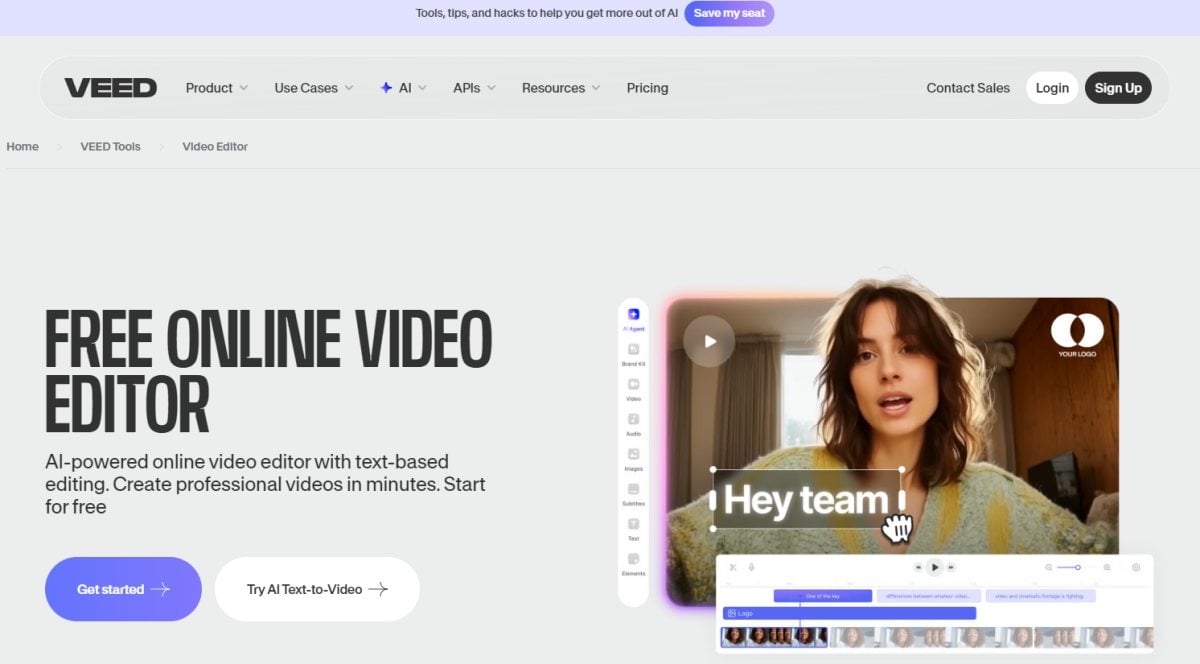 A lot of AI generators stop at “download your clip.” VEED is built for the next step:
- Add subtitles / captions
- Insert text overlays and graphics
- Drop in music and SFX
- Trim, resize, and export for different platforms
If you publish content regularly, having generation + editing together saves time.
3) Model Choice (For Anyone Who Likes to Compare Results)
If you care about style differences, VEED also has an “image-to-video models” area where you can test and compare outputs across models. This is useful when you want the same image to produce multiple “takes” with different looks (more realistic, more animated, smoother motion, etc.).
Best use cases (where VEED feels “worth it”)
If you’re deciding whether to use VEED for image-to-video, these are the scenarios where it usually shines:
-
Short social clips from product photos
Turn a clean product shot into a 3–6 second motion clip for ads, reels, or landing pages. -
Talking-head content that needs packaging
Even if you don’t generate the whole video, VEED is strong for captions, layout, and quick edits. -
Marketing teams who want a repeatable workflow
The value isn’t one magical video—it’s a workflow you can repeat every week with consistent branding. -
Creators who want “good enough fast,” then refine
Generate a few variations quickly, pick the best one, then polish.
Free vs paid: what typically changes
Most people try VEED on the free plan first, then upgrade only when they hit one of these friction points:
- Export quality: free exports are typically capped lower (commonly 720p), while higher tiers go up to HD or 4K.
- Watermark: free exports may include a watermark, with paid plans removing it.
- AI tools and usage limits: some AI features may be limited or offered as one-time trials on free accounts.
- Storage / collaboration: higher plans usually add more space, brand kits, and team features.
If your goal is “testing motion and ideas,” free is often enough. If your goal is “shipping client-ready videos,” watermark + export limits usually push you to paid.
How to use VEED IO (step-by-step)
This is the fastest path to a usable result, even if you’ve never edited a video before.
Step 1: Choose the Right Starting Image
Pick an image that’s easy for the AI to “understand”:
- Single clear subject
- Not too many tiny details
- Clean background (or at least readable separation)
- Good lighting and sharpness
If you want a product clip, use a clean 3/4 angle product photo. If you want cinematic motion, pick a scene with depth (foreground + background).
Step 2: Upload your image
Open VEED’s Image-to-Video AI tool, upload your image, and let it load fully.
Tip: If your image is extremely wide or tall, consider cropping first so your output matches the platform you’re posting to.
Step 3: Keep Motion Prompts Short and Focused
A good prompt usually has 3 parts:
Subject + motion + camera
Examples you can copy:
- “A close-up portrait works best when paired with subtle breathing motion, a slow push-in, and soft film grain.”
- “City street photo, light rain ambience, slow parallax, cinematic contrast.”
Avoid long paragraphs. If you want multiple versions, keep one variable different each time (camera move, speed, or mood).
Step 4: Generate 2–4 variations
Don’t settle on the first output. Generate a few options:
- Version A: “slow dolly-in”
- Version B: “handheld micro-shake”
- Version C: “parallax + depth”
- Version D: “slower motion, calmer mood”
Then pick the cleanest one.
Step 5: Polish in the editor
This is where VEED becomes an actual workflow:
- Trim the first/last half-second to remove “AI startup weirdness”
- Add captions or headline text
- Add a logo/brand kit (if you use one)
- Add music (low volume) for perceived quality
- Export in the format you need (Reels/TikTok/YouTube Shorts/landscape)
VEED Alternatives (best options to try)
VEED is a strong pick when you want generation + editing in one browser workflow. But if your priority is different—stronger models, more cinematic motion, or a faster “social template” pipeline—these alternatives are worth testing.
1) GoEnhance AI (best all-in-one alternative for fast, high-variety generation)
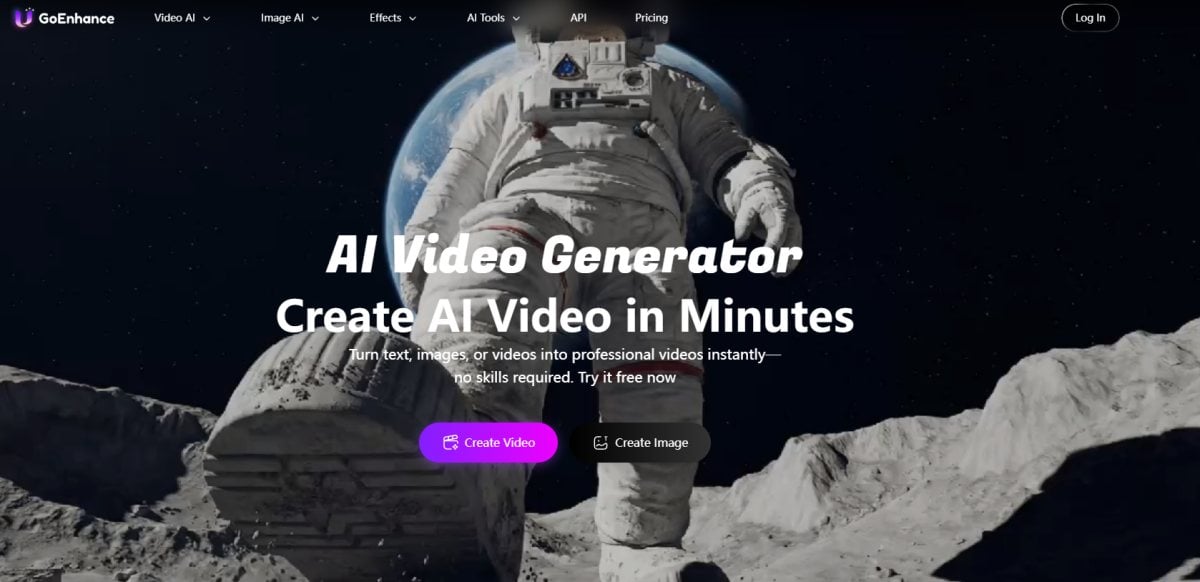
If you want to crank out multiple creative takes quickly—especially for image-to-video—GoEnhance AI is a practical VEED alternative. It’s built around speed, variation, and “try a few directions, then pick the winner.”
Why people choose it
- Easy image-to-video workflow for quick iterations
- Great when you want multiple variations from the same photo (different motion, vibe, pacing)
- Useful for creators and marketers who need volume without turning it into a full editing project
Best for
Creators, growth teams, and anyone producing frequent short clips from images.
2) Runway (best for creators who want stronger generation controls)
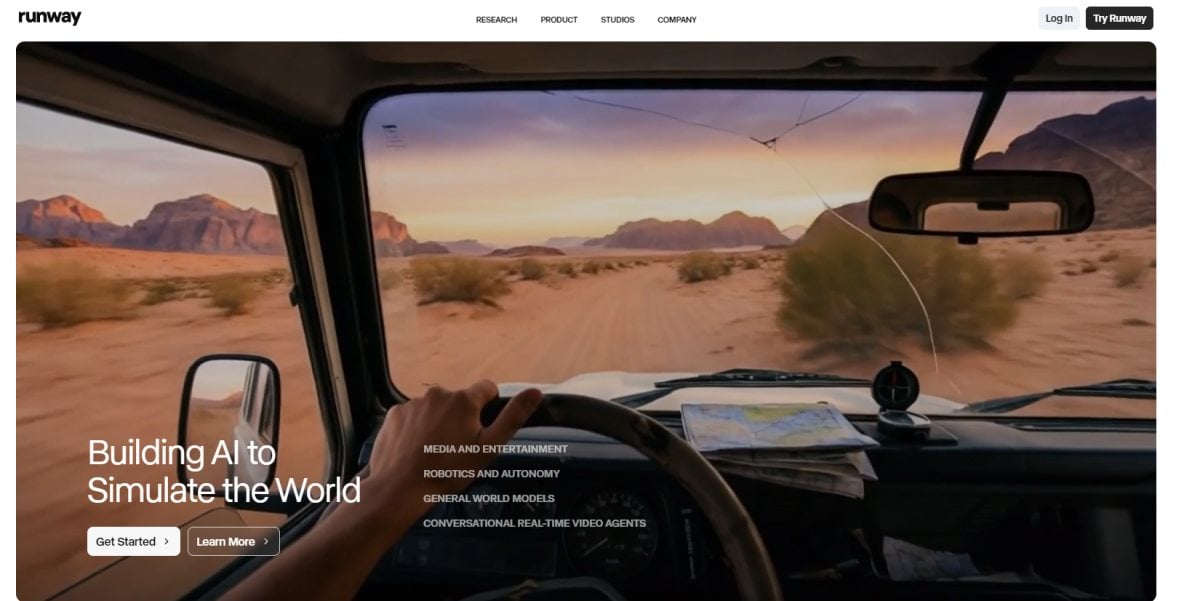
Runway is often picked when you care more about the generation model and creative control than having a beginner editor.
Key reasons to choose it
- Strong image-to-video workflows and creative experimentation
- Useful for cinematic motion, stylized looks, and iteration
- Good when you’re willing to learn a bit more UI
Best for
Creators, filmmakers, agencies, and anyone who wants higher-end AI video generation.
3) CapCut Web (best “quick content” alternative)
CapCut’s web tools are built for fast social content—templates, auto flow, and speed.
Key reasons to choose it
- Good for turning photos into short videos quickly
- Helpful for social-ready formatting and “done fast” workflows
- Often feels more template-driven than cinematic
Best for
Reels/TikTok creators and teams shipping frequent short-form content.
4) Canva AI Video Generator (best for design-first teams)
If your world is thumbnails, social posts, and brand kits, Canva can be a comfortable place to generate and assemble creative.
Key reasons to choose it
- Great for brand-friendly layouts and design assets
- Easy to keep everything consistent (fonts, colors, templates)
- Works well for marketing collateral + simple motion
Best for
Marketing teams and creators who live inside Canva already.
5) Media.io Image-to-Video (best lightweight alternative)
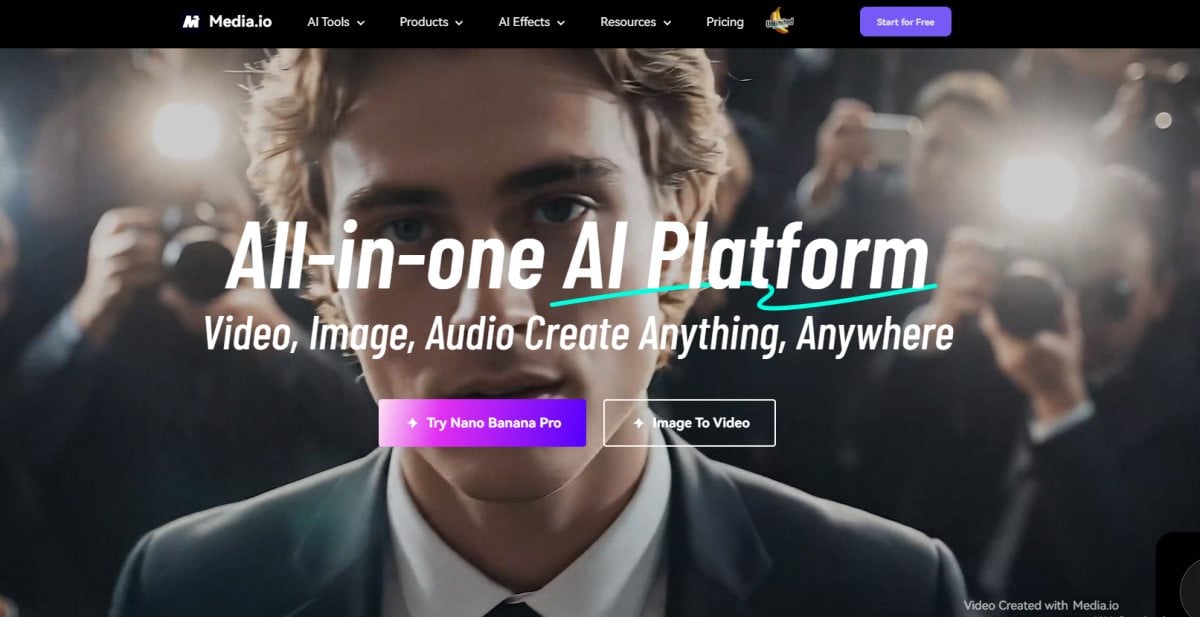
Media.io is a straightforward choice when you want a quick image-to-video tool without overthinking a full editor stack.
Key reasons to choose it
- Simple upload → prompt → generate flow
- Handy if you want fast results and minimal setup
- Good “backup tool” when you just need a clip today
Best for
Beginners and quick experiments.
Quick comparison table
| Tool | Best at | Feels like | Good for |
|---|---|---|---|
| VEED IO | Generation + editing in one place | Editor-first | Social videos, marketing workflows |
| GoEnhance AI | Fast image-to-video variations | Generation-first | High-volume creative testing |
| Runway | Higher-end creative generation | Creator toolkit | Cinematic / stylized AI motion |
| CapCut Web | Fast social output | Template-first | High-volume short-form |
| Canva | Brand + design workflows | Design-first | Marketing assets + simple motion |
| Media.io | Simple image-to-video | Lightweight | Quick tests and fast clips |
FAQ
Is VEED IO free to use?
Yes—VEED has a free plan so you can try the workflow. Free plans typically come with export limits and may include a watermark, depending on the feature and plan.
Can I use VEED for image-to-video and then keep editing?
That’s one of the main reasons people pick VEED: generate a clip, then immediately add captions, text, music, and resize/export inside the same tool.
What kind of prompts work best for image-to-video?
Keep prompts short and visual. Focus on:
- camera move (“slow push-in”, “gentle pan”)
- motion style (“smooth”, “subtle”, “handheld”)
- mood (“cinematic”, “clean studio”, “soft light”)
Why do some outputs look “wobbly”?
Common causes:
- too much motion requested (“fast zoom + heavy shake + big subject movement”)
- messy background details
- tiny facial features far from the camera
Try reducing motion intensity and simplifying the scene.
What’s the best VEED alternative if I want stronger generation?
If you want more model-driven creative control and cinematic experimentation, Runway is usually the first alternative people test.
Final take
If your goal is “turn an image into a clip and ship it with captions and polish”, VEED IO is a very practical choice—especially for social content and marketing workflows.
If your goal is “push the generation quality and style harder”, try GoEnhance AI and Runway first, then bring the best clip into your editor of choice for finishing.


