
Best Sora Alternative in 2026: Stop Looking for One Tool
- 1. Quick Comparison: Best Sora Alternatives at a Glance
- 2. Stop Looking for One Tool — Match the Model to the Job
- 3. What Most “Sora Alternative” Lists Get Wrong
- 4. GoEnhance Review: The Smarter Way to Replace Sora
- 5. The Hidden Cost of Sora Alternatives
- 6. Best Sora Alternatives by Use Case
- 7. How to Choose the Right Sora Alternative
- 8. FAQ: Sora Alternatives Explained
- 9. Conclusion
Most people searching for a Sora alternative are trying to replace the wrong thing.
Sora isn’t one capability.
It’s three different needs bundled together:
- realistic motion
- image-to-video
- generative scenes
Trying to replace all of that with one tool?
That’s where things break.
I went down that path first.
Didn’t work.
This guide is a different approach: instead of “what replaces Sora,” we break down what you actually need — and what to use for each part.
1. Quick Comparison: Best Sora Alternatives at a Glance
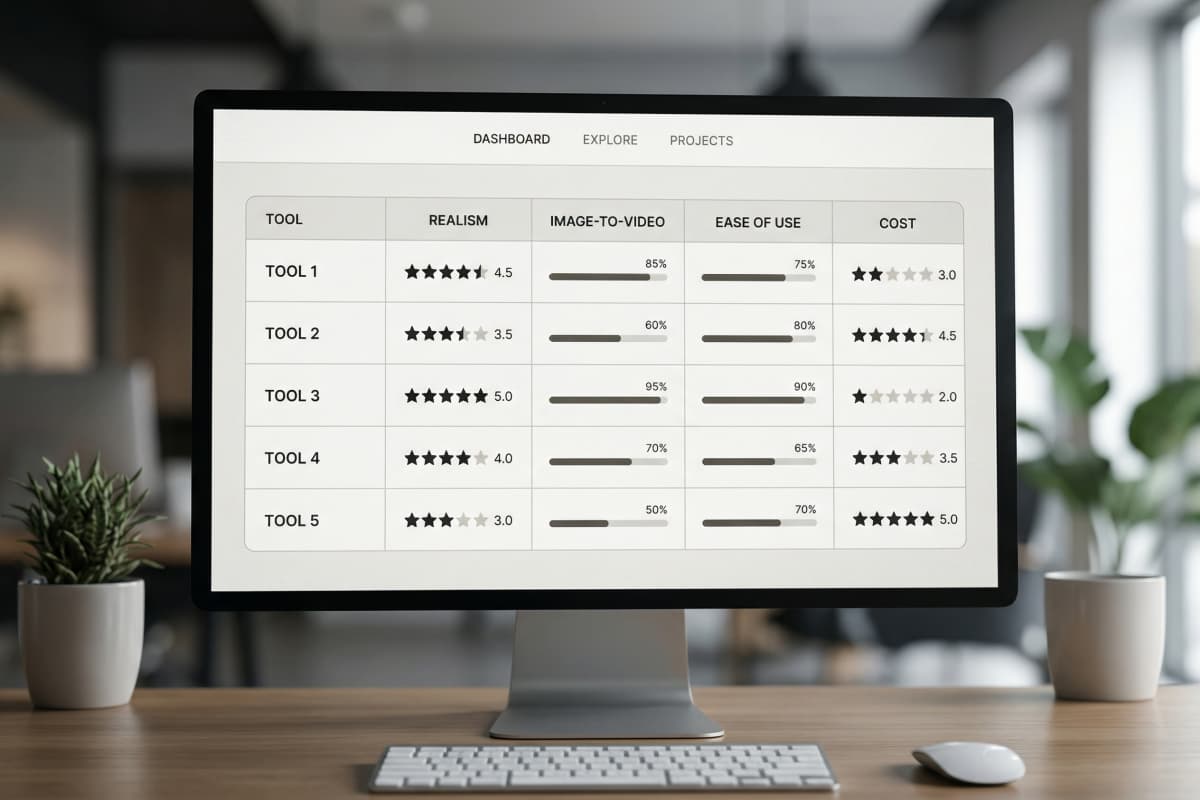
Bottom line: You’re not choosing a tool — you’re building a workflow.
There is no single best Sora alternative. Each tool solves a different part of the workflow.
| Tool | Key Strength | Real Monthly Cost | Notes |
|---|---|---|---|
| GoEnhance Image-to-Video | Predictable image → video, multi-model integration | $15–$20/mo (10–15 clips) | One platform handles Kling + Veo + Wan models, works in Europe/UK |
| Kling 2.5 | High-fidelity motion, physics-based effects | $6.99–$25.99/mo (8–30 clips) | Credits-based, requires multiple tiers for heavy use |
| Runway Gen-4 | Style transfer, cinematic effects | $12–$28/mo (10–25 clips) | Entry-level limited credits, Pro unlocks more output |
| Pika | Quick AI video snippets | $8–$20/mo (15–40 clips) | Budget-friendly, less control over motion details |
| Luma AI | Social video creation, beginner-friendly | $9.99–$19.99/mo (12–20 clips) | Ideal for short-form content, limited advanced effects |
At first glance, this looks like a normal comparison.
It isn’t.
Because you won’t pick just one of these.
You’ll end up using two. Maybe three.
That’s the part most guides skip.
2. Stop Looking for One Tool — Match the Model to the Job
Bottom line: Stop looking for the best tool. Start matching the model to the job.
There is no single best Sora alternative. Trying to find one will waste your time.
I tried anyway.
Same goal. Same input.
“Make this work with one tool.”
Didn’t.
One tool gave me great motion but warped faces.
Another looked clean — but flat.
A third worked once. Then never again.
That’s when it clicked.
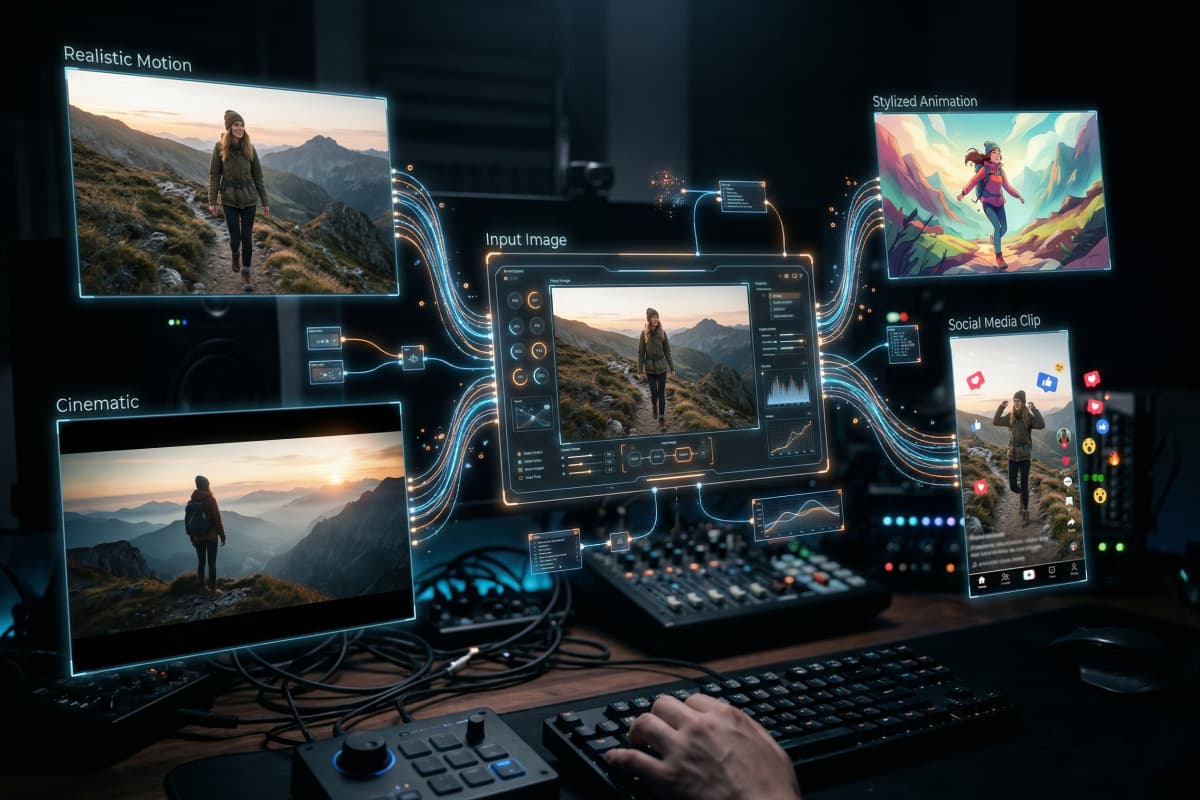
These aren’t general tools.
They’re specialized models.
- Realistic motion → one type
- Social content → another
- Image-to-video → completely different
And here’s the problem:
To actually cover all of that, you end up opening multiple tools every time.
Which sounds manageable.
Until you do it 15 times a week.
3. What Most “Sora Alternative” Lists Get Wrong
Bottom line: If image-to-video isn’t covered, the guide doesn’t reflect real workflows.
Most Sora alternative lists look helpful. They’re not.
They miss how content is actually created.
After going through multiple guides, the pattern was obvious:
- Everything revolves around text-to-video
- “Tested tools” — but no real test details
- Pricing is simplified to “starts at $X”
- No difference between creators, marketers, or teams
And one big gap:
No serious discussion of image-to-video.
That’s odd.
Because most workflows don’t start with text.
They start with:
- a product image
- a thumbnail
- a still frame
Then the question becomes:
“Can I turn this into a video?”
Not “generate something from scratch.”
4. GoEnhance Review: The Smarter Way to Replace Sora
Bottom line: GoEnhance works because it keeps everything in one workflow — not because it replaces every tool perfectly.
GoEnhance works because it removes tool switching.
That’s the real advantage.
Not higher quality.
Not more features.
Less friction.
What I actually tested
I gave every tool the same task:
- One product image
- Turn it into a usable video
- No tutorials
- Under 10 minutes
That last part matters.
Because nobody reads docs before posting content.
Where most tools failed
I started with prompt-based tools.
Spent about 40 minutes tweaking inputs.
Still inconsistent.
One result looked great.
Next one — unusable.
That’s when I stopped trying to “fix the prompt.”
Bad idea from the start.
Where GoEnhance worked differently
I switched to the image to video tool.
Upload. Pick a model. Generate.
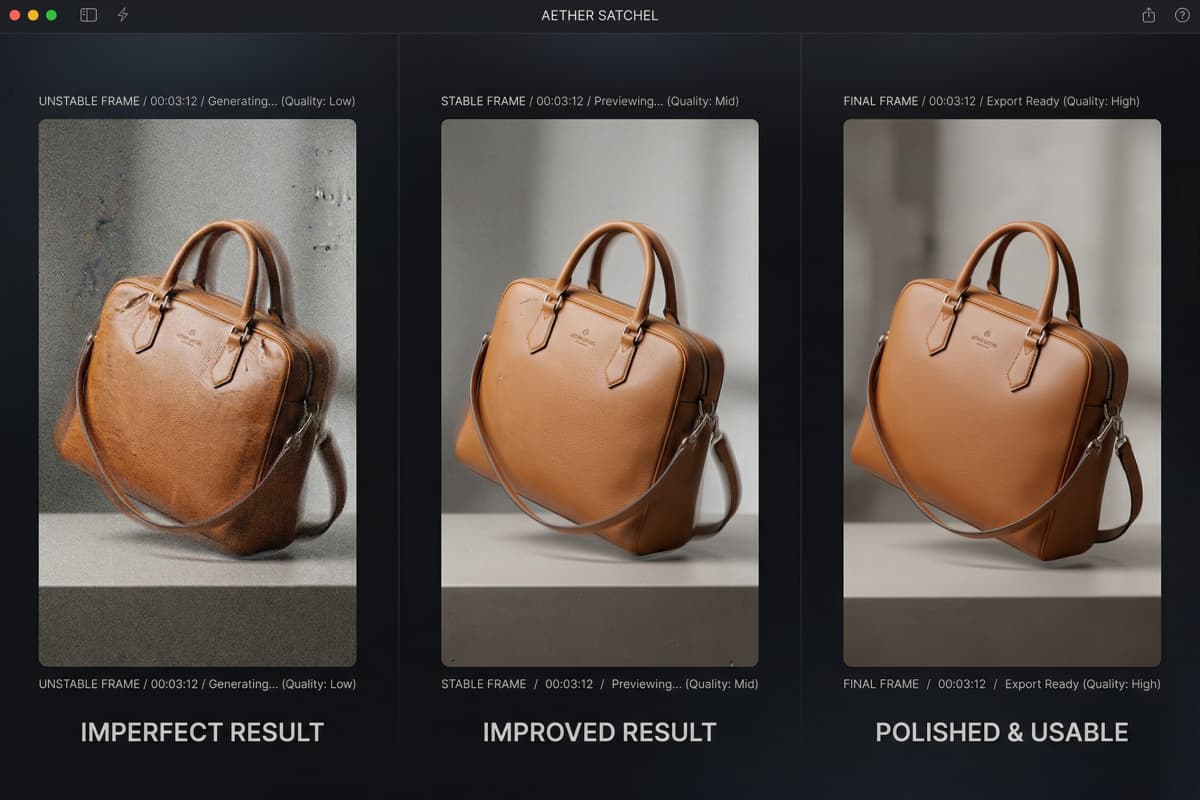
First output? Not great.
Second? Better.
Third — usable.
That’s the difference.
Not perfection.
Predictability.
Upload your first image and see what it generates — free
Why multi-model access matters
Inside the AI Video Generator, I didn’t have to restart every time something failed.
Same input. Different models.
One gave cinematic motion.
One looked like ad content.
One just didn’t work.
Without that, you’re jumping between tools.
Losing time every switch.
Additional workflow steps
- Style conversion using video to animation
- Quality fixes with the video upscaler
Not everything lands on the first try.
But iteration is fast enough that it doesn’t slow you down.
What doesn’t work (important)
A few things I ran into:
- Complex scenes break easily
- You’ll rerun generations more than expected
- No precise layout control
If you’re designing slides or static visuals — this isn’t the right tool.
Use Canva or Adobe Express.
Different job.
5. The Hidden Cost of Sora Alternatives
Bottom line: The cheapest tool is rarely the cheapest workflow.
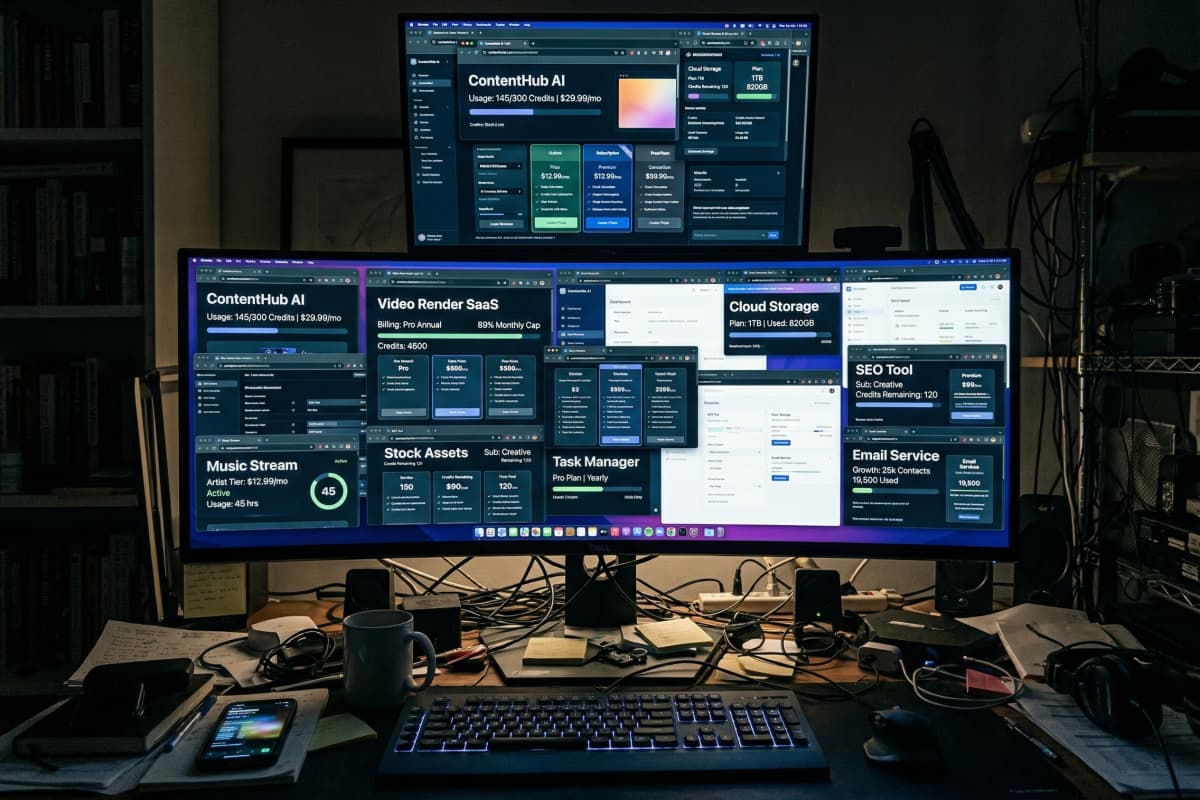
The real cost isn’t price. It’s fragmentation.
Most pricing pages won’t show that.
What actually happens
You don’t pick one tool.
You pick:
- one for realism
- one for editing
- one for fast content
Now you’re paying for three.
Then credits come in.
Then limits.
Then “this model doesn’t support this input.”
It stacks fast.
My actual setup (for a week)
I tried running a “best setup”:
- Tool A → realism
- Tool B → style
- Tool C → speed
End result?
More time switching tools than creating content.
Not what I expected.
The AI video space is growing quickly — global usage continues to expand — but pricing models are still inconsistent.
Which makes real cost harder to estimate.
Where GoEnhance fits
Instead of stacking subscriptions, it consolidates them.
Not perfectly.
But enough that you don’t need three tabs open.
6. Best Sora Alternatives by Use Case
Bottom line: Pick based on output type, not tool popularity.
The best Sora alternative depends on what you’re trying to produce.
Not the feature list.
-
Content creators (Reels / TikTok / Shorts)
→ GoEnhance (fast iteration + image-to-video) -
E-commerce / product marketing
→ GoEnhance (turn static images into video quickly) -
Physics-heavy / cinematic scenes
→ Kling-style models -
Stylized animation
→ Runway-style tools
One important note:
If your work is mostly layout — presentations, brand visuals — tools like Canva or Adobe Express are still better.
This isn’t a replacement for those.

7. How to Choose the Right Sora Alternative
Bottom line: Your workflow matters more than the feature list.
Choosing based on features alone will lead you to the wrong tool.
Start with your workflow.
Step 1 — What do you start with?
Image → use image-to-video
Text → use generation models
Step 2 — Do you need realism?
Yes → prioritize physics-based models
No → speed and repeatability matter more
Step 3 — How often will you use it?
Occasionally → standalone tools are fine
Frequently → workflow efficiency matters more
I underestimated this part.
Switching tools sounds trivial.
It isn’t — when you do it daily.
8. FAQ: Sora Alternatives Explained
What is the best free Sora alternative?
There isn’t one universal answer. Tools that combine multiple models tend to be more flexible without requiring multiple subscriptions.
Is there a Sora alternative with no waitlist?
Yes. Many tools are available immediately, which is why users search for alternatives in the first place. Some availability limitations are noted in coverage of Sora access restrictions.
Which Sora alternative is best for content creators?
Content creators usually benefit more from fast iteration and image-to-video workflows than high-end cinematic generation.
Is there a good Sora alternative for image-to-video?
Yes. Tools focused on image-to-video tend to be more predictable and practical than general-purpose generators.
9. Conclusion
You don’t need a Sora alternative. You need a better workflow.
Trying to replace everything Sora does with one tool?
That’s the mistake.
A better approach:
- Use the right model for each task
- Avoid stacking multiple subscriptions
- Focus on how you actually create content
And if your workflow starts with images — which most do — then image-to-video matters more than anything else.
At the same time, if your work is mostly static design, tools like Canva or Adobe Express are still the better fit.
Different problem. Different solution.


