
Pictory AI Review: Fast, Useful, and Narrower Than It Looks
- What Pictory actually is
- Where Pictory is genuinely useful
- What starts to feel limited
- Pricing and value
- Who should use Pictory, and who should not
- When GoEnhance is the better move
- FAQ
- Final verdict
Pictory is easy to like.
It solves a real problem that a lot of video tools still make harder than it should be: turning scripts, blog posts, URLs, webinars, and transcripts into publishable short videos without forcing you into a traditional editing workflow.
That part is real.
The more useful question is what happens after that.
My read is that Pictory is strongest when your workflow starts with words. A script. A blog post. A landing page. A webinar recording that needs to become clips. In that lane, it makes a lot of sense. The official product story is very clear about that: Pictory leans into text, prompt, image, audio, URL, and blog-driven creation, plus AI voices, avatars, and text-based editing. Third-party coverage also places it in that same bucket. HubSpot frames it as a good fit for creators and marketers who are not deeply experienced in video production, while TechRadar treats it more like a business-focused AI video generator than a cinematic model playground. Pictory, HubSpot, and TechRadar all point in roughly the same direction.
Where I would be more careful is this: Pictory stops looking like the obvious answer once visual control matters more than conversion speed. If you need distinctive image-led scenes, broader model choice, or a workflow that moves between text, images, and existing clips more fluidly, its limits get easier to feel.
That does not make it a bad tool.
It just makes it a narrower one than the homepage language might initially suggest.
What Pictory actually is

A lot of AI video reviews flatten tools into one generic category. That is not very helpful here.
Pictory is not best understood as a pure video model. It is better understood as a repurposing-first video workflow product. The official site emphasizes fast video creation from text, prompts, images, audio, blogs, links, and existing video, then layers in AI voices, captions, avatars, and editing features around that core. The separate URL-to-video pages make the same point even more clearly: this product is built for turning existing content into video outputs quickly, not for chasing the most cinematic motion or the deepest shot-by-shot control. Pictory’s homepage and its URL-to-video workflow are unusually explicit about that positioning.
That distinction matters because it changes how the review should be read.
If you come in expecting a Runway-style or Kling-style model playground, Pictory will probably feel limited. If you come in wanting to move faster from article, script, or transcript to usable video, it looks much stronger.
That is the frame I would use for the whole product.
Where Pictory is genuinely useful
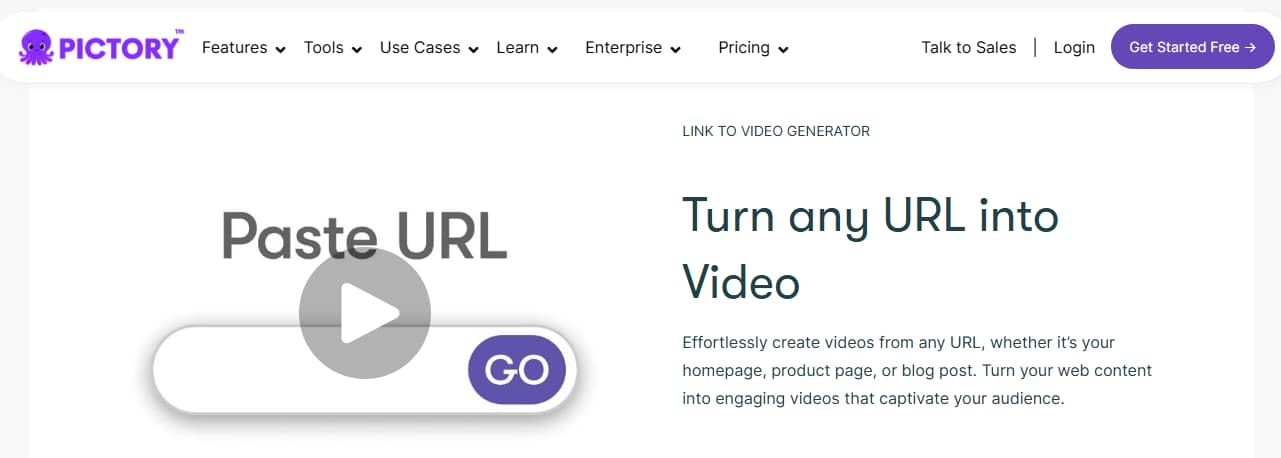
The strongest case for Pictory is not “AI video” in the abstract. It is content repurposing under deadline.
That covers more real work than people sometimes admit. Blog-to-video for content teams. URL-to-video for product marketers. Webinar clips for demand gen. Podcast highlights. Internal explainers. Faceless YouTube content. Quick social cutdowns based on scripts that already exist.
In those scenarios, the product logic is sound. You are not asking the tool to invent an entirely new visual language. You are asking it to shorten the distance between information you already have and video you can publish. HubSpot’s review lands in roughly the same place: it highlights Pictory as especially useful for creators and marketers who want to turn scripts or articles into video without deep production experience. HubSpot’s roundup is helpful here because it treats that simplicity as a practical advantage, not just a marketing line.
There is also a second strength that deserves more credit: Pictory removes a lot of the friction that makes small teams avoid video altogether. Auto captions, AI voiceover options, script-based editing, and fast assembly matter because many teams do not actually need a complex timeline first. They need something good enough, branded enough, and fast enough to keep a weekly publishing schedule from falling apart.
That is where Pictory feels well judged.
It is not trying to be everything. It is trying to compress repetitive content operations.
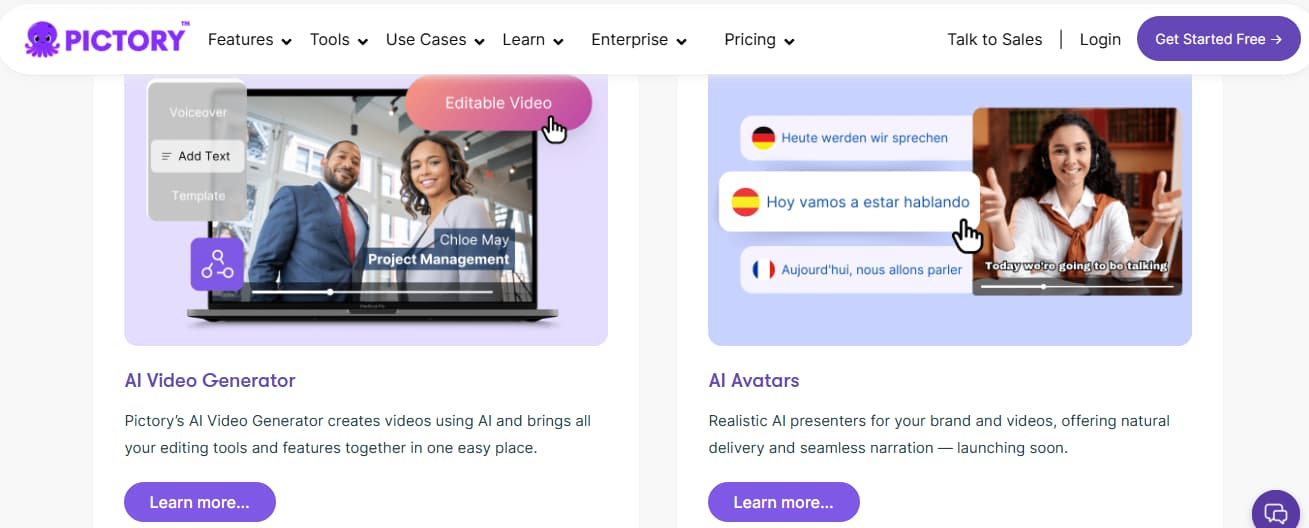
And to be fair, the product has widened beyond simple text-to-video. The official site now folds in avatars, editing, voices, and team-oriented workflow pieces. That makes it more credible for business content production than older reviews sometimes suggest. But even with those additions, the center of gravity still feels the same: start with content, then produce video faster.
What starts to feel limited
This is the part many softer reviews blur.
Pictory’s ceiling is not hard to describe. The output can start to feel generic once you need more brand specificity, more visual originality, or more deliberate scene control. TechRadar is positive overall, but it still frames Pictory as a business-focused product with an emphasis on simplicity, and that simplicity is not free. It usually means less flexibility once you move beyond templated or stock-friendly content. TechRadar’s write-up is useful precisely because it praises the ease of use while still implying a narrower fit.
The user-review pattern points in the same direction. On G2, Pictory currently holds a high review score, and the recurring positives are easy setup, speed, and time saved. The recurring friction points are also familiar: some users still want stronger voices, more polished output, or more control over the final result. That does not read like a product in crisis. It reads like a product that works well inside a specific workflow and gets less persuasive as creative expectations rise. G2 reviews are especially useful here because they show both sides at once.
This is where I would draw the line.
If your team mainly needs to turn written or recorded material into serviceable video assets, Pictory earns its keep. If you are trying to build more visually distinctive social creative, rely on stronger prompt control, or move between text-to-video, image-to-video, and clip-based reworking without changing platforms, Pictory starts to feel like a narrower answer.
That is not a small distinction.
It is the difference between “this speeds up production” and “this becomes the center of the production stack.”
Pricing and value
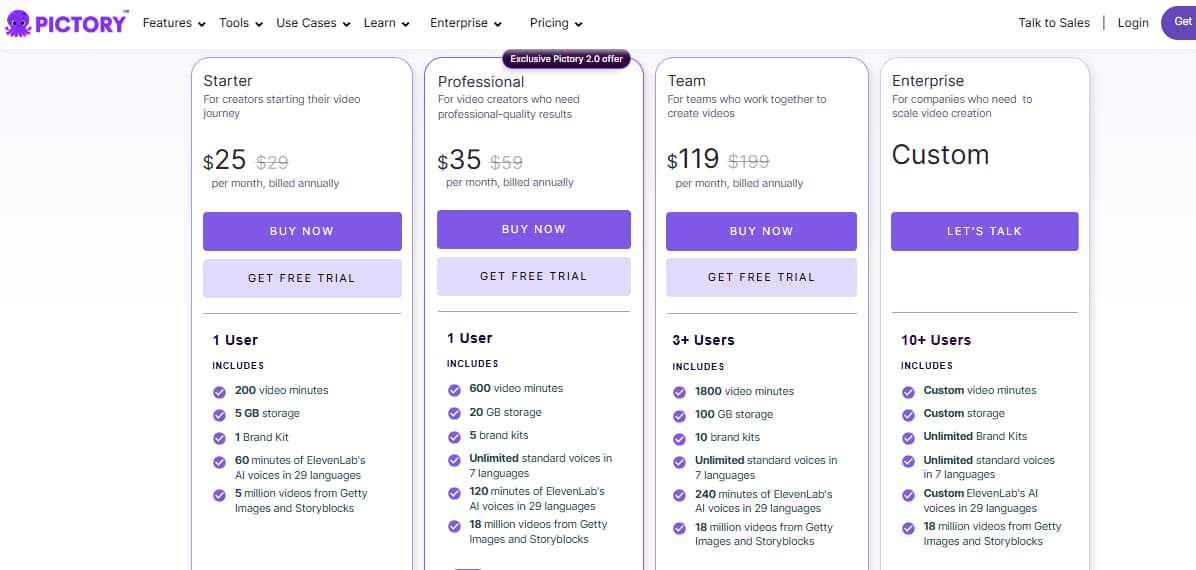
Pictory’s value depends less on the sticker price than on how repetitive your workflow is.
The official pricing page currently starts at $25 per month and scales upward into higher tiers and enterprise options. On paper, that is reasonable for teams pushing out steady blog-based, script-based, or repurposed video content. Pictory pricing is the only version I would trust for current plan details, because third-party review pages often lag behind plan updates.
But pricing only tells part of the story.
What matters more is failure cost. If the tool saves hours every week because your team keeps turning articles, landing pages, webinar recordings, or transcripts into short video assets, the price is not hard to justify. If you constantly end up replacing visuals, fighting for a less generic look, or exporting something that still needs a more flexible tool afterward, the value calculation changes.
That is why I would not call Pictory cheap or expensive in the abstract.
I would call it efficient in the right lane.
And less efficient once you start asking it to do work it was not really built around.
Who should use Pictory, and who should not
Pictory makes the most sense for marketers, educators, solo creators, SaaS teams, agencies handling repeatable content formats, and anyone whose video process begins with copy, transcripts, or URLs.
It is a particularly sensible tool for teams that think in terms of repurposing. One blog becomes three clips. One webinar becomes six social cutdowns. One landing page becomes a quick promo. One long video becomes captioned snippets.
That workflow is real. It is common. And Pictory is clearly built for it.
I would be less enthusiastic if you are a creator or brand team whose next problem is visual differentiation rather than conversion speed. The moment you want more flexibility over how scenes are built, more control over how prompts behave, or the ability to shift between text, images, and existing footage as equal starting points, the platform starts to feel more like a useful specialist than a general solution.
That is the fairest way I can put it.
Pictory is good at compressing an existing content engine into video output. It is less convincing as the main environment for broader visual experimentation.
When GoEnhance is the better move
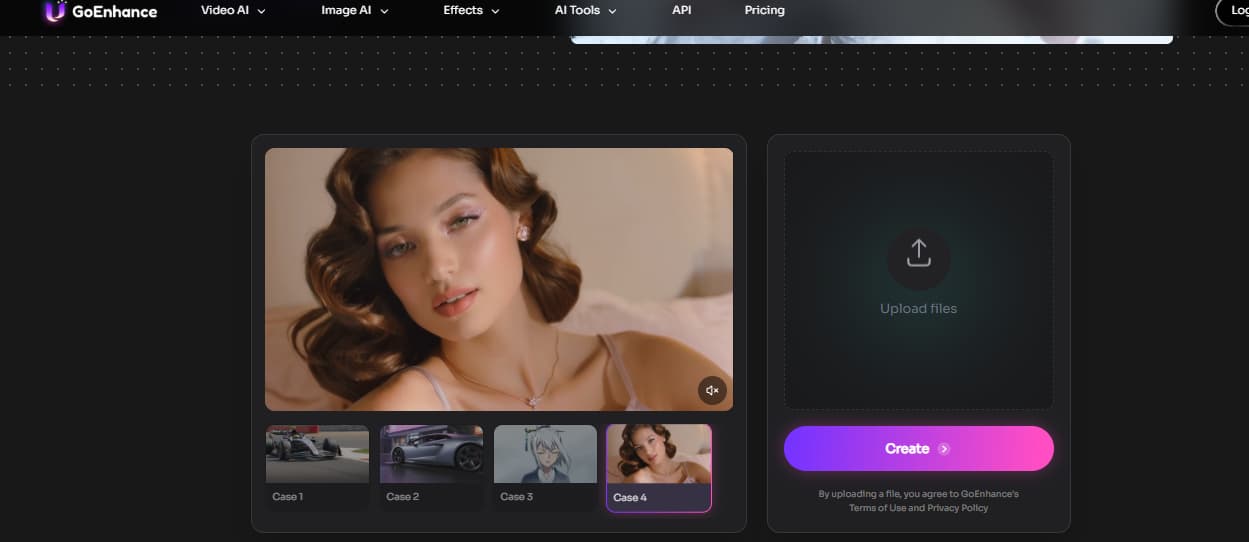
This is the point where I would stop judging everything through Pictory’s strengths. If your workflow still begins with a script, a blog post, or a webinar transcript, Pictory can save real time. But once the job shifts toward more distinctive visuals, broader input options, or a less stock-driven look, the tradeoff changes. That is where GoEnhance AI Video Generator starts to feel like the more flexible option.
The practical difference is not just “more features.” It is workflow range. Pictory is strongest when it repackages existing content into publishable video quickly. GoEnhance makes more sense when the creative process no longer starts and ends with text repurposing, and you need a wider path into video creation rather than a faster way to turn one source asset into one format.
FAQ
Is Pictory good for beginners?
Yes. That is one of the clearest positives across both official positioning and third-party reviews. The platform is designed to reduce editing friction, and outside reviews consistently treat it as a beginner-friendly option for script-based and article-based video creation. Pictory and HubSpot support that reading.
Is Pictory worth it for blog-to-video and URL-to-video?
Usually, yes. In fact, that is where the product makes the most sense. The official site leans heavily into blog, webpage, and URL conversion workflows, which is a more specific and practical promise than generic “AI video” language. Pictory’s URL-to-video page is the clearest proof of that.
What is the biggest weakness in Pictory?
I would frame it this way: speed is the strength, but visual originality is the pressure point. The easier it gets to assemble a video automatically, the more likely you are to notice where the result still feels templated, stock-led, or less controlled than a more flexible workflow. That pattern shows up in both editorial reviews and user reviews. TechRadar and G2 are the most useful sources here.
Is Pictory better than GoEnhance?
Not as a blanket statement.
Pictory is stronger when the job is repurposing existing written or recorded content into video quickly. GoEnhance is the better move when the workflow expands into text prompts, image-led scenes, or reworking existing clips inside a broader video-generation pipeline. They solve adjacent problems, but they do not sit at the center of the workflow in the same way. GoEnhance makes more sense once the problem is broader than article-to-video speed.
Final verdict
Pictory is a good product.
More specifically, it is a good product for a specific kind of work: turning scripts, blog posts, URLs, webinars, transcripts, and other content assets into video faster than a traditional editing process would allow.
I would not treat it as the most flexible answer in AI video.
I would treat it as a fast, useful, and well-aimed workflow tool with a clear ceiling. If your team still lives in repurposing-first mode, that may be exactly what you need. If your next step is a broader video pipeline with more freedom over how projects start and how visuals are built, that is the point where GoEnhance becomes more compelling.


