
11 Adobe Express Alternatives in 2026: Better Picks by Workflow
- Quick comparison table
- Why people start looking for Adobe Express alternatives
- What Adobe Express still gets right
- Canva — Best if you want the closest Adobe Express replacement
- Visme — Best for decks, reports, and branded business visuals
- Piktochart — Best for infographics and data-heavy content
- VistaCreate — Best for lightweight social graphics on a budget
- Figma — Best when collaboration matters more than templates
- Affinity Designer — Best when you need real design control
- Synthesia — Best for presenter-led AI video
- GoEnhance — Best when templates stop being enough and you need motion fast
- Which Adobe Express alternative should you actually pick?
If you want the short answer first, here it is: Canva is the closest Adobe Express replacement.
But that is not the whole story.
Adobe Express still makes sense for fast branded posts, lightweight design work, simple video edits, and built-in scheduling. That part is real. Adobe itself positions it as an all-in-one app for design, photo, video, and social content. It also pushes its content scheduler pretty hard, which helps explain why a lot of small teams still like it.
The problem starts later.
Not when you make your first post. Not when you resize a flyer. Later — when the project gets heavier, when the templates start to feel familiar, when client feedback stacks up, or when you realize you do not just need another template editor. You need a different workflow.
That is where most “Adobe Express alternatives” lists fall flat. They compare features. Real buyers compare bottlenecks.
Quick comparison table
| Tool | Best for | Where it beats Adobe Express | Watch for |
|---|---|---|---|
| Canva | The closest overall replacement | Bigger template culture, easier team handoff, familiar social workflow | Still template-first |
| Visme | Decks, reports, one-pagers | Better for business visuals and presentation-heavy work | Less casual for quick social posts |
| Piktochart | Infographics and report layouts | Stronger for data storytelling and structured visual documents | Narrower than a general content tool |
| VistaCreate | Fast social graphics on a budget | Lightweight, easy, and template-led | Not the best step-up for deeper workflows |
| Figma | Collaborative design workflows | Better for comments, shared work, and system thinking | Not built for casual creators who want instant templates |
| Affinity Designer | Serious design control | Cleaner jump for people outgrowing lightweight editors | Higher effort, less beginner-friendly |
| Synthesia | Presenter-led AI video | Better if your content is really training, explainers, or avatar video | Not a real replacement for general design work |
| GoEnhance | Motion-first content from text, images, or clips | Better when your bottleneck is turning ideas or still assets into video fast | Not the tool for people who mainly live in text boxes and layout tweaks |
Why people start looking for Adobe Express alternatives
Adobe Express is not a bad product. That is exactly why this keyword is tricky.
On the official side, Adobe sells Express as the quick way to make social posts, videos, flyers, presentations, and scheduled content from one place. That pitch works. You can see it on the official Adobe Express page and the content scheduler page.
The pain shows up in public feedback.
On G2, the usual positives are speed, ease of use, templates, and Adobe integration. On TrustRadius, you can see the same pattern: quick content creation is a strength, especially for smaller projects.
But once you leave the polished review summary and read open threads, the trade-offs get clearer. In the Adobe Community, users complain about scene edits triggering long reloads and breaking creative flow. On Reddit, the recurring comparison is not subtle either: people keep contrasting Express with Canva on speed, usable templates, and overall polish.
That is the real setup for this article.
People usually do not leave Adobe Express because it fails at everything. They leave because one part of their workflow starts to drag. The right replacement depends on which part that is.
What Adobe Express still gets right
Before getting into alternatives, it is worth being fair.
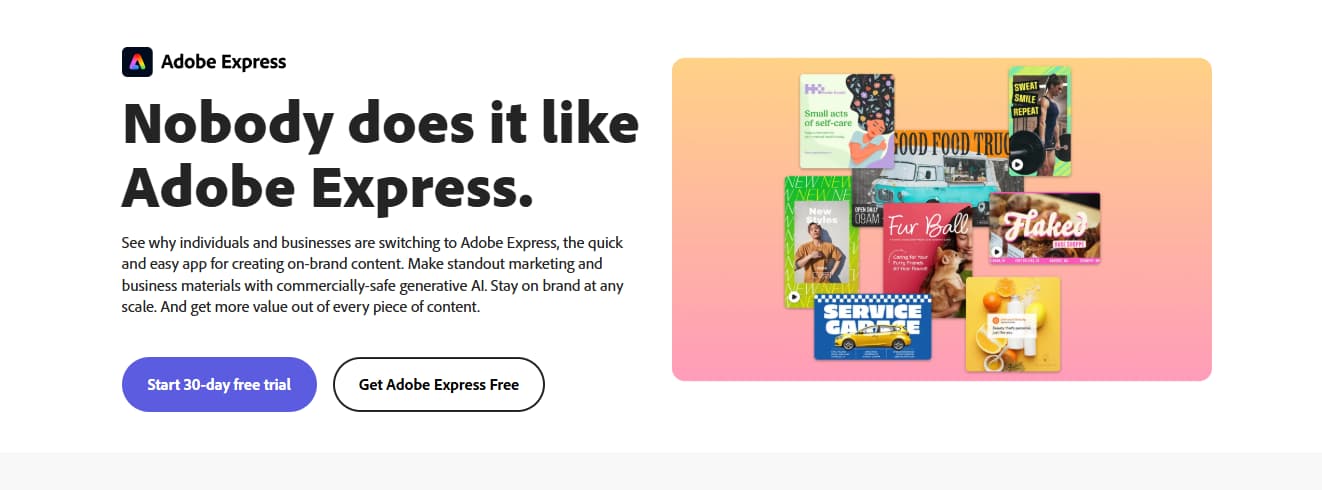
Adobe Express still works well when you need to move fast on branded content. Social graphics, quick promos, resized assets, lightweight video, and scheduled posting all fit that lane. If your job is mostly “we need this post out today,” Express still has a good case.
It also benefits from Adobe adjacency. That matters more than people admit. For teams already living around Adobe products, Express can feel like the lightweight front door rather than a totally separate tool.
I would not replace it just because the internet says Canva is cooler. I would replace it when one of these becomes the real issue:
- you need a closer Canva-style template ecosystem
- your work is drifting toward reports, decks, or data visuals
- your team needs more structured collaboration
- your content is moving toward motion, avatars, or AI-generated video
That is where the alternatives start making more sense.
Canva — Best if you want the closest Adobe Express replacement
If you want the least risky answer, this is it.
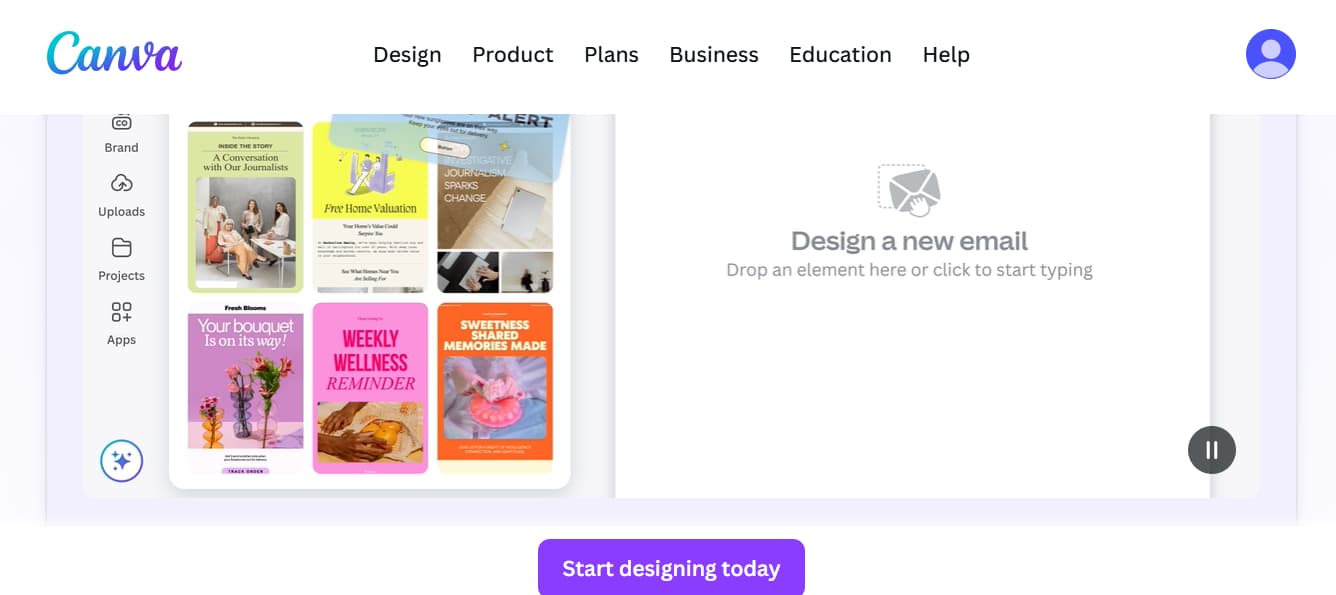
Canva is still the easiest recommendation for people who like what Adobe Express is trying to do, but want a more mature template-first environment. Its Visual Suite positioning makes the pitch obvious: design, presentations, docs, whiteboards, video, and collaboration in one place.
That makes Canva the best pick for:
- solo creators making social content every week
- small teams that want smoother handoff
- marketers who want the biggest “I can get this done now” library effect
This is also where public sentiment is pretty clear. The same users who praise Adobe Express for quick output often compare it against Canva once they care more about template depth, familiar workflows, and day-to-day ease.
The catch? Canva is still a template-led answer. That is fine if your bottleneck is layout speed. It is less helpful if your real problem is motion, variation, or turning static assets into video content.
Visme — Best for decks, reports, and branded business visuals

A lot of Adobe Express alternatives articles miss this point: not everyone searching this keyword is trying to make Instagram posts.
Some people are trying to make client decks. Some need one-pagers. Some need internal reports that do not look dead on arrival. That is where Visme gets more interesting.
Visme is a better fit when your content sits somewhere between design and business communication. Presentations, infographics, branded documents, visual reports, and polished explainers are much more central to the product.
That makes it a stronger option than Adobe Express when:
- your work is presentation-heavy
- your visuals need to look more structured than “social post clean”
- your team creates branded materials that need to feel consistent across formats
I would not call Visme the closest Express replacement. I would call it the better answer when your content is more presentation-led than platform-led.
Piktochart — Best for infographics and data-heavy content
Piktochart is narrower than Canva. That is why it can be the smarter pick.
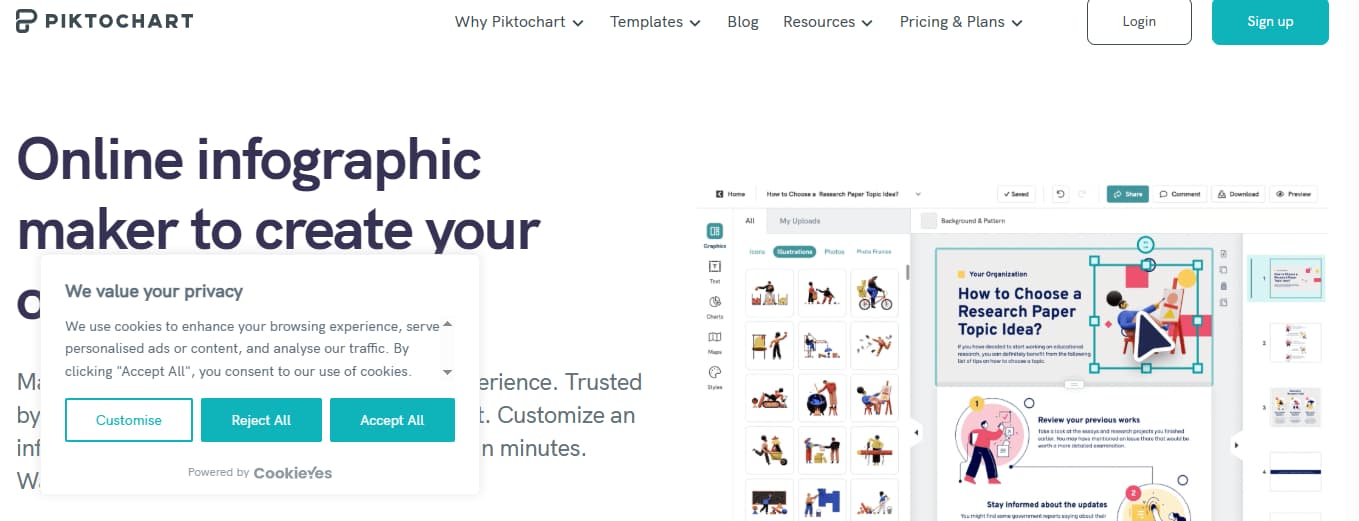
If your team creates reports, charts, explainers, process visuals, or infographic-style assets, Piktochart is often a better match than Adobe Express. Express can help you make a decent-looking static asset. Piktochart is more naturally aligned with information structure.
That matters when the job is not “make this look nice.”
It is “make this easy to understand.”
I would look at Piktochart when:
- data clarity matters more than visual flair
- your content is report-first
- you need repeatable infographic or document formats
If Adobe Express feels too broad and too light at the same time, this is exactly the kind of focused alternative worth considering.
VistaCreate — Best for lightweight social graphics on a budget
VistaCreate is the practical pick.
It does not try to be your whole creative stack. It is better seen as a straightforward option for social graphics, promo visuals, simple campaigns, and quick template-based work. If you liked Adobe Express because it felt lighter than full Adobe tools, VistaCreate keeps that same low-friction energy.
Where it makes sense:
- quick social posts
- simple promo visuals
- teams that do not need deep collaboration
- budget-conscious creators who still want templates first
I would not move from Adobe Express to VistaCreate if I was hoping for a major workflow upgrade. I would do it if I wanted a lighter, simpler, less complicated template path.
That is a narrower reason. Still a real one.
Figma — Best when collaboration matters more than templates
This is where the category starts to change.
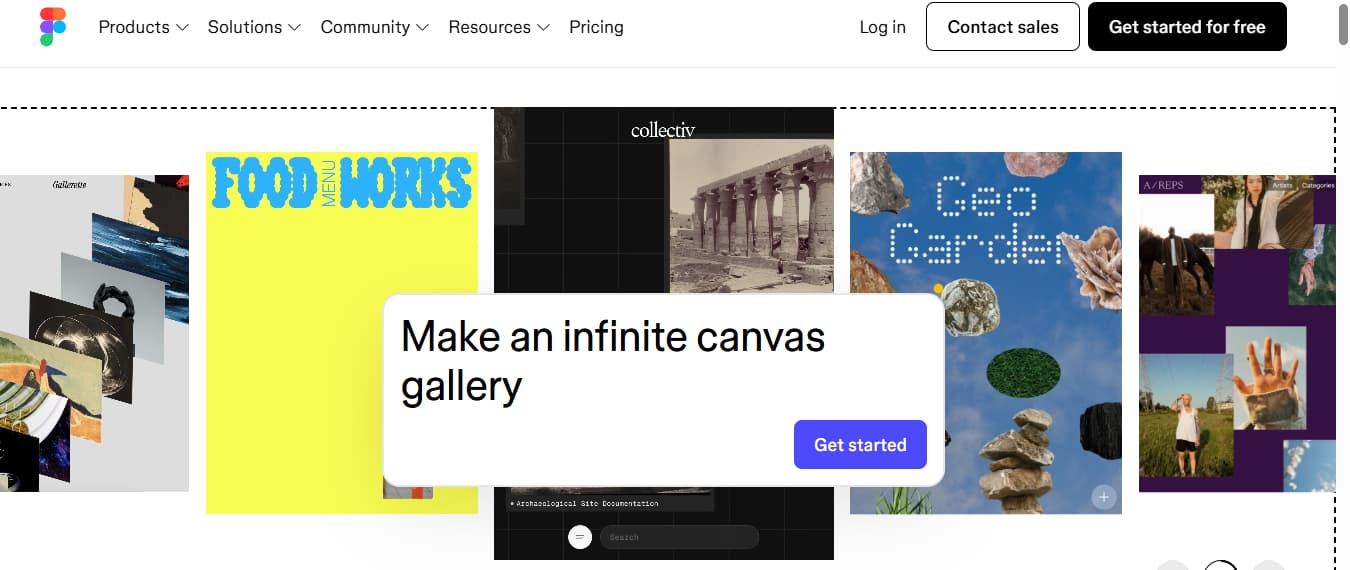
Figma is not an Adobe Express clone. That is the point. If your content process is getting stuck because of comments, versioning, shared ownership, or the need to build more systematically, Figma is often the better move.
I would look at Figma when:
- multiple people touch the same work
- feedback loops are messy
- your team wants structure, not just templates
- design handoff matters more than “publish this post fast”
A lot of users do not need this. But the ones who do usually know fast. If your workflow keeps breaking because the work itself has become more collaborative, switching to another template-first tool will not fix much.
Affinity Designer — Best when you need real design control
Affinity Designer is the honest answer for people outgrowing the whole lightweight design category.
Not everyone looking for an Adobe Express alternative needs another online editor. Some just need more control. Cleaner vector work. Better precision. Less compromise.
That is where Affinity Designer starts to make sense.
It is not the easiest jump. It is not trying to be. But if Adobe Express feels limiting because you keep running into walls with customization, layout freedom, or design depth, Affinity is a more serious answer than another browser-based template platform.
I would put it like this:
If Canva is the easiest next step, Affinity Designer is the more committed one.
Synthesia — Best for presenter-led AI video
This one only makes sense for the right user. But for that user, it makes a lot of sense.
If your “content” is really training material, product explainers, internal enablement, onboarding, or talking-head business video, Synthesia is a stronger fit than Adobe Express. It is built around avatar-led video, not around social templates or lightweight graphic design.
That is an important difference.
Adobe Express can help you make short social content. Synthesia is better when the presenter is the format. If your team needs repeatable AI video with avatars, voiceovers, and multilingual output, the comparison stops being about templates.
It becomes about delivery.
So no, I would not call Synthesia a general Adobe Express replacement. I would call it the better path when your content has already shifted into presenter-led video.
GoEnhance — Best when templates stop being enough and you need motion fast
This is the section most Adobe Express alternatives lists miss.
A lot of creators are not actually looking for another template editor. They are looking for a faster way to turn ideas, still images, old campaign assets, or rough clips into motion content. That is a different problem.
And it needs a different tool.
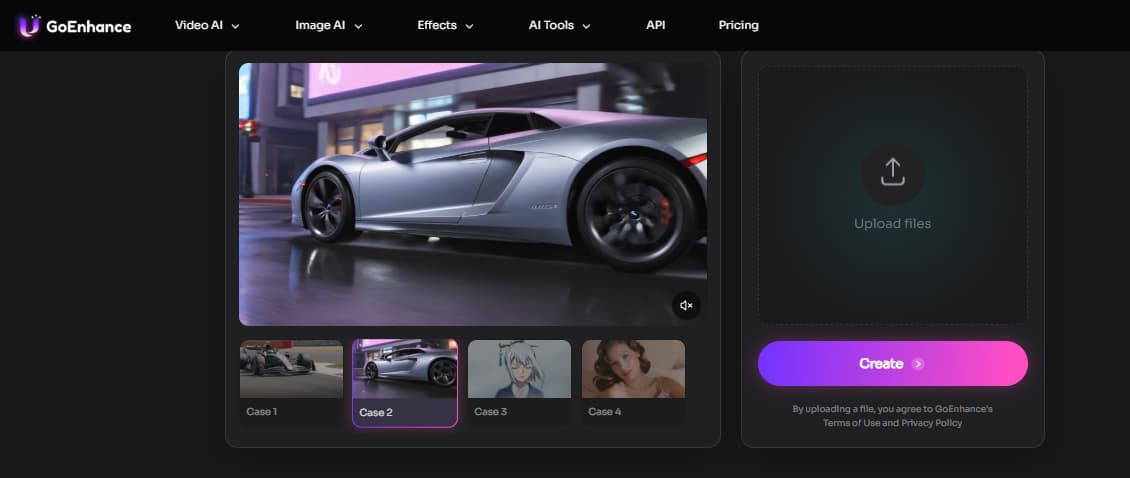
GoEnhance makes the most sense when your bottleneck is not layout. It is output. More specifically: video output from flexible inputs.
If that is your situation, a general AI video generator is already closer to the real job than another social design app. The useful part is the entry point. You can start from image-to-video when you already have still visuals, move into text-to-video when you need fresh concepts from scratch, or use video-to-video when the raw material already exists and just needs a new direction.
That makes GoEnhance a strong fit for:
- marketers testing ad concepts quickly
- creators turning stills into short-form clips
- teams reworking old footage instead of rebuilding from zero
- people who need motion variation faster than a timeline editor usually allows
I would not send a layout-heavy brand team here first. If your day is mostly text placement, document polish, or social carousel formatting, Canva or even Adobe Express will feel more natural.
But if your content starts before the timeline — from an image, a prompt, a loose concept, or an old clip — GoEnhance is one of the more interesting Adobe Express alternatives because it changes the workflow, not just the interface.
That is a bigger distinction than it sounds.
Which Adobe Express alternative should you actually pick?
Here is my blunt take.
Pick Canva if you want the closest overall replacement and you mostly care about social content, templates, and day-to-day ease.
Pick Visme or Piktochart if your content is less about posting and more about explaining — decks, reports, one-pagers, infographics, internal materials.
Pick VistaCreate if you want the lightweight route and do not need much beyond fast social design.
Pick Figma if collaboration is the part that keeps breaking.
Pick Affinity Designer if you are simply done with lightweight design limits.
Pick Synthesia if your content has already become presenter-led AI video.
Pick GoEnhance if your real pain is this:
you already have ideas, images, or old clips, and you need motion now.
That is the version of this keyword I trust more. Not “which tool has more features.”
Which tool fixes the part of your workflow that is actually slowing you down.
If Adobe Express still fits, keep using it.
If it does not, do not replace it by habit. Replace it by bottleneck.


