
Prompt
Copy and customize
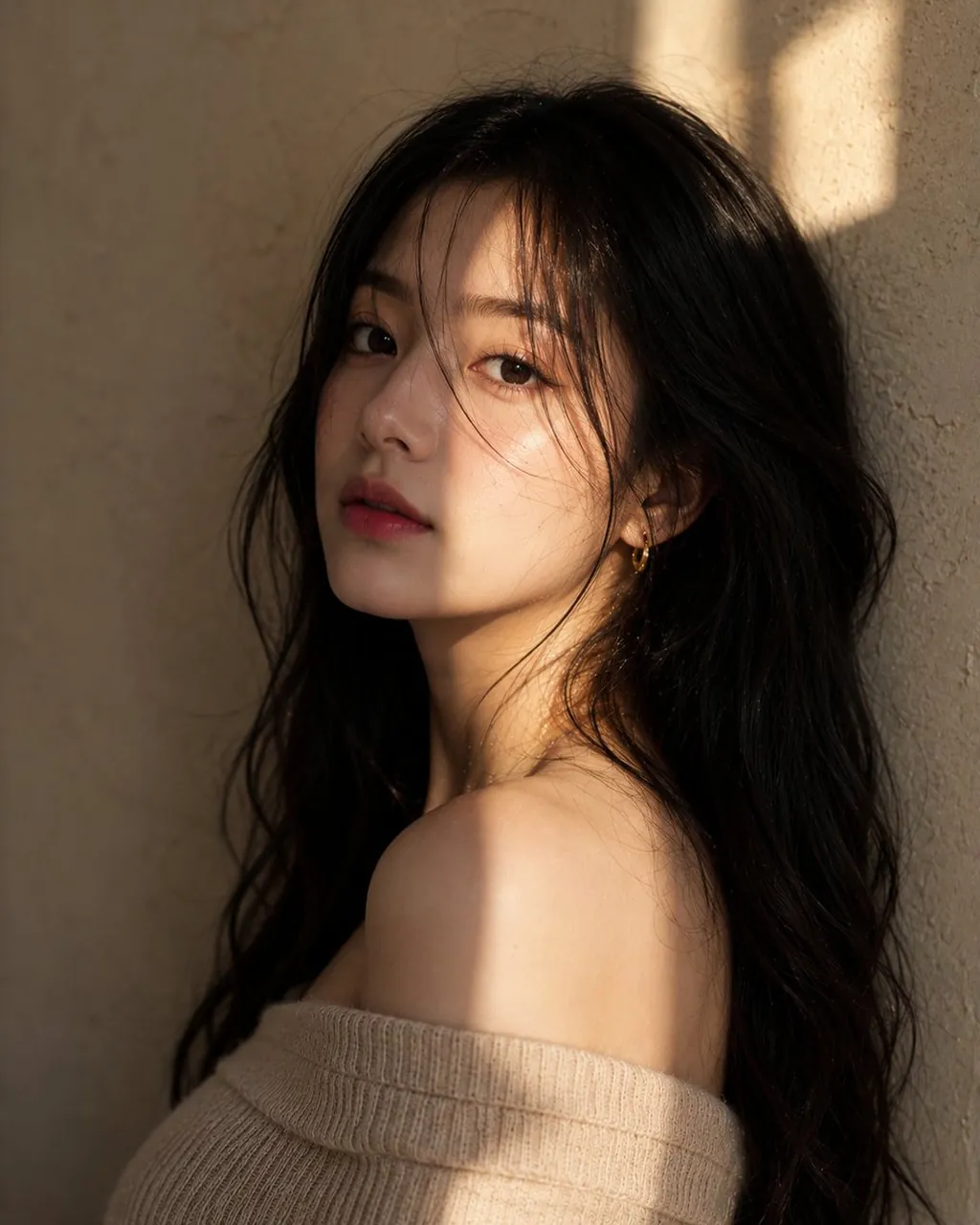
Korean Ultra-realistic editorial portrait of a young Korean woman, upper-chest framing, long soft black waves, luminous porcelain skin, subtle makeup, direct eye contact, off-shoulder beige knit top, golden-hour window light casting geometric shadows across her face, textured beige plaster wall background, cinematic mood, shallow depth of field, Canon EOS R5 Mark II, 85mm f/1.2, photorealistic.
Russian Ultra-realistic fashion portrait of a young Russian woman, fair skin, blue-gray eyes, dark brown wavy hair, soft freckles, understated makeup, confident yet thoughtful gaze, off-shoulder cream knit top, golden-hour sunlight creating dramatic light-and-shadow interplay, textured beige backdrop, premium magazine photography, shallow depth of field.
American Ultra-realistic editorial portrait of a young American woman, sun-kissed skin, light hazel eyes, long soft brunette waves, natural makeup, confident yet approachable expression, off-shoulder beige knit top, warm golden-hour sunlight casting geometric shadows across her face, textured beige plaster wall background, luxury beauty campaign aesthetic, cinematic lighting, shallow depth of field, 85mm lens, photorealistic.
Portuguese Ultra-realistic editorial portrait of a young Portuguese woman, olive-toned skin, hazel-green eyes, long chestnut waves, natural beauty, subtle makeup, elegant direct gaze, off-shoulder beige knit top, warm Mediterranean-inspired golden sunlight with geometric shadows, textured plaster wall, cinematic luxury fashion campaign, shallow depth of field, 85mm lens.
Best for
Tips
Keep the main subject focused so Korean Ultra-realistic editorial portrait of a young remains recognizable after style or lighting changes.
Adjust camera angle and aspect ratio before generation when the composition needs a specific platform format.