
Prompt
Copy and customize
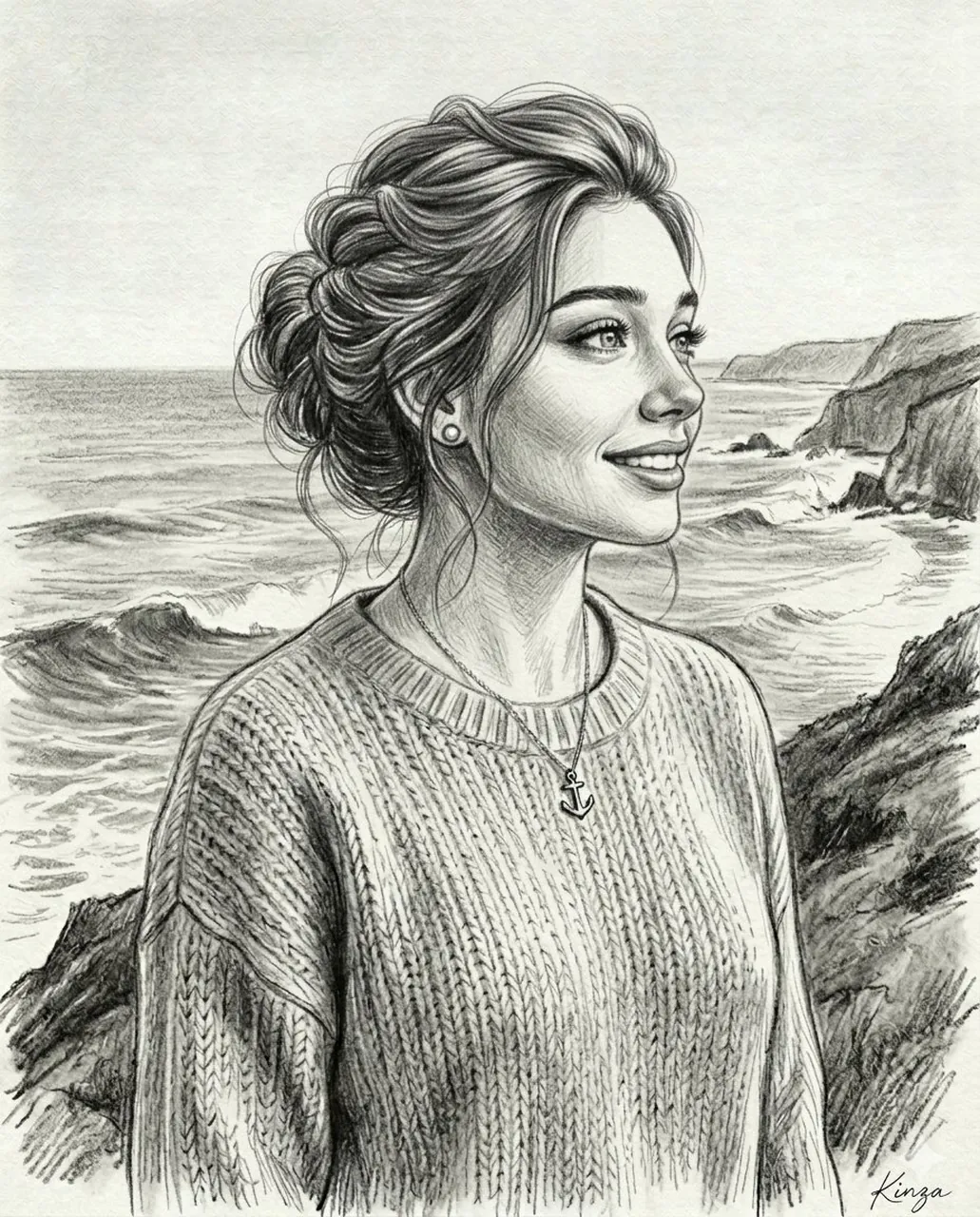
Create a 4:5 aspect ratio, highly detailed black-and-white graphite pencil portrait of a beautiful female subject standing near the ocean, shown from the chest up in a classic vintage style. She has soft expressive eyes gazing slightly off-camera, naturally arched eyebrows, defined lips slightly parted, and a calm, emotional expression that feels thoughtful, wistful, and quietly romantic. Her long wavy hair is loose and windswept, with strands flowing across her forehead and outward in the sea breeze. She wears small delicate drop earrings and a vintage period outfit: a softly draped embroidered outer garment with decorative floral trim along the edges, layered over a fitted dress with a square neckline, lace edging, subtle stitched floral detailing on the bodice, and gentle fabric folds. The background shows a calm ocean horizon with gentle waves and a simple wooden railing behind her, softly sketched with horizontal pencil strokes. Use realistic graphite shading, fine cross-hatching, visible pencil texture, soft paper grain, detailed hair strokes, subtle facial shadows, natural skin shading, and hand-drawn sketch realism. Keep the composition centered, chest-up framing, timeless romantic mood, elegant seaside atmosphere, highly detailed pencil artwork, monochrome, no color, no digital painting look.
Best for
Portrait styleFashion conceptNature settingArtistic illustrationSocial media post
Tips
Ensure the subject remains the focal point by maintaining the specified chest-up framing and avoiding cluttered background elements in your generation.
Adjust the aspect ratio settings before generating if you require a specific platform format beyond the standard portrait orientation provided here.