
Prompt
Copy and customize
Use the uploaded reference image as the strict identity reference. Preserve the girl’s facial identity exactly as shown in the reference image. Do not alter her facial structure, facial proportions, eye shape, nose, lips, jawline, skin tone, expression, or any defining facial features. She must be instantly recognizable as the same person from the reference. Keep her hairstyle, hair color, and overall facial characteristics consistent with the reference unless explicitly changed below.
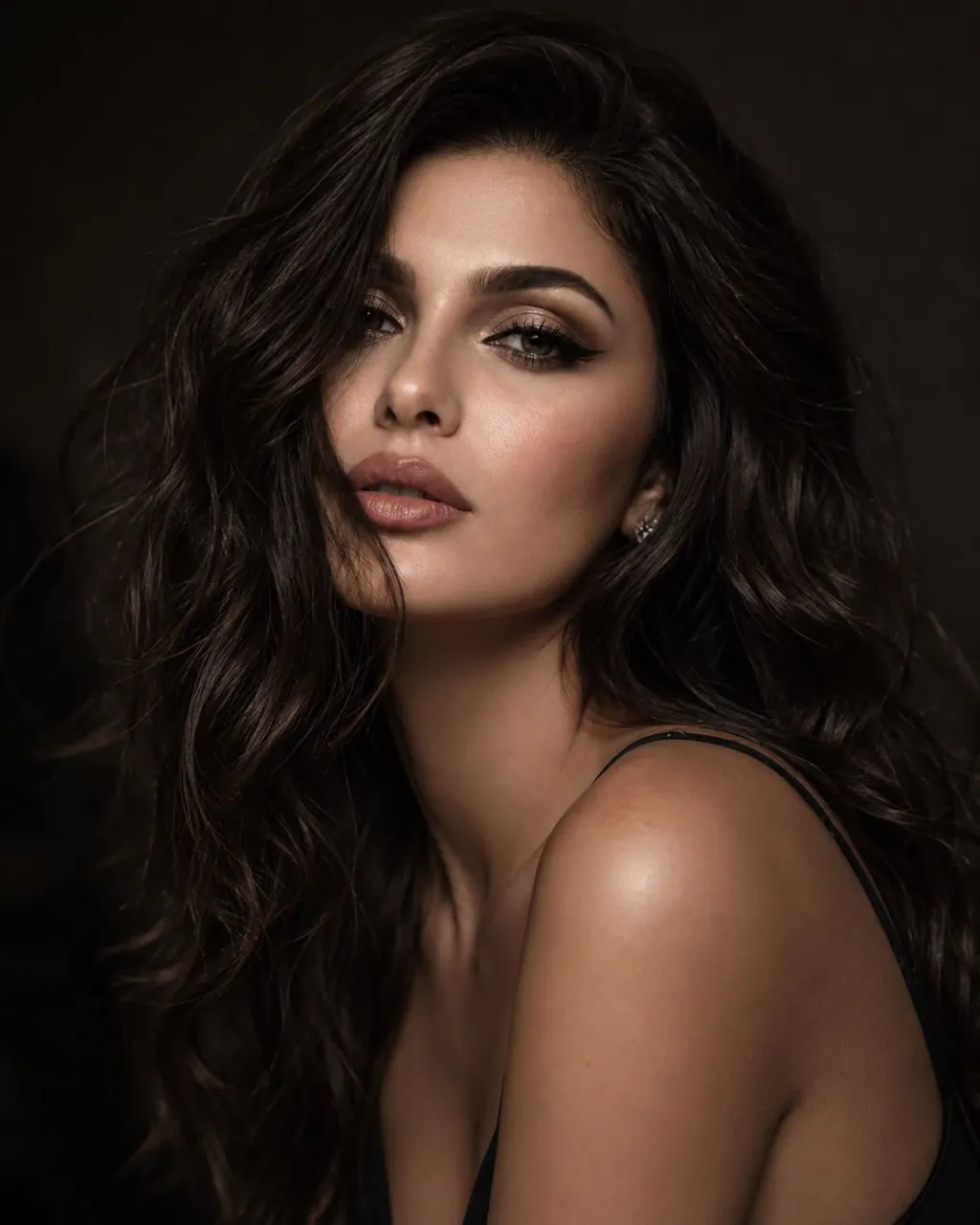
Create an ultra-realistic close-up beauty portrait of the same girl from the reference. She has long, sleek black hair gracefully framing her face while she partially hides behind her shoulder, creating a natural, elegant pose. She makes intense eye contact with the camera, conveying quiet confidence and sophistication. Her makeup is refined and editorial, featuring softly defined brows matching the reference, subtle winged eyeliner, naturally long eyelashes, delicate soft pink blush, luminous glowing skin with realistic pores, and naturally glossy lips. She wears a minimal outfit with a thin shoulder strap to keep the focus on her face. The lighting is soft and cinematic with warm tones, set against a dark, moody background with a shallow depth of field. Captured as high-end editorial fashion photography using an 85mm lens, featuring ultra-realistic skin texture, subtle film grain, exceptional facial detail, and an authentic luxury beauty campaign aesthetic in 8K resolution.
Best for
Tips
Keep the main subject focused so Use the uploaded reference image as the remains recognizable after style or lighting changes.
Adjust camera angle and aspect ratio before generation when the composition needs a specific platform format.