
Prompt
Copy and customize
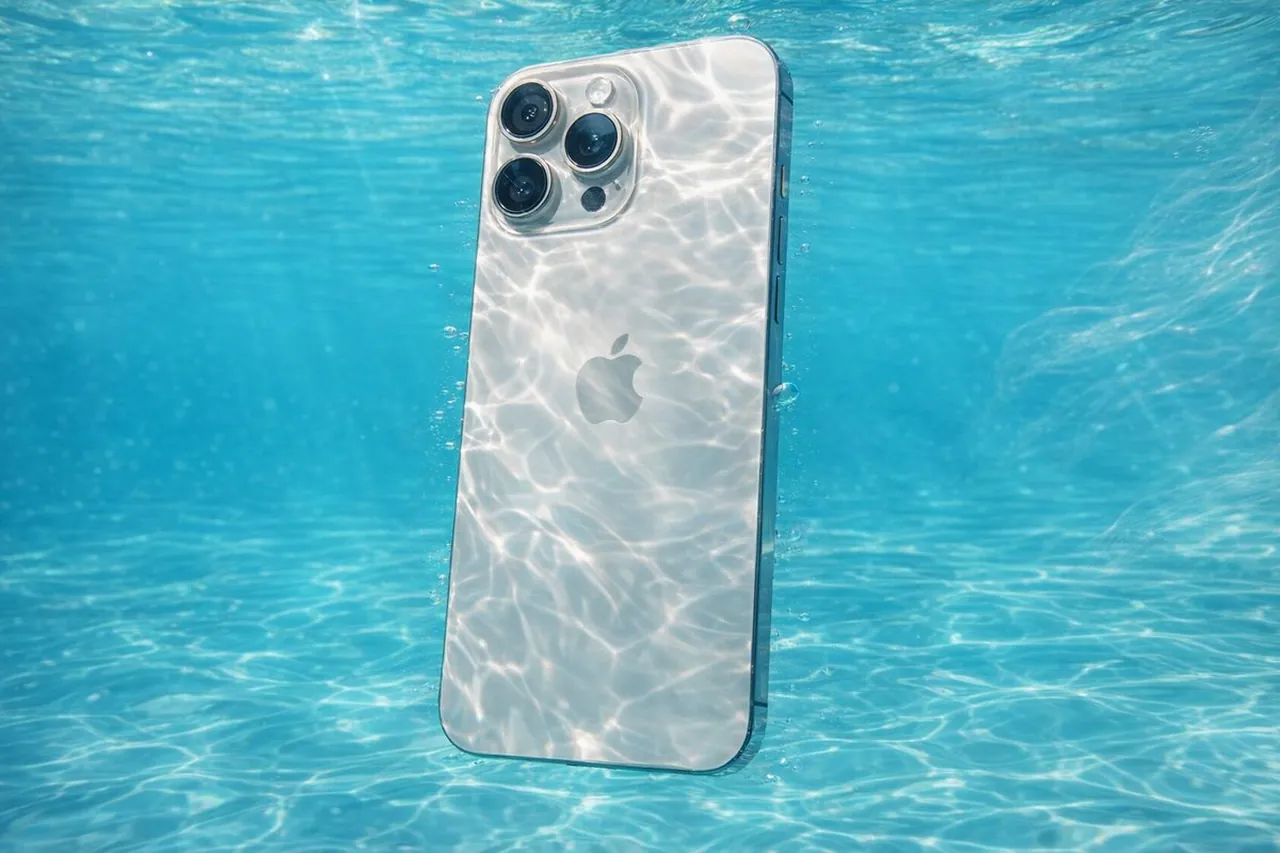
[Reference Image] fully submerged in crystal-clear, turquoise water, captured in ultra-high-resolution underwater photography. Sunlight penetrates the surface above, creating intricate caustic light patterns that ripple and dance across the subject and surrounding water. The scene conveys pristine clarity with zero particulate matter, emphasizing a sense of suspended weightlessness and serene motion. Fine details are frozen using high-speed capture, with subtle bubbles and flowing fabric or hair enhancing the feeling of aquatic elegance. The overall aesthetic is clean, refreshing, and ethereal, with soft natural color grading, high dynamic range, and cinematic realism.
Best for
Tips
Keep the main subject focused so Reference Image fully submerged in crystal-clear turquoise remains recognizable after style or lighting changes.
Adjust camera angle and aspect ratio before generation when the composition needs a specific platform format.