
Prompt
Copy and customize
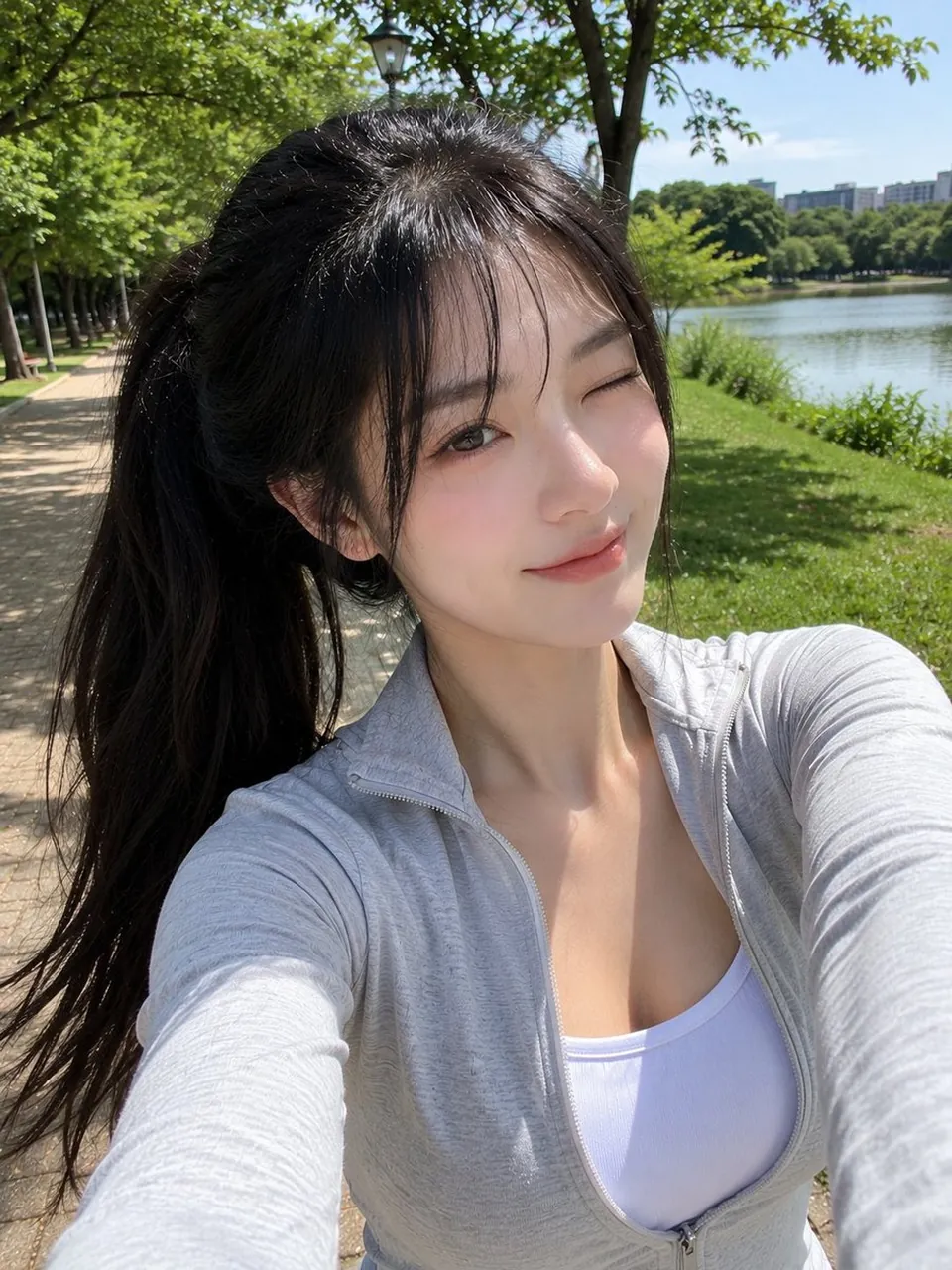
Ultra-realistic smartphone selfie, looks genuinely captured with a mobile phone, not a DSLR or AI render. A beautiful young East Asian woman with fair porcelain skin, large brown eyes, natural Korean makeup with soft peach blush and glossy pink lips, long black hair tied in a loose high ponytail with soft face-framing bangs. Wearing a fitted light gray zip-up athletic jacket over a white sports tank top. She is outdoors on a quiet tree-lined park pathway during a bright sunny afternoon. Holding the smartphone with one hand while the other hand is raised behind her head, casually adjusting her ponytail. Relaxed smile, looking directly into the phone camera. Warm natural sunlight creates soft highlights on her face and realistic shadows from the surrounding trees. Cobblestone walking path, green grass, leafy trees, and a peaceful park atmosphere in the background. Slight handheld framing, authentic front-camera perspective, natural phone HDR, realistic skin texture, fine hair strands, subtle digital noise, casual candid lifestyle aesthetic, Instagram-style selfie, high detail, photorealistic, looks like an unedited iPhone/mobile camera photo, no studio lighting, no watermark, no text, no logos, no AI-generated look.
Best for
Tips
Keep the main subject focused so Ultra-realistic smartphone selfie looks genuinely captured with remains recognizable after style or lighting changes.
Adjust camera angle and aspect ratio before generation when the composition needs a specific platform format.