
Prompt
Copy and customize
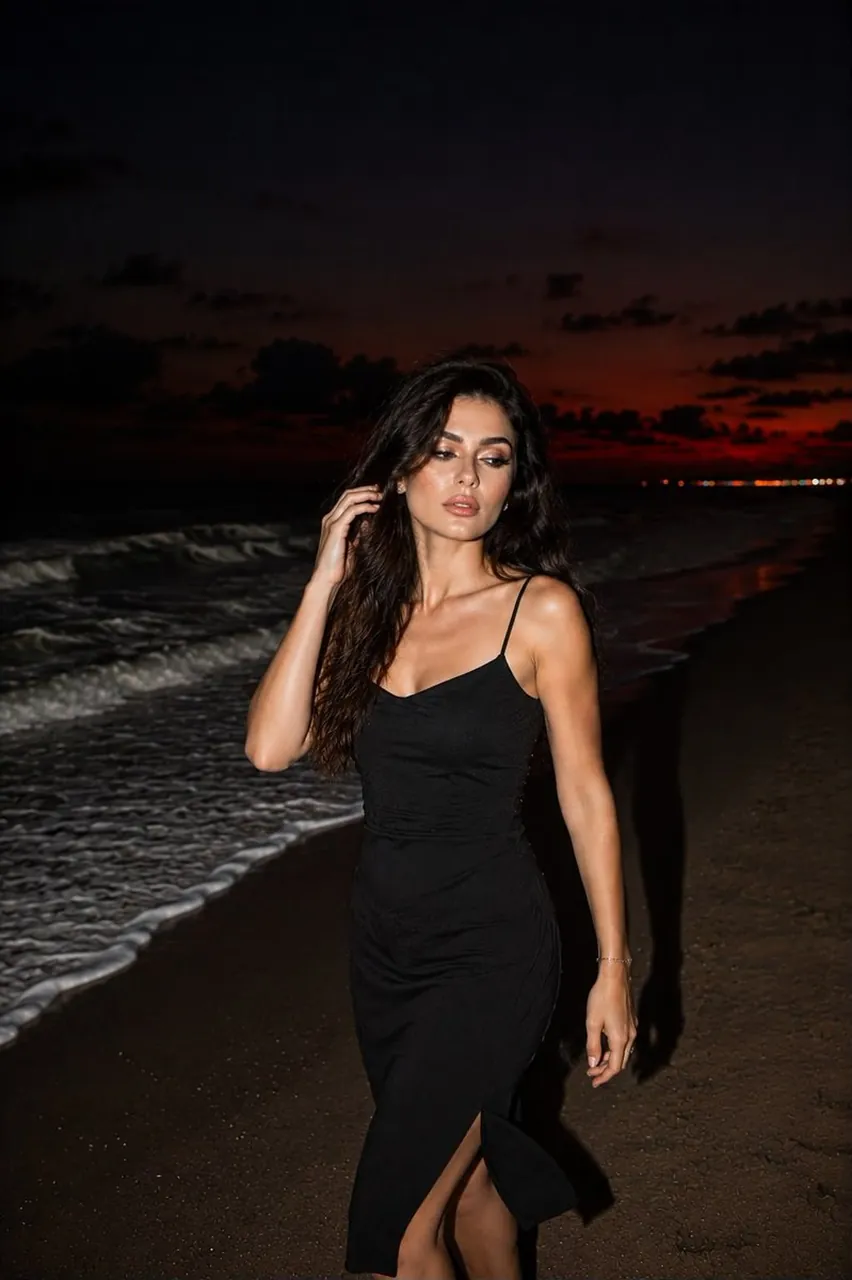
Ultra-realistic smartphone photograph of a woman walking along a secluded beach at dusk, captured in a vertical frame with an on-camera flash that creates the look of an authentic, spur-of-the-moment snapshot. The scene takes place beside the shoreline as the last traces of a deep crimson sunset fade into an almost black night sky. Behind her, dark ocean waves roll onto the sand, leaving bright white foam illuminated by the flash. The setting has a moody coastal atmosphere with cool sea breeze, subtle motion, and the feeling of an unplanned evening moment. A strong gust of wind sweeps her exceptionally long hair dramatically across her face, with loose strands obscuring part of her features. She instinctively lifts one hand to move the hair aside while continuing to walk, creating a candid sense of movement rather than a posed fashion shoot. Her facial details remain softly blurred by motion and wind, adding realism and mystery. She wears a flowing black maxi dress with delicate spaghetti straps that moves naturally with the breeze, accentuating a graceful hourglass silhouette. High-detail textures, realistic flash reflections, natural skin tones, subtle motion blur, cinematic coastal lighting, authentic smartphone photography, premium lifestyle editorial aesthetic.
Best for
Tips
Keep the main subject focused so Ultra-realistic smartphone photograph of a woman walking remains recognizable after style or lighting changes.
Adjust camera angle and aspect ratio before generation when the composition needs a specific platform format.