
Prompt
Copy and customize
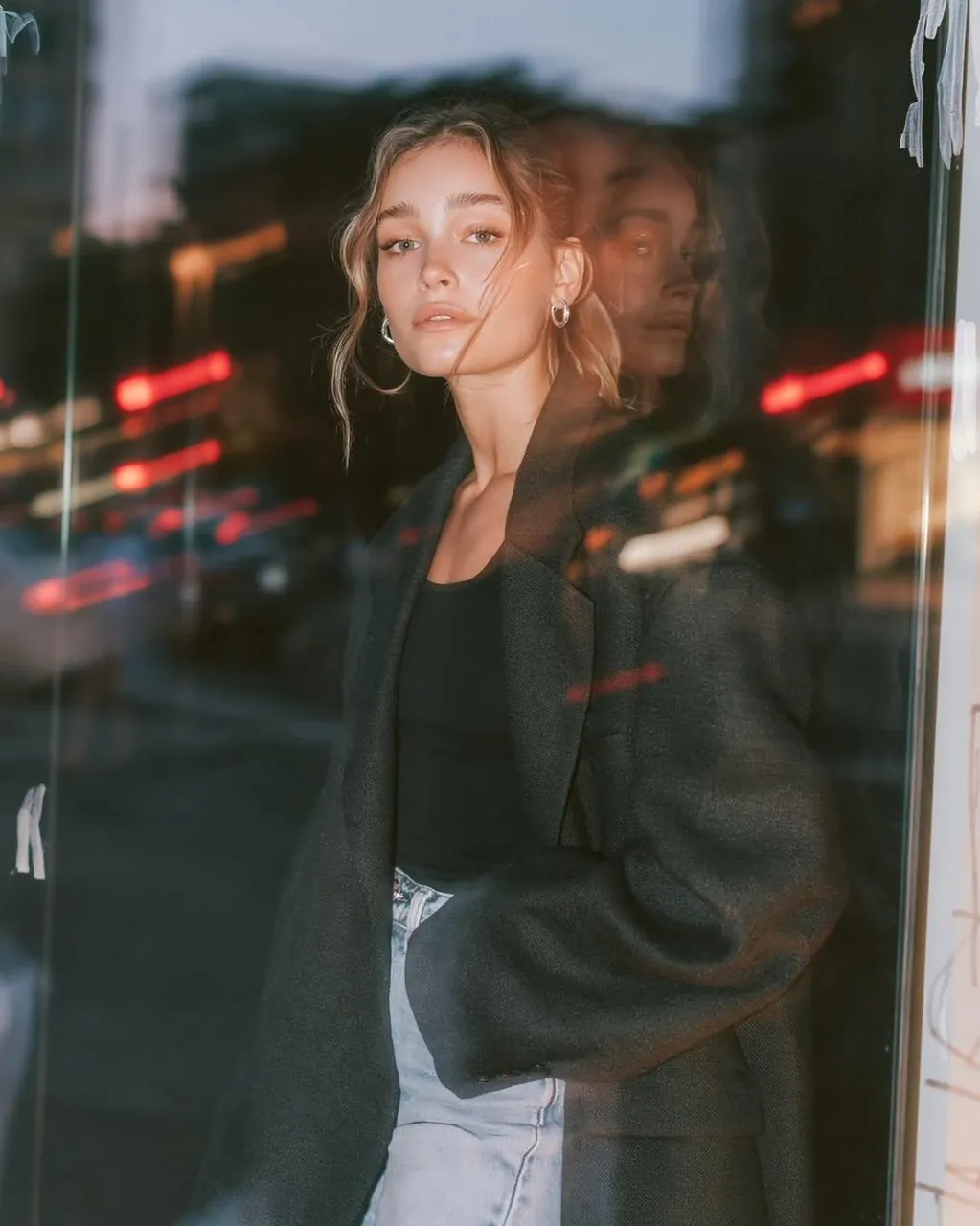
Ultra-realistic editorial fashion portrait of a young woman standing beside a large glass storefront at blue hour in a modern city. The glass creates subtle reflections and layered double-exposure effects, while distant traffic produces soft red and white light trails, colorful bokeh, and cinematic motion blur. She wears an oversized charcoal-black blazer over a fitted black top with light-wash high-waisted denim jeans, silver hoop earrings, and a loose effortless updo with wispy face-framing strands. Calm, confident expression, direct eye contact, natural makeup, relaxed pose with one hand in pocket. Reflections blend naturally across the glass without obscuring facial features. Soft on-camera flash freezes the subject while the city remains blurred from a slow shutter. Premium editorial fashion photography, Vogue campaign aesthetic, authentic urban atmosphere, natural skin texture, high dynamic range, realistic reflections, shallow depth of field, subtle chromatic aberration, dreamy glow, rich contrast, muted cool tones with warm neon accents, 85mm lens, f/1.8, 1/10s slow shutter, ISO 400, cinematic color grading, ultra-detailed, photorealistic, 8K, no CGI, no illustration, no text, no watermark.
Best for
Editorial fashion photographyUrban portrait conceptsCinematic street styleModern lifestyle imageryHigh-end lookbooks
Tips
Maintain the subject's pose and clothing details to ensure the editorial aesthetic remains consistent when experimenting with different city backgrounds.
Adjust the shutter speed or aperture settings if you want to increase or decrease the intensity of the city light trails.