
Prompt
Copy and customize
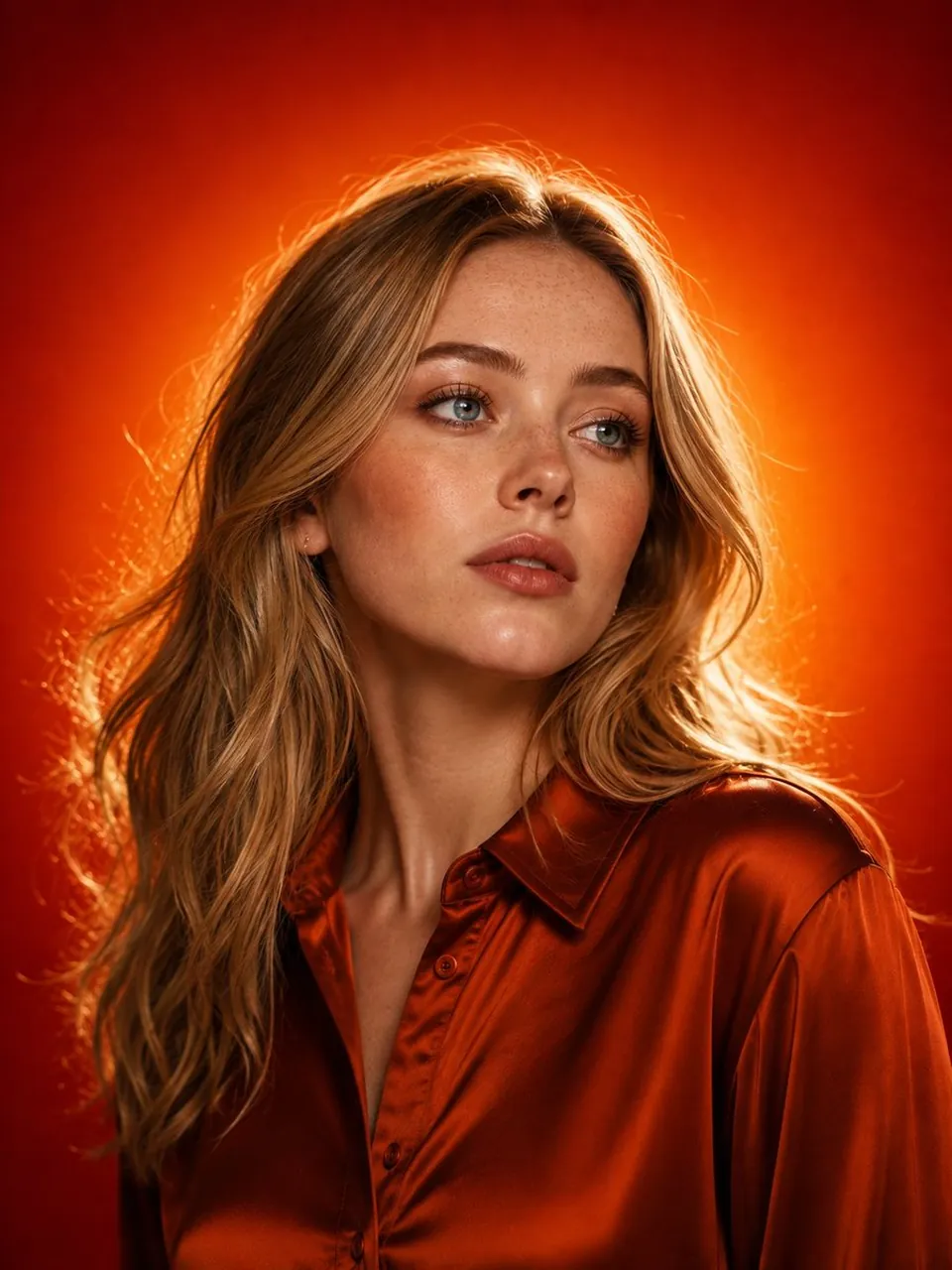
Ultra-realistic, cinematic studio beauty portrait of a stunning young East Asian woman with flawless porcelain skin, soft almond-shaped dark brown eyes, naturally defined eyebrows, glossy nude lips, and subtle warm-toned makeup. She has long, silky, slightly wavy jet-black hair flowing naturally over her shoulders with a few loose strands framing her face. Her expression is calm, elegant, and confident as she gazes slightly away from the camera.
She wears a luxurious satin copper-orange button-up blouse with a soft sheen that perfectly complements the warm background. Delicate gold earrings and a minimal gold necklace add a refined, premium touch.
The background is a vibrant fiery orange-to-deep-red gradient with a bright golden halo directly behind her head, creating dramatic cinematic rim lighting. Warm key light illuminates her face with soft shadows, producing glowing skin, catchlights in the eyes, and a premium editorial look. The composition is a close-up upper-body portrait in 3:4 aspect ratio, with shallow depth of field, ultra-sharp facial details, realistic skin texture, HDR lighting, high dynamic range, 85mm lens, f/1.8, professional fashion photography, luxury magazine cover aesthetics, rich color grading, volumetric glow, ultra-photorealistic, 8K resolution, masterpiece quality, highly detailed, clean composition, stop-scrolling, premium luxury advertising style, viral-worthy social media portrait.
Best for
Tips
Keep the main subject focused so Ultra-realistic cinematic studio beauty portrait of a remains recognizable after style or lighting changes.
Adjust camera angle and aspect ratio before generation when the composition needs a specific platform format.