
Prompt
Copy and customize
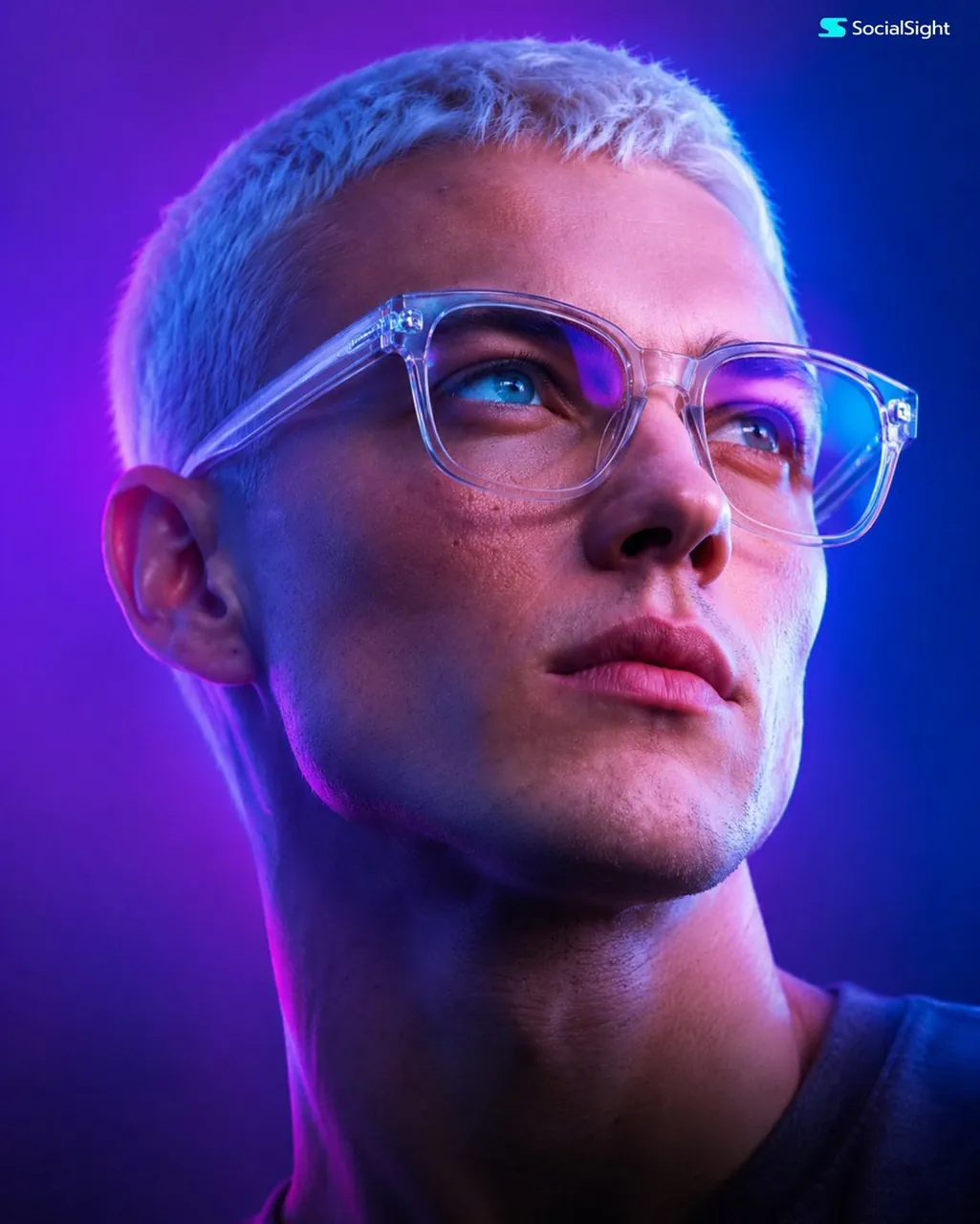
Create an ultra-realistic cinematic close-up portrait using the uploaded face as the exact identity reference. Preserve 100% of the person's facial structure, proportions, skin texture, wrinkles, eye shape, eyebrows, nose, lips, hairstyle, beard, expression, and all unique facial features. Depict the subject wearing modern oversized transparent-frame glasses, gazing upward with a thoughtful, visionary expression. Illuminate the scene with dramatic neon lighting in vibrant purple, magenta, and electric blue tones, casting soft gradients across the face and creating vivid reflections in the lenses. Use a clean minimalist gradient background with a futuristic atmosphere. Capture every skin pore, beard strand, and hair texture with exceptional realism. Soft cinematic lighting, HDR, volumetric glow, ultra-detailed facial features, subtle film grain, shallow depth of field, shot on a full-frame camera with an 85mm f/1.4 lens, razor-sharp focus on the eyes, 8K resolution, premium luxury editorial, futuristic technology aesthetic, Apple-style commercial photography, masterpiece quality.
Best for
Cinematic portrait photographyFuturistic character designHigh-end editorial visualsDigital art projectsCommercial advertising concepts
Tips
Ensure the uploaded reference image has clear, high-contrast lighting to help the model accurately capture facial structure and skin texture details.
Adjust the neon color palette in the prompt if you prefer a different mood, such as warmer amber or cooler cyan tones.