
Prompt
Copy and customize
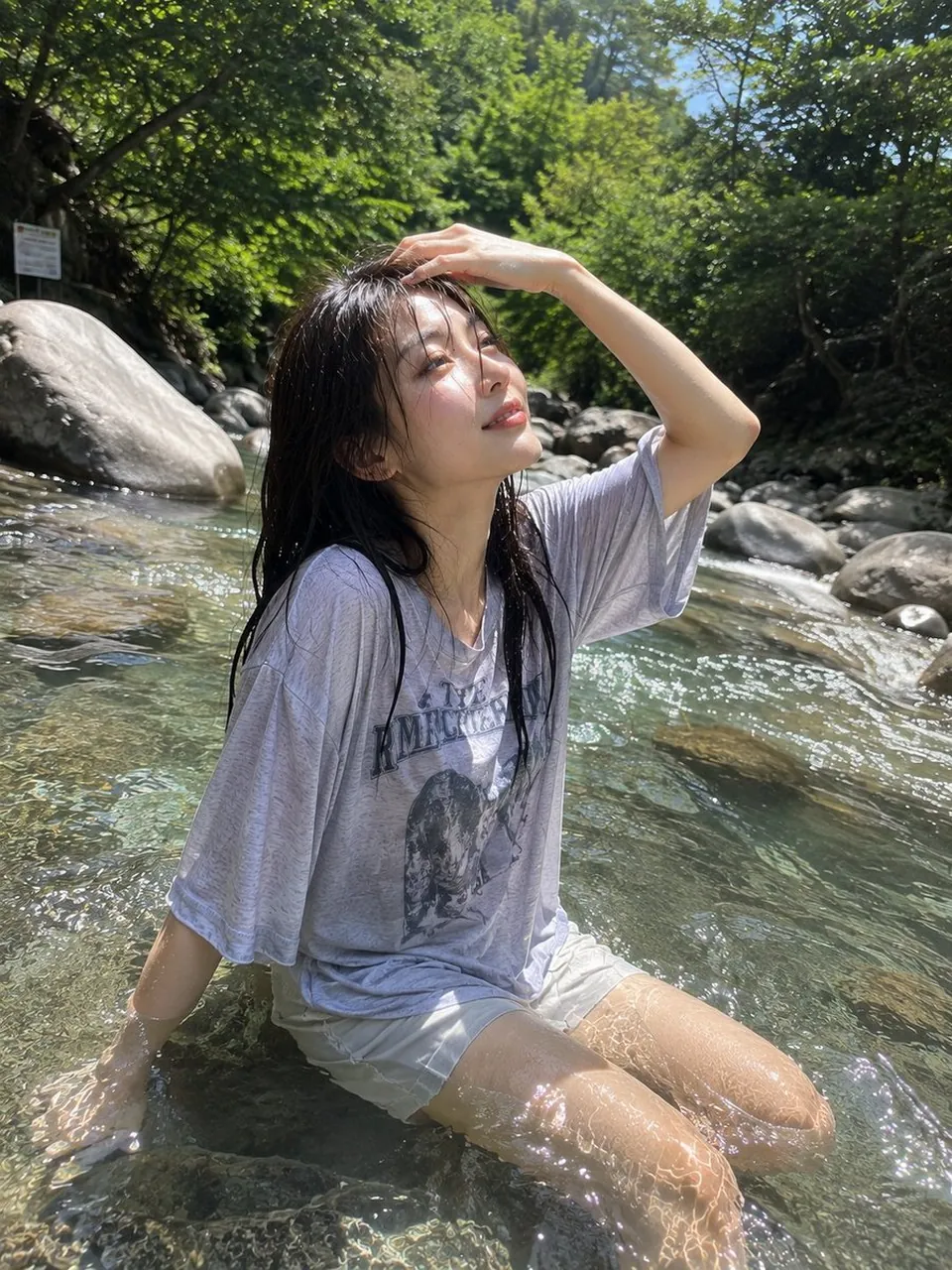
Ultra-realistic candid outdoor photograph of a young adult East Asian woman sitting in a clear shallow mountain stream on a bright summer day. She has straight dark brown-black hair that is naturally wet and slightly clinging to her face, with soft wispy bangs and loose strands framing her cheeks. She looks directly toward the camera with a gentle, calm expression and natural minimal makeup. She is wearing a loose light-gray oversized graphic sweatshirt and light-colored casual shorts, both visibly wet from the clear flowing water. She sits naturally in the shallow stream with the water reaching around her waist and torso, creating realistic ripples and transparent reflections over her clothing. Sunlight filters through dense green forest foliage, producing sparkling highlights across the water and soft dappled light on her face. Large smooth rocks and lush vegetation surround the stream in the background. The image feels like an authentic spontaneous travel photograph taken on a smartphone, slightly low camera angle positioned close to the water surface, natural wide-angle perspective, realistic wet hair and fabric textures, sparkling water droplets, subtle lens flare, soft highlights, shallow depth of field, vibrant but natural greens and blues, highly detailed photorealistic skin, realistic proportions, 4K photography, peaceful summer nature atmosphere, no studio lighting.
Best for
Tips
Keep the main subject focused so Ultra-realistic candid outdoor photograph of a young remains recognizable after style or lighting changes.
Adjust camera angle and aspect ratio before generation when the composition needs a specific platform format.