
Prompt
Copy and customize
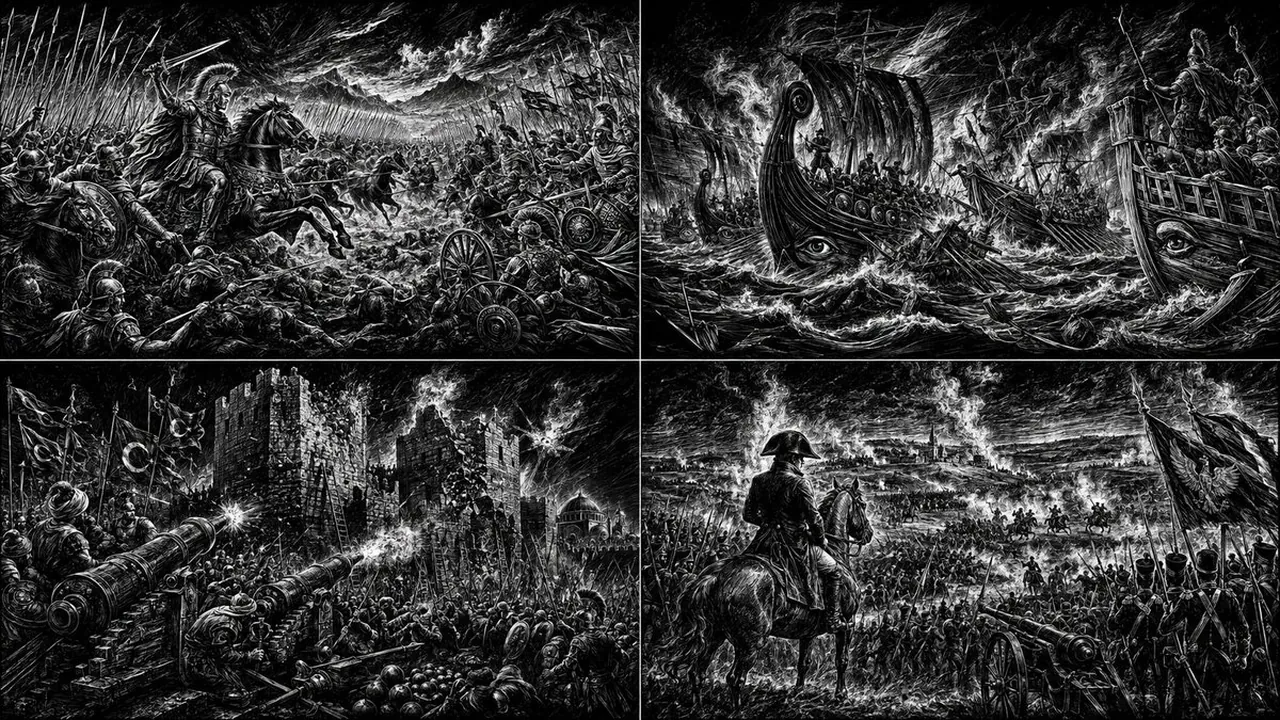
> 2x2 grid, 16:9, do this for 4 empire battles in this style: - Convert the entire subject into a black-ground scratchboard illustration revealed by white carved marks. - Replace surface color with density of white engraving lines, hatching, scratches, and exposed highlights. - Convert smooth surfaces into ribbed contour bands and repeated curved etching. - Convert structural details into bone-like, blade-like, or plated linear forms without changing the subject identity. - Reinterpret shadows as pure black voids with almost no visible midtone. - Convert highlights, reflections, motion, smoke, atmosphere, and energy into glowing white scratch marks. - Push focal areas into explosive white negative space while allowing surrounding forms to dissolve into darkness. - Preserve the original pose and silhouette, but make all material information feel hand-carved out of blackness. - Brutal high-contrast handmade engraving. - White-on-black fantasy intensity. - Sharp, tactile, etched, storm-lit surface. - Ancient metal album cover meets dark fantasy illustration. - Avoid color. - Avoid smooth airbrushed grayscale. - Avoid soft painterly blending. - Avoid photoreal rendering. - Avoid clean vector line art. - Avoid cute cartoon proportions. - Avoid colorful magical glow.
Best for
Tips
Keep the main subject focused so 2x2 grid 16 9 do this for remains recognizable after style or lighting changes.
Adjust camera angle and aspect ratio before generation when the composition needs a specific platform format.