
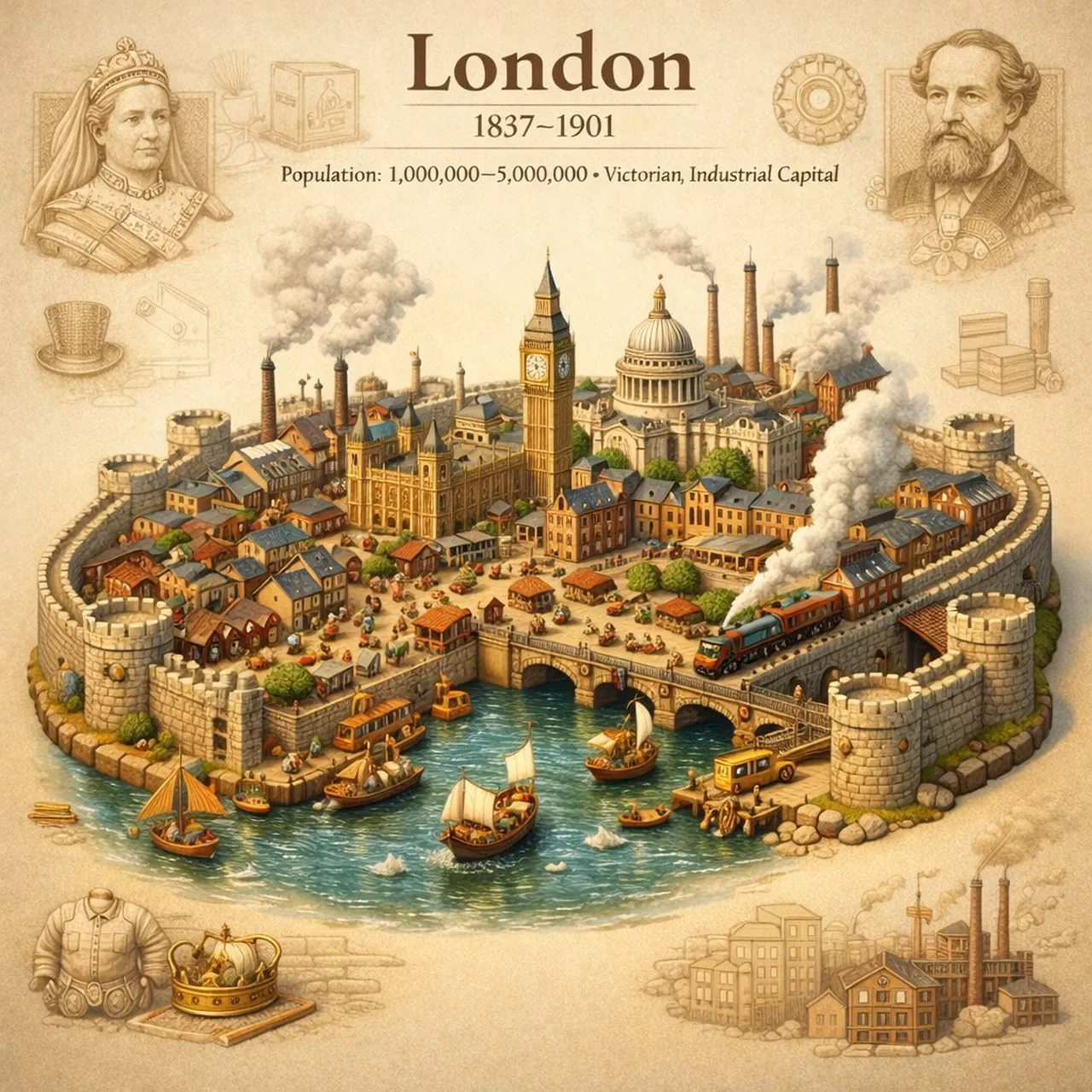
Testing Strict Prompt Adherence in GPT Image 1.5 vs. Gemini

A polished image of Testing Strict Prompt Adherence in GPT Image 1.5 vs. Gemini uses clear subject styling, lighting, composition, and atmospheric detail.

Testing Strict Prompt Adherence in GPT Image 1.5 vs. Gemini

Prompt

Copy and customize

Three-quarter isometric camera (40–45°) City wall shape + framing + negative space “Nothing (incl. water) outside the city walls” Background symbols must be subtle Material realism and scale discipline Text handling / infographic hierarchy

Best for

City sceneMotion beatGame Asset3D RenderVisual concept

Tips

Keep the main subject focused so Three-quarter isometric camera 40 45 City wall remains recognizable after style or lighting changes.

Adjust camera angle and aspect ratio before generation when the composition needs a specific platform format.

How to use this GPT Image 1.5 prompt

1

Copy the ready-to-use GPT Image 1.5 prompt from this page.

2

Paste it into GoEnhance AI or another generator that supports GPT Image 1.5.

3

Click generate and get your image quickly. You can edit the prompt first if needed.

Copy the prompt, try it with GoEnhance AI or another tool that supports GPT Image 1.5, and generate your image in just a few simple steps.

Overview

Everything you need to master AI prompts

From quick copy-paste prompts to advanced techniques, build stunning visuals faster.

20000+ prompts
All major models
Updated Daily