
Prompt
Copy and customize
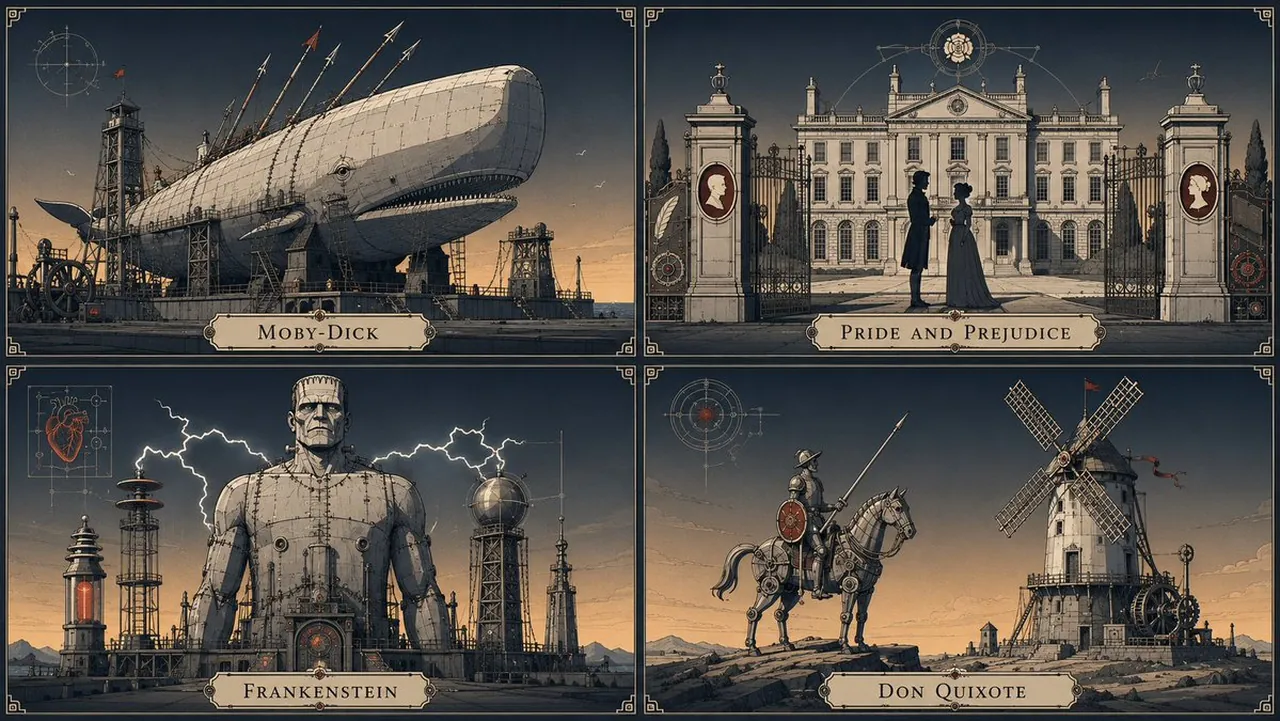
2x2 grid, 16:9, flat cel-shaded illustration with heavy uniform dark ink contours, engraved technical-plate linework, panel seams and fine interior hatching, stepped flat fills with hard shadow terminators, desaturated bone and steel-grey base palette, sky graded from cool slate navy to warm amber, electric white and oxide red accents only, broad backlit ambient light, rim-lit silhouettes, no cast shadows, perfectly clean digital surface with zero grain or texture, detail concentrated on the primary mass and sparse elsewhere, near-orthographic perspective, low horizon, generous negative sky, monumental stillness
Best for
Technical art stylesGraphic novel aestheticsArchitectural concept artModern digital illustrationClean vector-style visuals
Tips
Replace the subject placeholder with a specific object or character to maintain the consistent technical cel-shaded aesthetic across your generated images.
Adjust the aspect ratio and grid settings in the prompt to suit your specific layout requirements for posters or digital displays.