
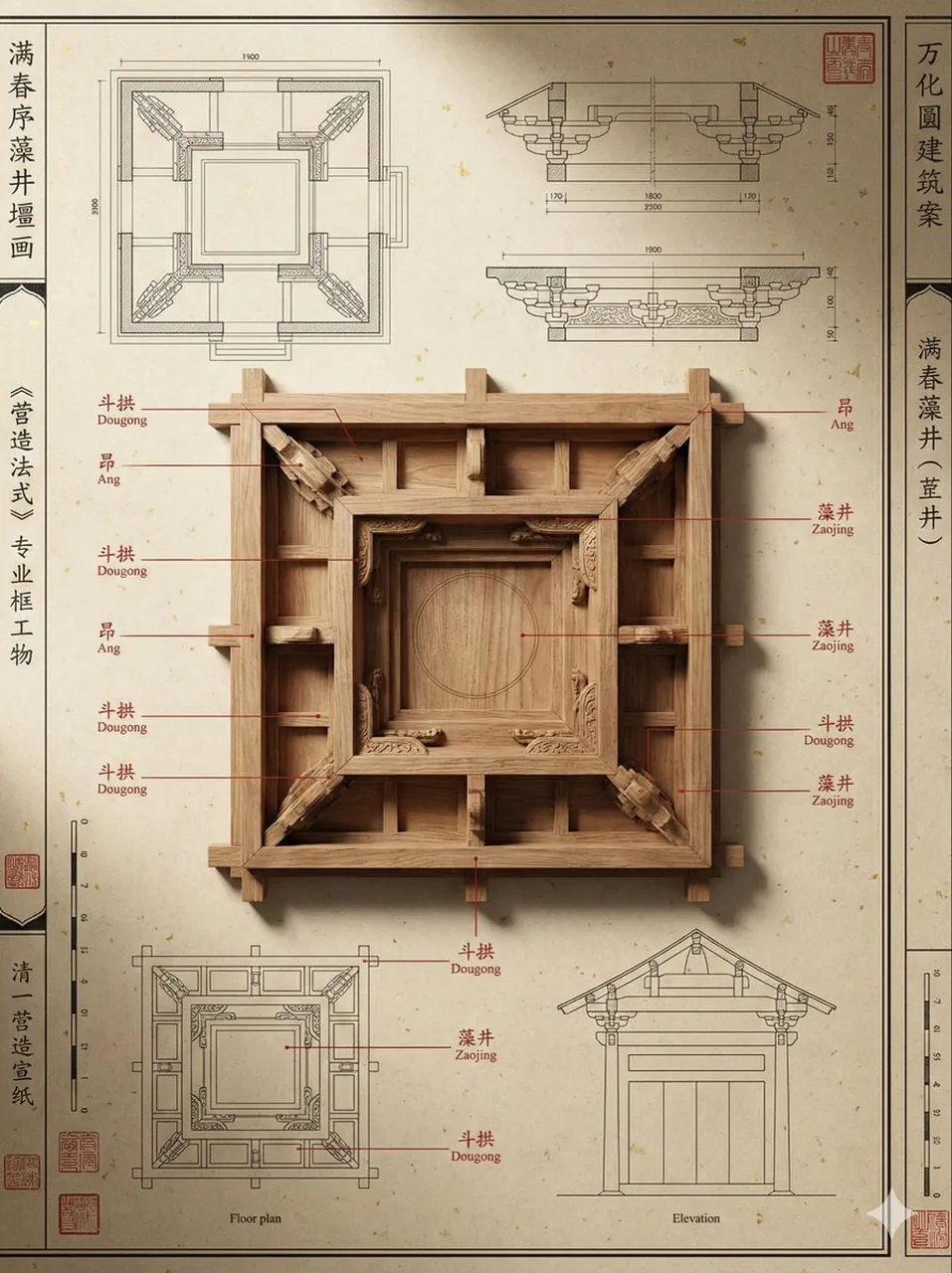
Qing Dynasty Architectural Design Archive Simulation

A polished image of Qing Dynasty Architectural Design Archive Simulation uses clear subject styling, lighting, composition, and atmospheric detail.

Qing Dynasty Architectural Design Archive Simulation

Prompt

Copy and customize

一幅极高精度的中国古代建筑“样式雷”设计档案图,主题为[主题]。画面采用严谨的“虚实解构”构图:背景为带有纤维纹理的陈旧洒金宣纸,布满工笔白描的平面图与剖面图;中心为等比例缩小的木质“烫样”模型,展现极其精密的榫卯连接与木材原色。强化标注逻辑:在模型关键构件处有清晰的朱砂色引线弹出,指向图纸边缘的文字区域,模拟真实的《营造法式》专业术语标注。提升专业排版:画面四周点缀有清代皇家档案特有的朱砂印章、严谨的比例尺刻度以及工整的竖排白描边框,整体呈现出一种“博物馆陈列说明海报”的秩序感。专业的侧向博物馆射灯效果,营造出极致的材质厚度感与深邃的物理阴影。 --ar 3:4

Best for

Clean layoutSocial Media PostVisual conceptStyle studyComposition test

Tips

Keep the main subject focused so ar 3 4 remains recognizable after style or lighting changes.

Adjust camera angle and aspect ratio before generation when the composition needs a specific platform format.

How to use this GPT Image 1.5 prompt

1

Copy the ready-to-use GPT Image 1.5 prompt from this page.

2

Paste it into GoEnhance AI or another generator that supports GPT Image 1.5.

3

Click generate and get your image quickly. You can edit the prompt first if needed.

Copy the prompt, try it with GoEnhance AI or another tool that supports GPT Image 1.5, and generate your image in just a few simple steps.

Overview

Everything you need to master AI prompts

From quick copy-paste prompts to advanced techniques, build stunning visuals faster.

20000+ prompts
All major models
Updated Daily