
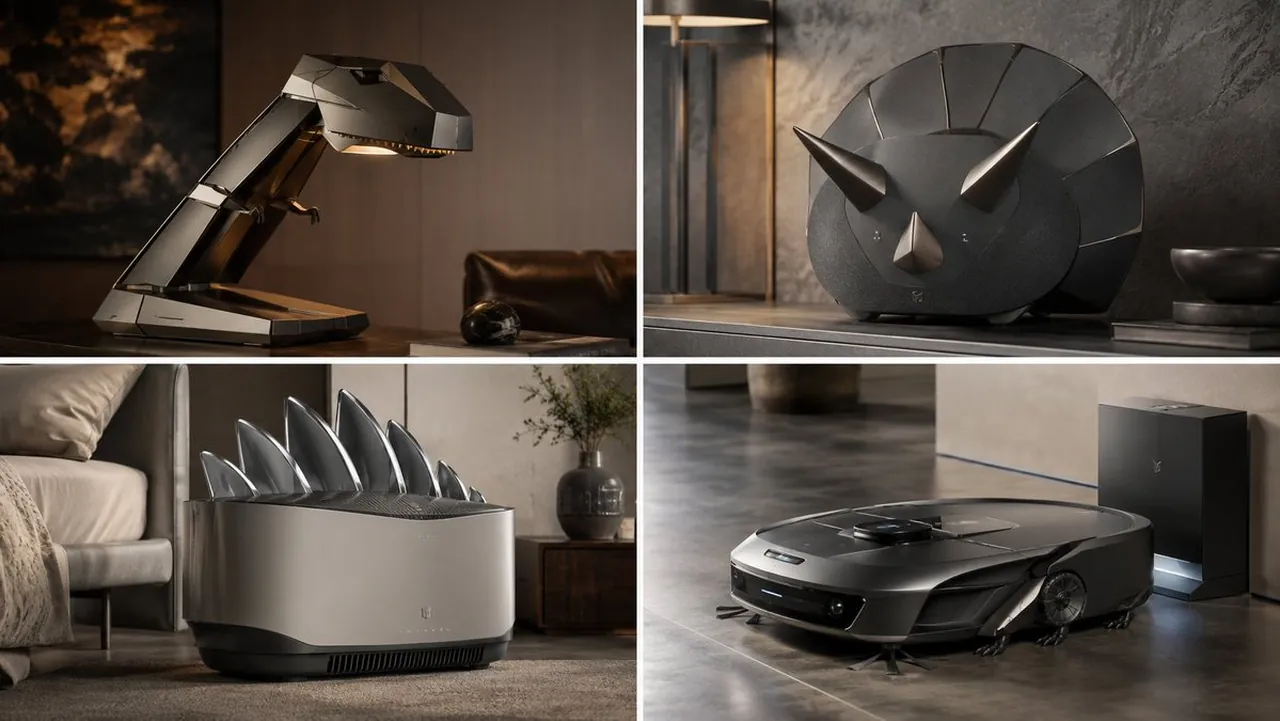
Prompt
Copy and customize
Generate a [PRODUCT] inspired by [THING]. Rules: - do not merely decorate the product with the subject - infer DESIGN_DNA from [THING] - preserve FUNCTIONAL_CORE of [PRODUCT] - translate THING’s visual identity into the industrial design language of the product - the final object must feel like a believable premium real-world product, not a novelty prop - infer MATERIAL_SYSTEM, SIGNATURE_FEATURES, and CONTROL_LANGUAGE automatically - map PRODUCT components into THING-inspired functional forms - integrate subtle branding or symbolic cues derived from [THING] - place the product in an inferred or specified ENVIRONMENT that enhances its luxury and usability - no hard-coded materials, features, controls, logos, colors, or parts unless supplied
Best for
Tips
Keep the main subject focused so PRODUCT inspired by THING Rules do not remains recognizable after style or lighting changes.
Adjust camera angle and aspect ratio before generation when the composition needs a specific platform format.