
Prompt
Copy and customize
Preserve the exact facial identity from the reference image with full face lock. Do not alter the face, hairstyle, hairline, skin tone, facial proportions, eyes, nose, lips, jawline, expression, age, or any unique facial features. Maintain 100% identity consistency with natural realism.
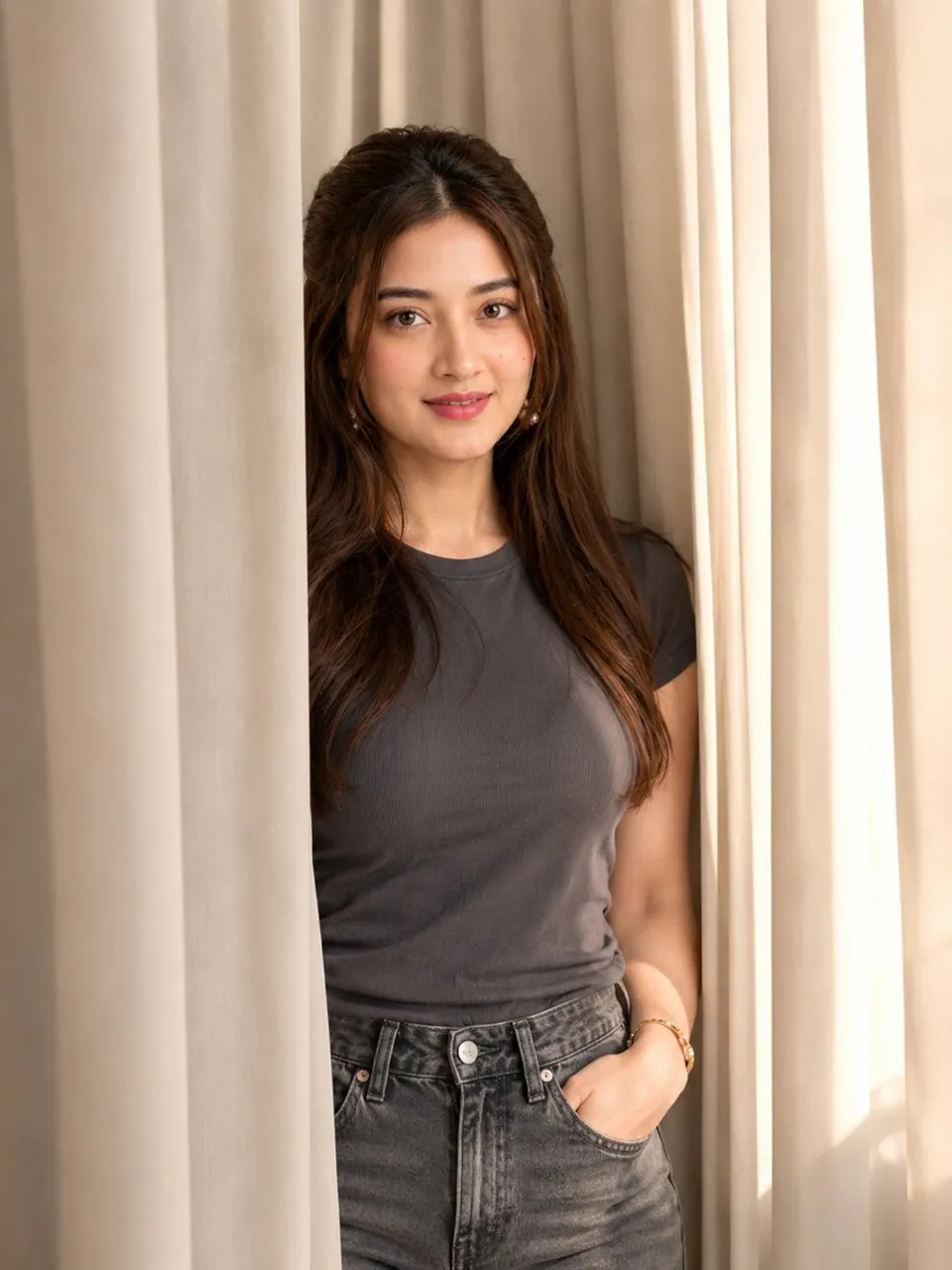
Create an ultra-realistic editorial portrait of the same young South Asian woman standing partially behind elegant floor-length cream-colored curtains indoors. She is gently peeking out from between the curtains, looking directly into the camera with a calm, confident, neutral expression. She has long, soft dark brown wavy hair with natural volume, flawless warm skin, expressive brown eyes, subtle glamorous makeup, softly defined eyebrows, light eyeliner, natural lashes, rosy cheeks, and nude pink lips.
She is wearing a fitted charcoal-gray ribbed short-sleeve crew-neck t-shirt tucked into high-waisted faded charcoal-gray jeans. One hand is casually placed inside her jeans pocket while the other arm rests naturally by her side, creating a relaxed fashion-editorial pose.
Warm golden window light streams through the curtains, producing soft highlights and gentle shadows. Minimalist luxury interior, creamy curtain backdrop, cinematic mood, shallow depth of field, creamy bokeh, ultra-detailed skin texture, DSLR photography, 85mm portrait lens, f/1.8, photorealistic, natural color grading, Vogue-style editorial portrait, premium lifestyle aesthetic, 8K, HDR, razor-sharp focus, highly detailed, clean composition, no distortion, no extra fingers, no artifacts.
Best for
Tips
Keep the main subject focused so Preserve the exact facial identity from the remains recognizable after style or lighting changes.
Adjust camera angle and aspect ratio before generation when the composition needs a specific platform format.