
Prompt
Copy and customize
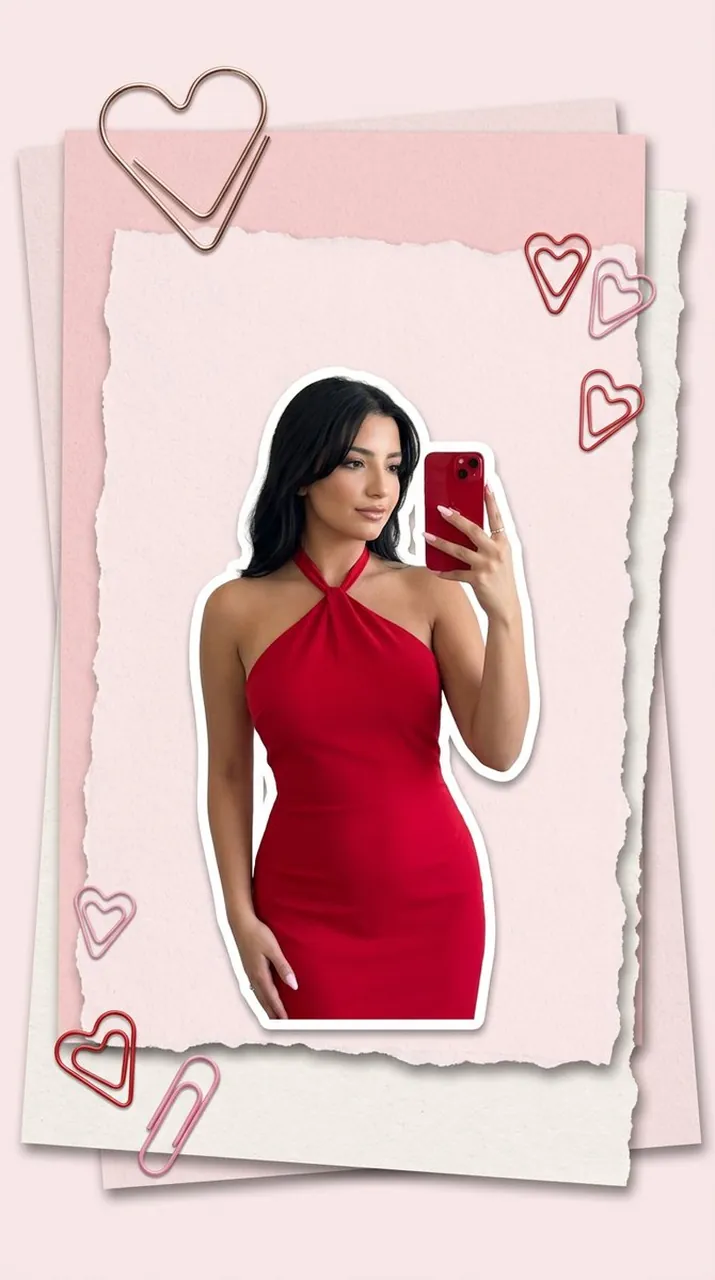
Ultra-photorealistic vertical 9:16 fashion collage editorial image, clean Pinterest-style paper moodboard aesthetic. Create a layered paper composition on a soft pink background: several slightly stacked pastel pink and off-white papers with realistic paper texture, soft shadows, torn or deckled edges, and a large heart-shaped metallic paperclip attached at the top corner. Add a few smaller heart-shaped red and pink paperclips placed naturally around the paper. In the center of the paper, place a full-body cutout-style photo of a beautiful young woman posing like a mirror selfie. She wears an elegant bright red halter-neck dress, tied behind the neck, fitted and feminine, with polished styling. She holds a glossy red phone in one hand, taking a chic mirror selfie pose. Her hair is soft and polished, makeup fresh and elegant, skin realistic and luminous. The model should look like a clean fashion cutout placed on top of the paper, with subtle realistic shadow underneath, as if part of a magazine-style outfit moodboard. The dress and phone should contrast beautifully against the pastel pink paper background. Composition should be minimal, stylish, romantic, modern, and high-end. Use soft studio lighting, realistic paper shadows, crisp fashion photography details, and a refined pink-red color palette. NO text anywhere. No handwriting, no arrows, no labels, no captions, no logos, no brand names, no interface elements. Only the model, pink paper layers, heart-shaped paperclips, and clean editorial styling.
Best for
Tips
Keep the main subject focused so Ultra-photorealistic vertical 9 16 fashion collage editorial remains recognizable after style or lighting changes.
Adjust camera angle and aspect ratio before generation when the composition needs a specific platform format.