
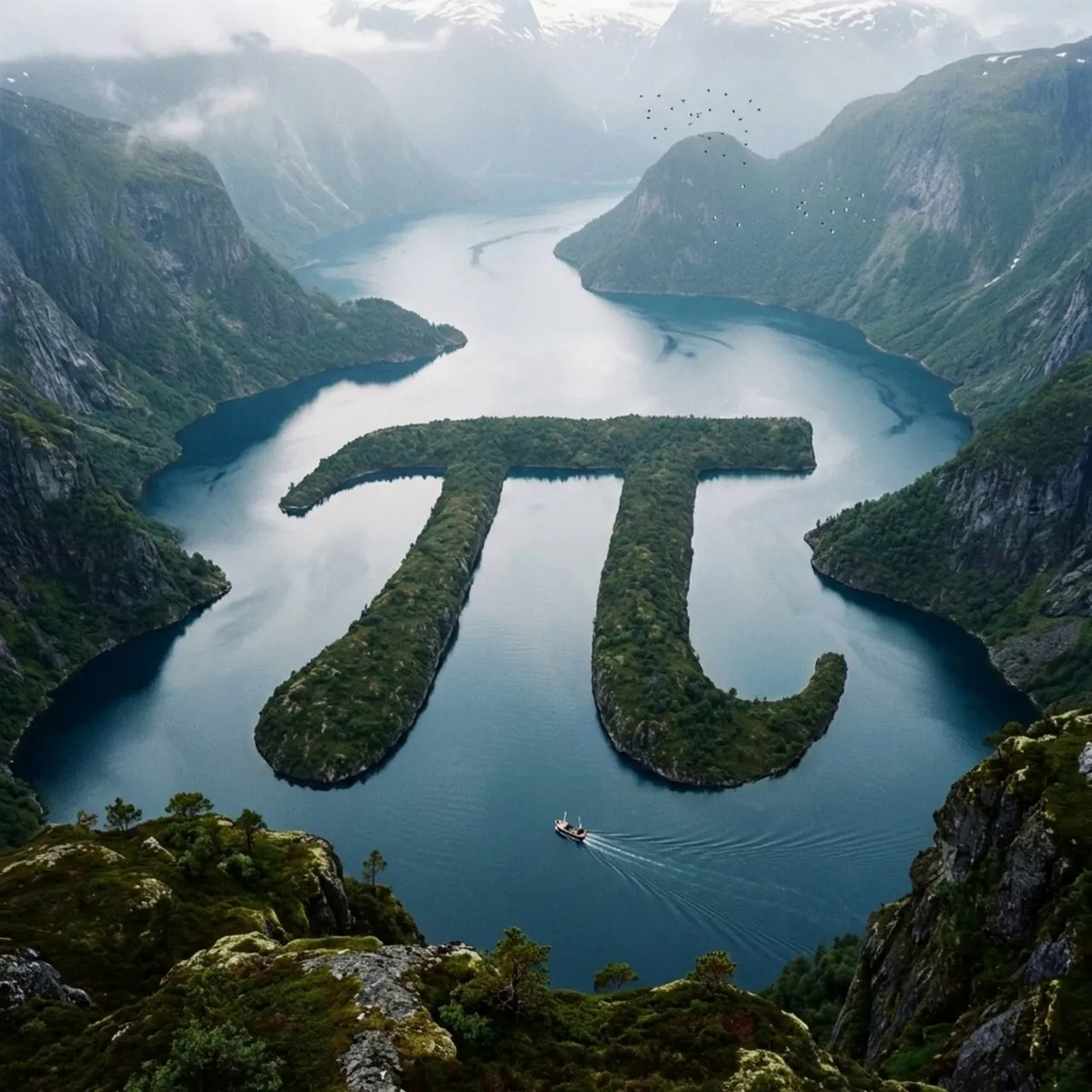
Prompt
Copy and customize
pi sign, fjord zen: class variables: glyph_input = "[glyph_input]" landscape_type = "[landscape_type]" biome = "infer climate, terrain, vegetation, water, rock, atmosphere" geomorphic_method = "[geomorphic_method]" view = "[view]" style = "photoreal cinematic natural wonder" class glyphgeometry: silhouette = "infer exact glyph outline" stroke_width = "preserve readable proportions" curves = "maintain recognizable bends and terminals" negative_space = "preserve inner openings or surrounding voids" class terraintranslation: method = variables.geomorphic_method rule_1 = "glyph must be made from natural terrain, not painted" rule_2 = "edges must show erosion, vegetation, rock, shoreline, or sediment logic" rule_3 = "surrounding landscape must explain how the glyph exists physically" class environment: terrain = variables.biome atmosphere = "mist, clouds, sunlight, shadows, depth haze" scale_cues = "infer tiny boats, birds, cabins, roads, animals, trees, or people if relevant" class camera: angle = "elevated aerial / overlook" composition = "glyph centered but embedded in vast landscape" depth = "foreground, midground glyph, distant terrain" def render(): return """ render glyph_input as a believable massive natural landform inside landscape_type. preserve glyph readability while making the geography feel physically real. """
Best for
Tips
Specify the glyph clearly; here 'pi sign' is used, but replace with any symbol for a similar natural landform effect.
Adjust the geomorphic_method to control erosion style, such as water-carved canyons or wind-sculpted rock formations.