
Prompt
Copy and customize
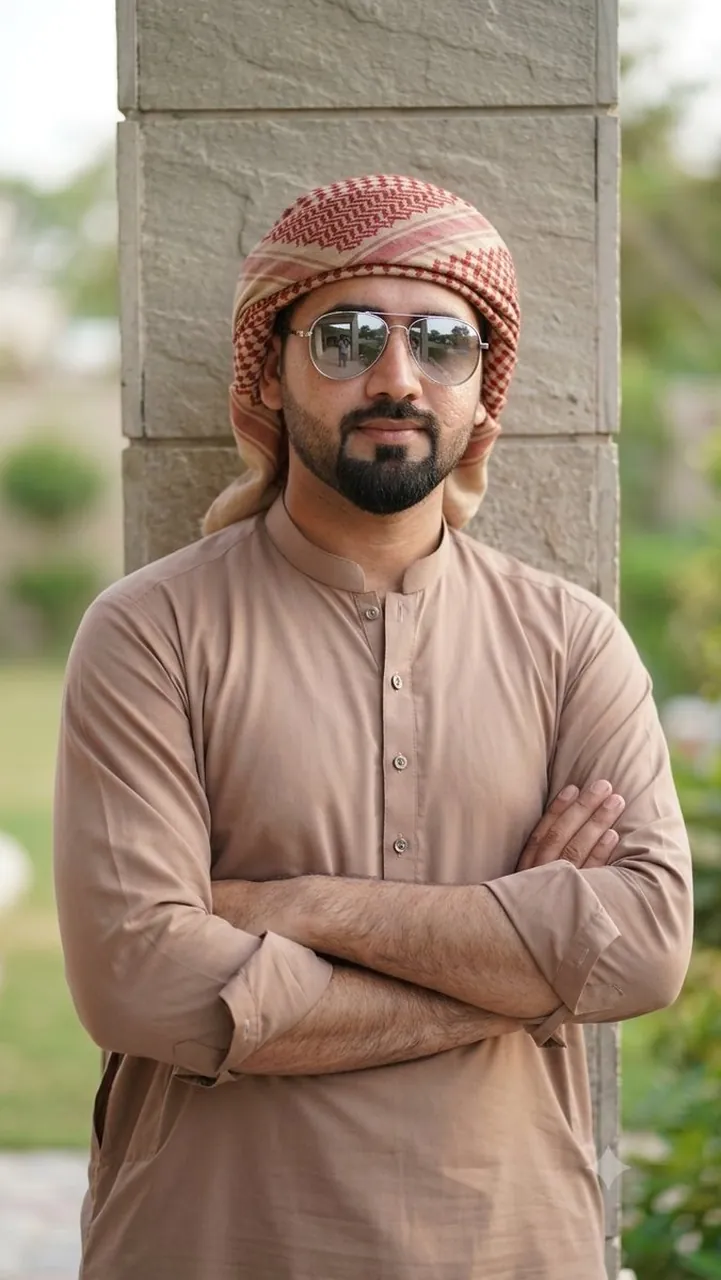
A confident young man standing with his arms crossed beside a vertical pillar, wearing a light brown traditional thobe with rolled-up sleeves and a beige-red patterned keffiyeh wrapped around his head. He has a perfectly groomed sharp boxed beard with a defined goatee, full lips, and reflective silver aviator sunglasses. His expression is calm, bold, and stylish. Soft natural daylight illuminates his face, creating cinematic shadows. The background features a blurred outdoor setting with elegant modern architecture, shallow depth of field, ultra-realistic details, natural skin texture, premium fashion photography, high dynamic range, 85mm lens, crisp focus, photorealistic, 8K, editorial style, vertical composition, 9:16 aspect ratio.
Best for
Tips
Keep the main subject focused so A confident young man standing with his remains recognizable after style or lighting changes.
Adjust camera angle and aspect ratio before generation when the composition needs a specific platform format.