
Prompt
Copy and customize
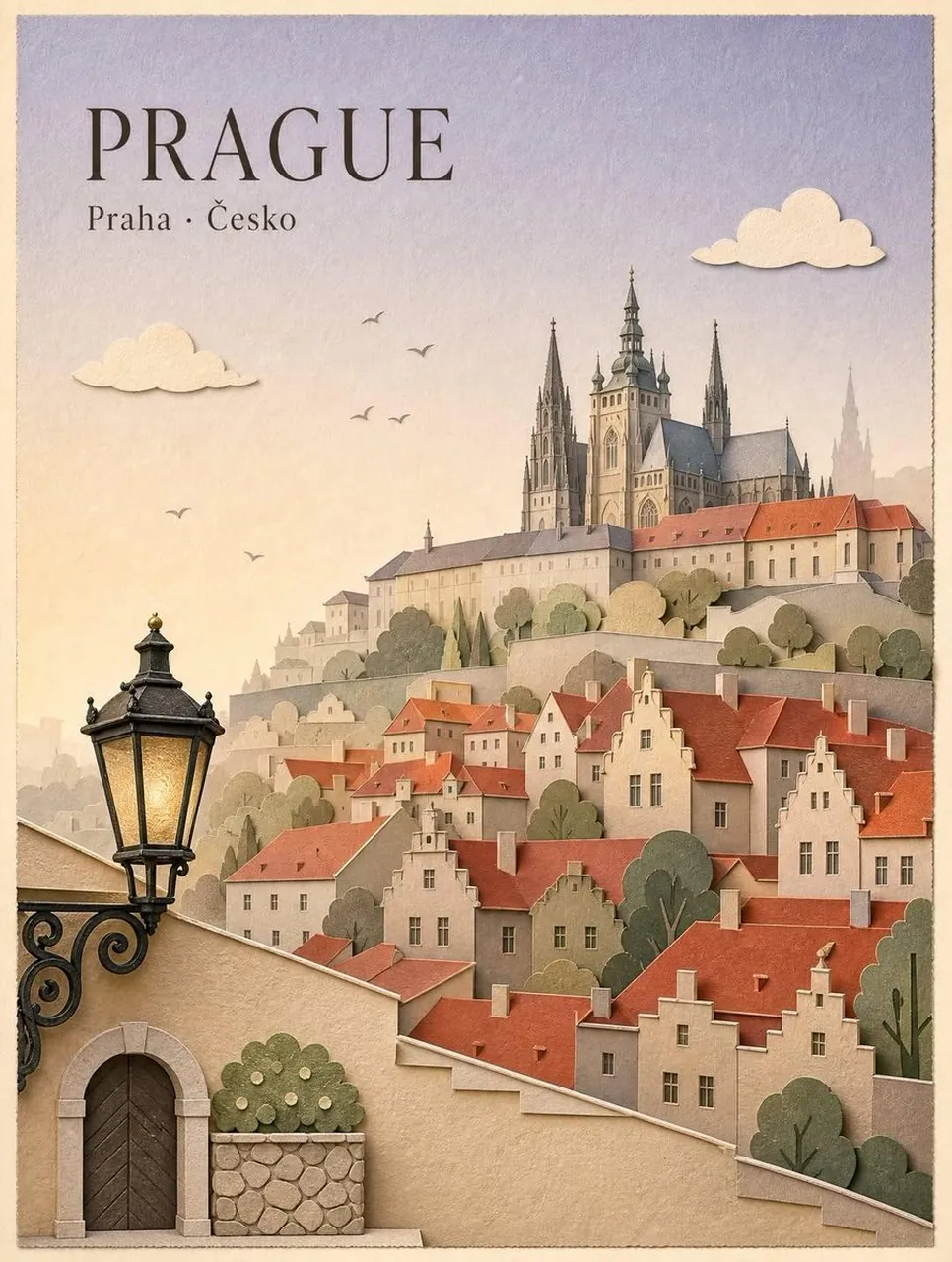
Create a premium vintage travel poster in an elegant handcrafted layered paper-cut and papercraft illustration style, inspired by classic European tourism posters. The composition features the most iconic landmark of the chosen city as the centerpiece, surrounded by charming historic architecture with terracotta rooftops, cobblestone streets, rivers, bridges, boats, medieval towers, churches, castles, cafés, trees, and subtle landscape elements. Every object appears as meticulously cut layers of textured cardstock with visible paper grain, soft shadows, stacked depth, and delicate handcrafted edges.
Use a warm pastel color palette with muted creams, beige, sage green, dusty blue, terracotta, and soft golden sunset lighting. Add minimalist paper-cut clouds, tiny flying birds, vintage street lamps, decorative foliage, and subtle atmospheric haze for depth. Frame the artwork like a high-end collectible travel poster printed on aged textured paper with slightly worn edges.
At the top, display the city name in large elegant serif typography, with the local-language city and country written beneath in smaller refined serif text. Maintain a clean editorial layout with generous negative space, balanced composition, and timeless European design aesthetics.
Ultra-detailed papercraft illustration, layered cut-paper relief, handcrafted miniature architecture, premium editorial poster design, vintage tourism advertisement, museum-quality print, soft ambient lighting, realistic paper texture, sophisticated color grading, highly detailed, 8K, elegant, minimal, nostalgic, collectible artwork.
Best for
Tips
Keep the main subject focused so Create a premium vintage travel poster in remains recognizable after style or lighting changes.
Adjust camera angle and aspect ratio before generation when the composition needs a specific platform format.