
Prompt
Copy and customize
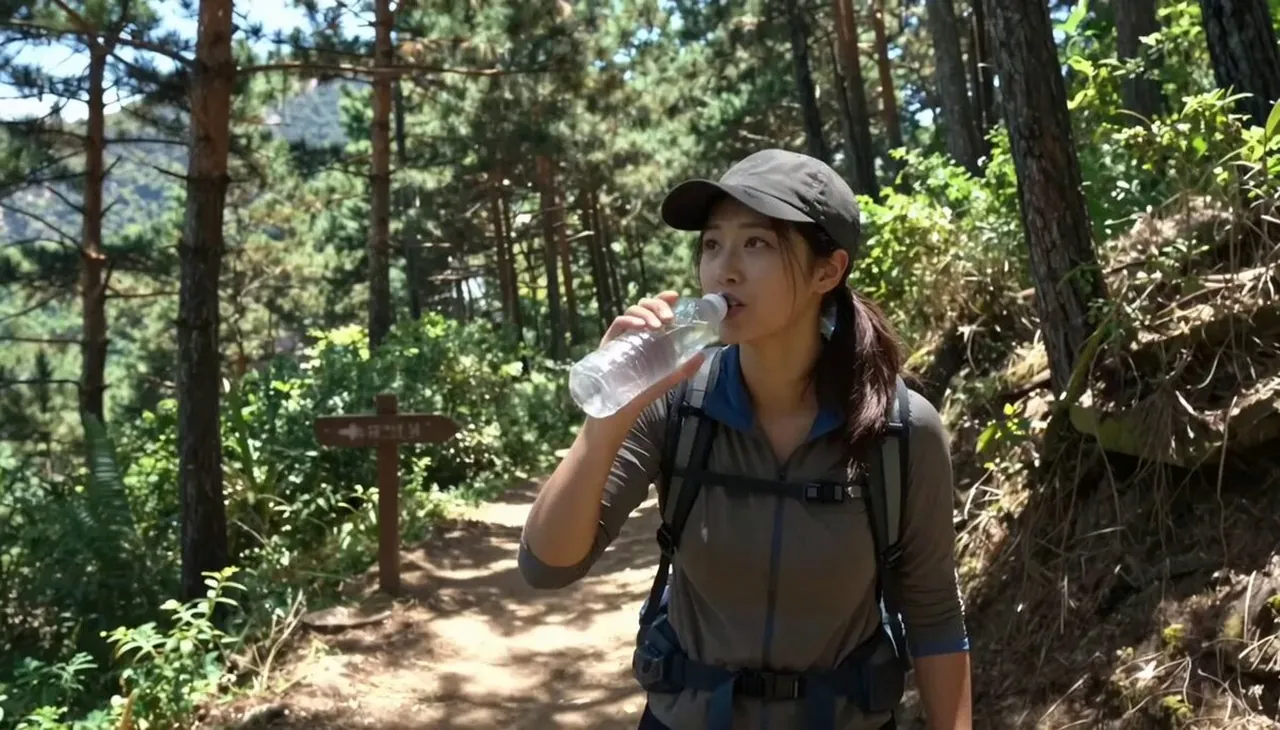
Subject: Young Korean woman, early 20s, sporty hiking outfit, cap over ponytail, small backpack, water bottle in hand, energetic determined expression.
Location: Forest hiking trail in the Korean mountains, mid-morning. Dirt path, tall pine trees, wooden trail markers, dappled sunlight through canopy, distant birdsong. No other hikers visible.
Visual Style: Bright realistic outdoor documentary tone, adventurous and fresh, natural forest lighting.
Camera Style: Early 2010s digital camcorder, handheld with natural shake from walking, autofocus hunting in shifting light, occasional lens flare through trees. No stabilization.
Timeline (15 sec, each slot = 2 compressed beats):
00:00–00:03 → She climbs a rocky section of trail, then pauses to catch her breath.
00:03–00:06 → She takes a sip of water, then says to camera "거의 다 왔어, 조금만 더!" ("We're almost there, just a bit more!").
00:06–00:09 → She points at a trail marker, then continues walking with renewed energy.
00:09–00:12 → She reaches a clearing, then gasps softly at the view opening up.
00:12–00:15 → She turns to camera saying "이 경치 보러 온 보람 있다" ("It was worth coming just for this view"), smiling as it fades.
Audio: Birds chirping, leaves rustling, footsteps on dirt, distant wind through trees. Her dialogue as noted above. No music.
Goal: An energetic, rewarding hike moment adventurous, fresh, genuine.
Best for
Documentary style videoOutdoor adventure scenesRealistic character studyNature travel vlogsHandheld camera aesthetic
Tips
Maintain the subject's consistent appearance by keeping the core description of the young woman and her hiking gear in your generation settings.
Adjust the camera movement parameters if you need to reduce the handheld shake or change the focus speed for a more cinematic look.