
Prompt
Copy and customize
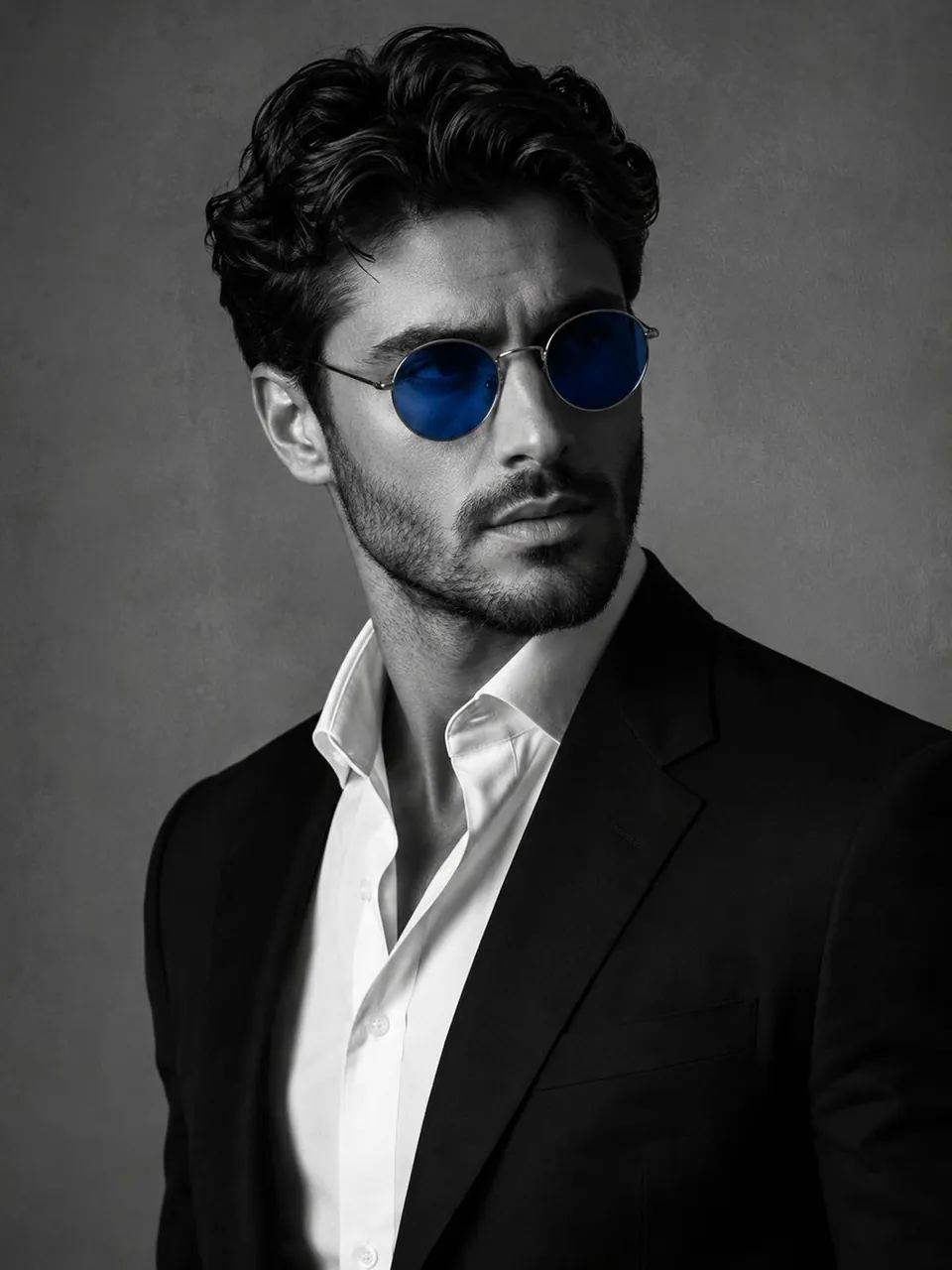
A striking, cinematic, and professional-looking portrait of a handsome man in his late 20s or early 30s. He is wearing a sharp, modern black suit and a crisp white dress shirt. The man has neatly styled, dark, wavy hair and a well-groomed short beard/stubble. He is wearing thin, wire-rimmed round sunglasses with vibrant blue-tinted lenses, creating a stark contrast against the black and white aesthetic.The image uses a high-contrast, black-and-white (monochromatic) color scheme, with the only exception being the vivid, electric blue color of the sunglass lenses, which are selectively colorized. He is looking off to the side with a serious, confident, and mysterious expression. The background is a simple, uniform, medium-grey wall, providing a clean, minimalist backdrop. Studio lighting, dramatic, high-quality photograph, 8K resolution.
Best for
Tips
Keep the main subject focused so A striking cinematic and professional-looking portrait of remains recognizable after style or lighting changes.
Adjust camera angle and aspect ratio before generation when the composition needs a specific platform format.