
Prompt
Copy and customize
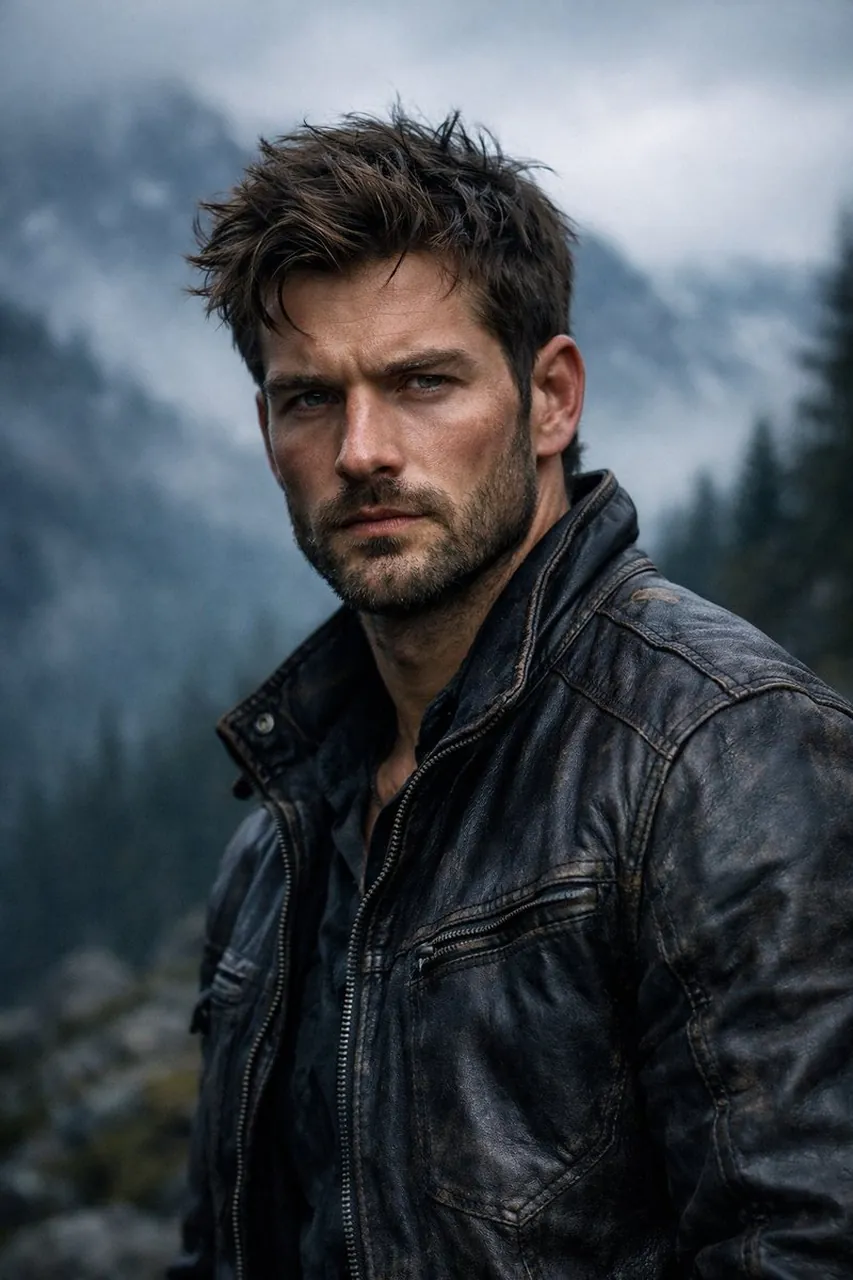
{ "render_goal": "Create a hyper-realistic, cinematic portrait with a rugged outdoor adventure aesthetic", "subject": { "gender": "male", "age_range": "mid-to-late 20s", "appearance": { "hair": "textured, windswept", "beard": "short, well-groomed", "facial_features": "sharp, chiseled", "expression": "intense, serious" }, "skin_detail": "ultra-detailed, natural texture with realistic tones" }, "wardrobe": { "outerwear": "worn dark leather jacket", "details": "visible stitching, rugged texture" }, "environment": { "location": "outdoor mountain landscape", "background": { "mountains": "misty, fog-covered", "trees": "dark evergreen forest fading into distance", "atmosphere": "dense atmospheric fog" } }, "lighting_and_color": { "lighting_style": "moody, cinematic", "light_source": "soft overcast daylight", "shadows": "dramatic but natural", "color_palette": "cool, desaturated tones" }, "camera_settings": { "lens": "85mm", "aperture": "f/1.8", "depth_of_field": "shallow", "focus": "razor-sharp on subject, blurred background" }, "photography_style": { "quality": "professional photography", "realism_level": "hyper-realistic", "details": "high micro-detail, crisp textures, cinematic contrast" } }
Best for
Tips
Keep the main subject focused so render goal Create a hyper-realistic cinematic portrait remains recognizable after style or lighting changes.
Adjust camera angle and aspect ratio before generation when the composition needs a specific platform format.