
Prompt
Copy and customize
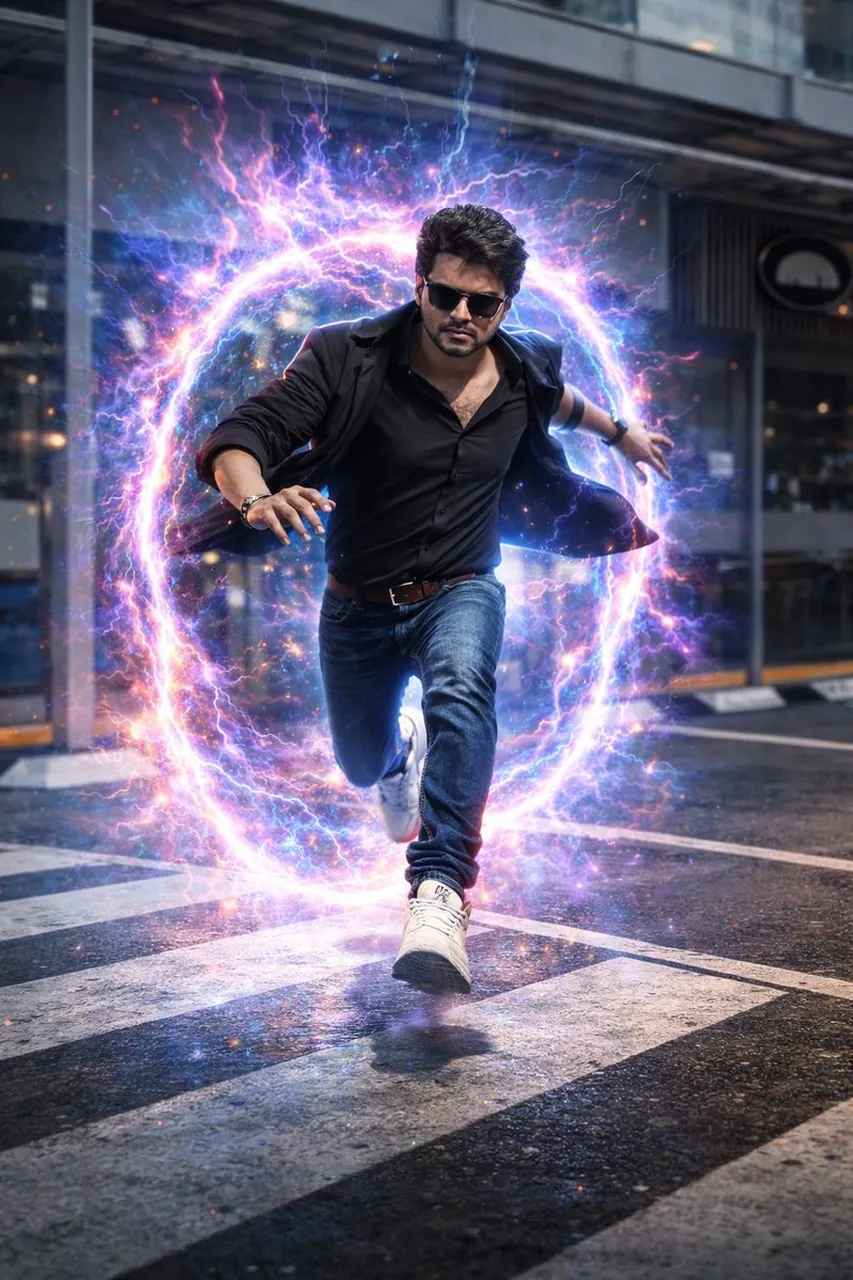
Using the uploaded image as the primary visual reference, transform the subject into a hyper-realistic cinematic action scene. The man is leaping forward onto a city crosswalk while emerging from a glowing circular dimensional portal behind him. The portal emits intense swirling neon energy in electric blue, violet, and magenta, with sparks, lightning arcs, particle debris, and visible energy-distortion effects in the air.
The subject is captured mid-motion in a powerful running leap, expression focused and intense. His original clothing from the reference image is naturally adapted for dynamic motion, with realistic fabric flow, folds, and physics, without changing his identity. Footwear and outfit subtly reflect the neon portal light. Preserve the subject’s original facial structure, skin texture, hairstyle, beard (if present), and body proportions exactly as in the reference image.
The environment is a modern urban city street with cinematic perspective. The background is slightly motion-blurred to emphasize speed and action. The road surface appears wet, showing subtle reflections of the glowing portal and neon light streaks. Dramatic cinematic lighting, volumetric light rays, shallow depth of field, ultra-sharp details, high contrast, realistic physics, sci-fi atmosphere, professional action-movie poster composition, cinematic color grading, ultra-high resolution, 8K quality.
Best for
Tips
Keep the main subject focused so Using the uploaded image as the primary remains recognizable after style or lighting changes.
Adjust camera angle and aspect ratio before generation when the composition needs a specific platform format.